
GPT Image 2 Introduction
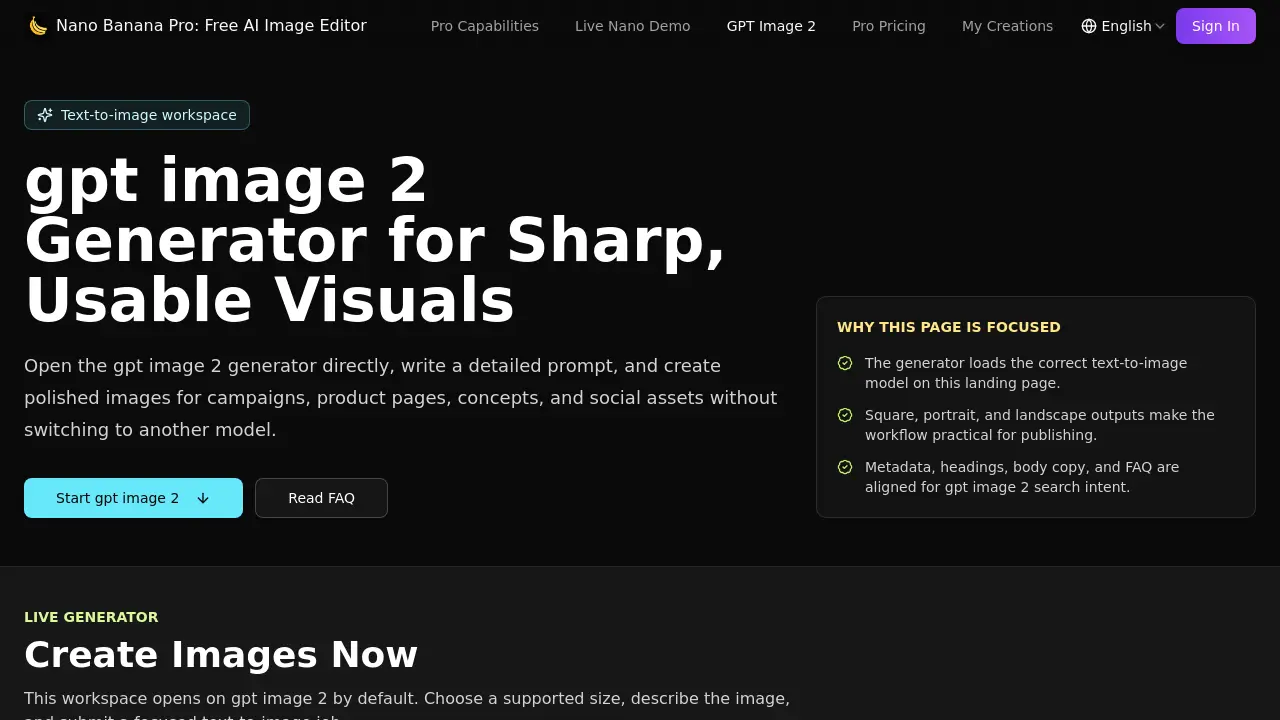
Nano Banana Pro’s GPT Image 2 is an AI text‑to‑image generator for marketers and designers to create square, landscape or portrait visuals from detailed prompts, using size presets, fast previews and credit‑tracked workflow.

What is GPT Image 2
Nano Banana Pro is a free AI‑powered image editor that focuses on rapid, high‑quality text‑to‑image generation. The GPT Image 2 workspace loads the appropriate model by default, allowing users to enter a detailed prompt and receive a polished 1024×1024, 1536×1024, or 1024×1536 visual in seconds. Structured prompts guide the model’s handling of subject, style, lighting, mood, and composition, producing layout‑ready assets suitable for hero graphics, social thumbnails, and product storytelling. Integrated credit tracking, history, and download controls keep the workflow within a single account, while brand‑safe iteration lets teams test color, tone, and materials before finalizing campaigns. Ideal for ad creative, product showcases, and quick concept exploration, Nano Banana Pro streamlines the transition from written brief to production‑ready image without switching models.
How does GPT Image 2 work
Nano Banana Pro’s GPT Image 2 module operates as a text‑to‑image workspace that loads the dedicated model directly on the landing page, eliminating extra model selection steps. Users compose a detailed prompt describing subject, style, lighting, mood and composition, then select one of three preset dimensions—1024 × 1024 (square), 1536 × 1024 (landscape) or 1024 × 1536 (portrait). The system consumes 70 credits per generation, processes the prompt, and returns a high‑resolution draft suitable for ads, product pages, or social posts. Images can be downloaded, refined, or iterated within the same credit‑tracked account workflow.
Benefits of GPT Image 2
Nano Banana Pro’s GPT Image 2 generator lets users turn detailed text prompts into production‑ready visuals within seconds. The workspace loads the correct model automatically and supports practical size presets—1024 × 1024 square, 1536 × 1024 landscape, and 1024 × 1536 portrait—matching common landing‑page, ad and social‑media slots. Prompt‑controlled detail yields clear subjects, lighting, style and composition, while brand‑safe iteration enables quick testing of color, tone and materials. Integrated credit, history and download handling streamlines workflow for teams needing fast creative drafts, concept exploration, or product storytelling without switching models.
Pros and Cons of GPT Image 2
Pros
- Direct access to GPT Image 2 model.
- Supports square, landscape, and portrait presets.
- Prompt‑controlled detail yields predictable compositions.
- Integrated credit and history workflow.
- Brand‑safe iteration for teams.
Cons
- Requires 70 credits per image generation.
- No credits shown in user account by default.
- Limited to a single text‑to‑image model.
- Advanced editing features are minimal.
- No pricing information on the free tier.
