
Muse Video Introduction
Muse Video is a free AI video generator for text-to-video and image-to-video with native audio, up to 4K output, and full commercial rights.

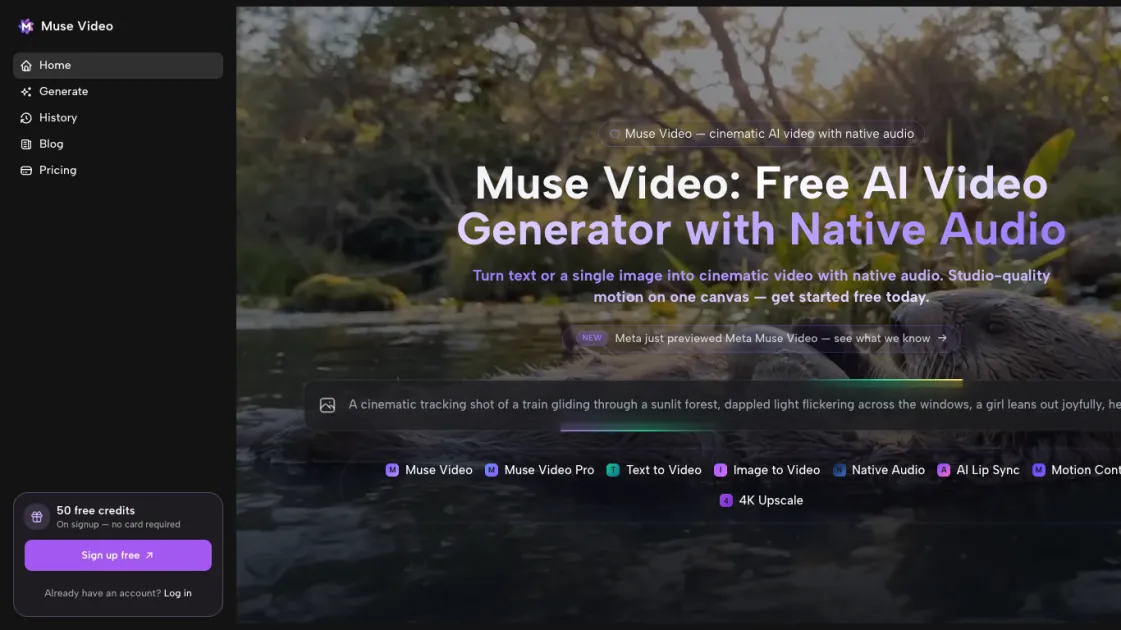
What is Muse Video
Muse Video is a free, open-source AI video generator that turns text prompts into high-quality videos of up to 30 seconds. It supports three main creation modes: pure text-to-video, image-to-video with style transfer, and lip-sync, letting you choose the best workflow for your idea. Each text prompt produces four variations for quick iteration, while the image mode adds motion, music, and dialogue to still images. The lip-sync feature keeps mouth movements synchronized with spoken audio, delivering polished results without complex editing. Muse Video runs locally to keep your footage private and is optimized for speed, making it easy for creators and teams to move from concept to video fast.
How does Muse Video work
Muse Video starts by letting you choose text-to-video, image-to-video, or lip-sync. For text prompts, the AI analyzes your description and produces four distinct video variations so you can compare styles quickly. In image-to-video mode, it adds motion, music, and dialogue to the uploaded visual. For lip-sync, it matches mouth movements to the chosen audio. Throughout the workflow, Muse Video runs locally to keep your content private and accelerate rendering. You review the generated options, pick the best fit, and download the finished clip for immediate use.
Benefits of Muse Video
Muse Video gives creators a private, fast way to turn ideas into video because it runs locally instead of sending footage to the cloud. It supports text-to-video, image-to-video, and lip-sync workflows, and each text prompt produces four variations so you can compare styles quickly. The tool is free and open source, making advanced AI video generation accessible without subscription fees or usage limits. Its straightforward interface helps people move from concept to finished clip without deep editing experience, while local rendering keeps projects under your control. This combination of privacy, flexibility, and speed benefits solo creators, small teams, and organizations that want high-quality results without complex infrastructure.
Pros and Cons of Muse Video
Pros
- Free and open source with no subscription fees.
- Supports text-to-video, image-to-video, and lip-sync workflows.
- Runs locally to keep footage private.
- Generates four variations per prompt for quick iteration.
Cons
- Requires capable hardware for smooth local generation.
- May not match the polish of premium commercial video suites.
- Local setup is less convenient than cloud-only services.
