
Muse Video FAQs
Muse Video is a free AI video generator for text-to-video and image-to-video with native audio, up to 4K output, and full commercial rights.

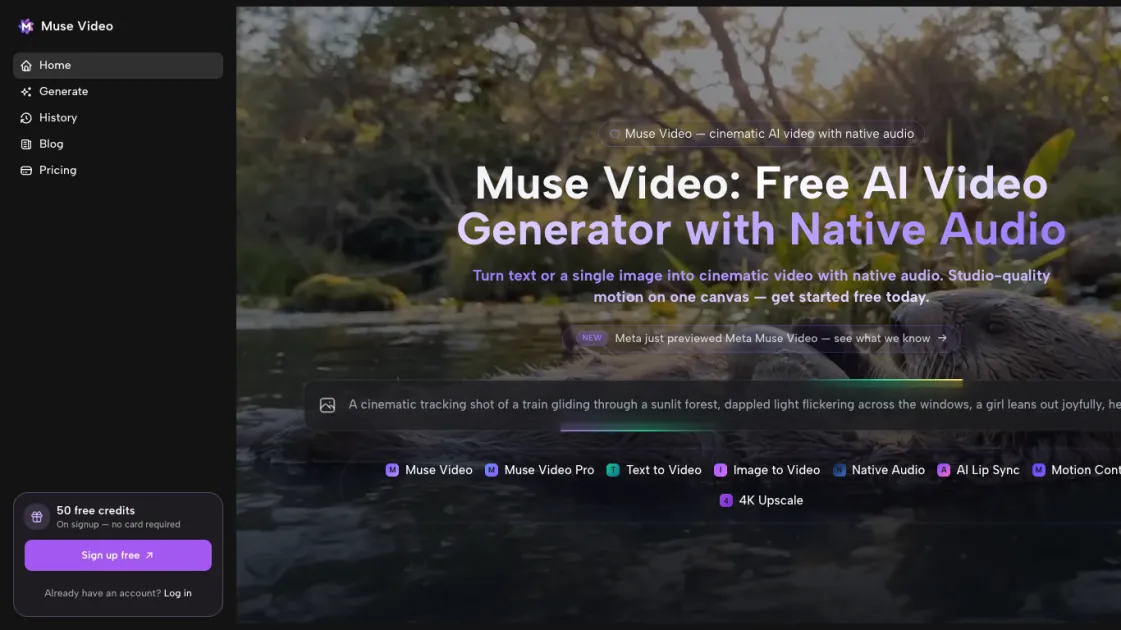
FAQs of Muse Video
What is Muse Video and who is it for?
Muse Video is a free, open-source AI video generator aimed at creators, marketers, and teams who want to turn text or images into polished video content without specialized editing skills.
How do I use Muse Video?
Choose a creation mode, provide your text or image, let the AI generate results, review the variations, and download the final video for your project.
How does Muse Video differ from other AI video tools?
It runs locally for privacy, offers text-to-video, image-to-video, and lip-sync modes, and generates multiple variations per prompt for faster creative iteration.
What does Muse Video cost?
Muse Video is free and open source, so you can run it on your own machine without paying for cloud credits or subscriptions.
Are there system requirements?
Yes. Muse Video is optimized for speed but still needs a capable machine with enough memory and graphics horsepower to handle local AI video generation.
Where can I get help or contribute?
Visit the Muse Video website and community channels for documentation, updates, and ways to contribute to the open-source project.
How to use Muse Video
- Install the Muse Video app on your machine and make sure your system meets the requirements for local AI video generation.
- Open Muse Video and choose the creation mode that fits your idea: text-to-video, image-to-video, or lip-sync.
- Enter your text prompt, upload an image, or provide dialogue and audio depending on the selected mode.
- Let Muse Video generate results, review the variations, and download the video that best matches your creative goal.
