
Motion Control AI Introduction
Motion Control AI is a free AI video generator that lets creators transfer full-body motion, gestures, and facial expressions from any reference video to a character image in minutes, with no mocap, no keyframes, up to 30‑second clips and watermark‑free exports.

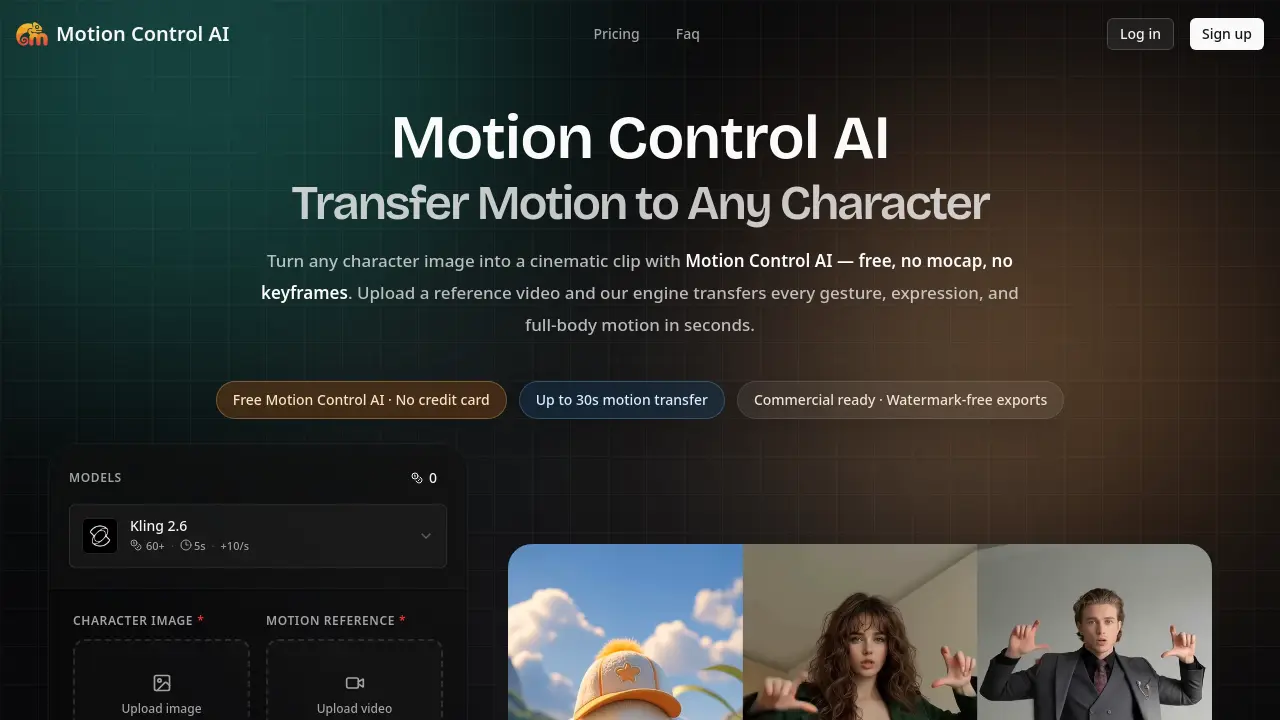
What is Motion Control AI
Motion Control AI is a browser‑based video generator that transfers full‑body, hand, and facial motion from any reference clip onto a static character image. Users upload a JPEG/PNG (minimum 300 px) and a 3–30 second video; the engine extracts the skeleton, retargets the pose, and renders a 720 p or 1080 p clip in 1–3 minutes. The service preserves character identity, avoiding the drift common in text‑to‑video models, and requires no mocap suit, keyframing, or external software. A free tier provides watermark‑free exports up to 30 seconds, while paid plans increase monthly credits and generation limits. Outputs are owned outright, cleared for commercial use, and all uploads are deleted within 24 hours, ensuring privacy and compliance for creators, marketers, and indie filmmakers.
How does Motion Control AI work
Motion Control AI operates as a browser‑based video generator that extracts a skeleton from a reference video, then retargets the full‑body, hand, and facial motions onto any uploaded character image. Users upload a PNG/JPG/WEBP portrait or avatar and a 3‑30 second clip; the engine automatically detects pose, timing, and camera movement, aligns the character orientation, and renders the output at 720p or 1080p within one to three minutes. The process eliminates mocap hardware, keyframe rigging, and external rendering farms, delivering watermark‑free, commercially usable clips while preserving the character’s identity across frames.
Benefits of Motion Control AI
Motion Control AI lets creators transfer full‑body, hand, and facial motion from any short video onto a still character image—all within a web browser and without mocap suits, keyframes, or separate software. Upload a PNG/JPG image and a 3‑30 second reference clip, then receive a watermark‑free 720p or 1080p video in 1–3 minutes, with the character’s identity locked throughout. The free tier provides up to 30 seconds of motion transfer, while paid plans add more credits, faster queues, and commercial‑ready rights, making it a practical alternative to costly motion‑capture pipelines for ads, social content, and indie previs.
Pros and Cons of Motion Control AI
Pros
- Free tier allows 30‑second motion transfers.
- No mocap hardware or keyframe rigging required.
- Identity lock keeps faces and outfits consistent.
- Browser‑based; works on desktop and mobile.
- Commercial‑ready, watermark‑free exports on paid plans.
Cons
- Maximum clip length limited to 30 seconds.
- Paid plans required for high‑volume credit packs.
- Output quality depends on reference video similarity.
- Complex poses may produce distortions.
- No dedicated desktop app; fully online only.
