
Motion Control AI FAQs
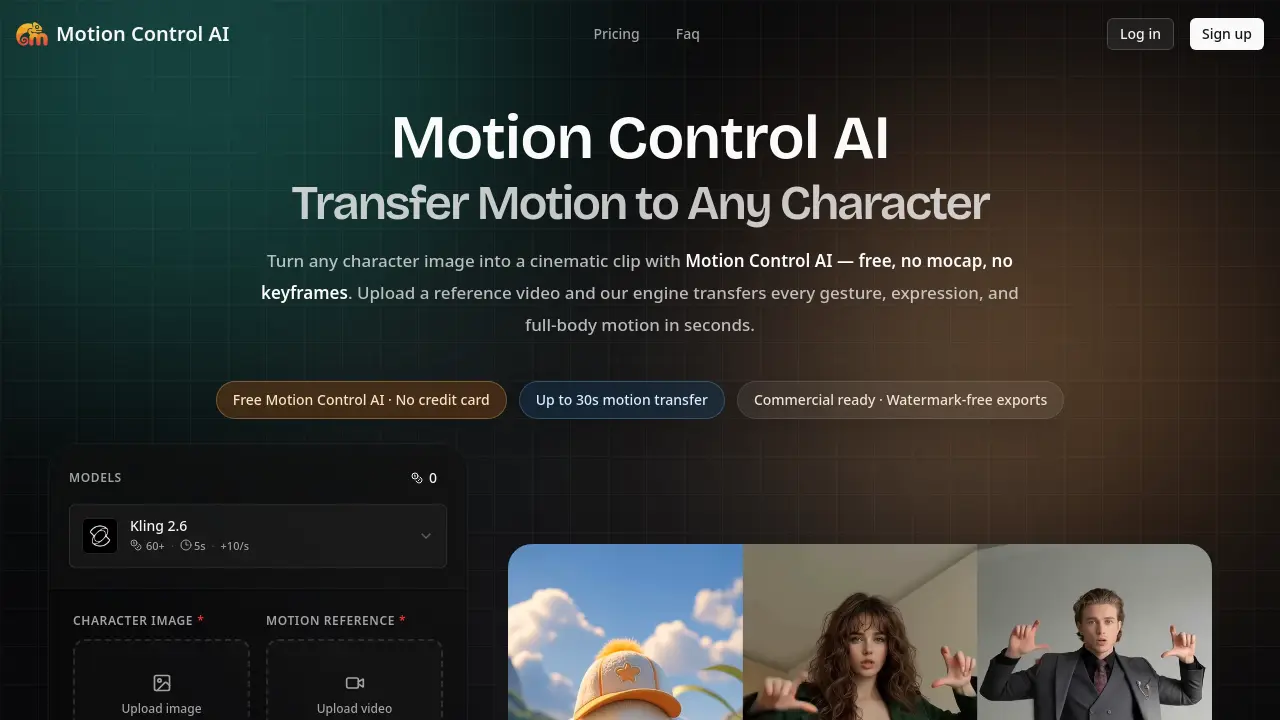
Motion Control AI is a free AI video generator that lets creators transfer full-body motion, gestures, and facial expressions from any reference video to a character image in minutes, with no mocap, no keyframes, up to 30‑second clips and watermark‑free exports.

FAQs of Motion Control AI
What is Motion Control AI?
Motion Control AI is a browser‑based video generator that transfers full‑body motion, gestures, and facial expressions from a reference video onto any uploaded character image. The service preserves character identity across all frames, ensuring faces, outfits, and proportions remain consistent throughout the clip.
Is Motion Control AI really free?
Yes. Users can claim free trial credits without providing a credit card, allowing the engine to be tested before any paid subscription is required. The free tier supports motion transfers up to 30 seconds and includes watermark‑free exports for qualifying trials.
How long does Motion Control AI take to generate a video?
Typical generations complete in 1–3 minutes on the standard queue. Users on the Pro plan benefit from a priority queue that often returns results in under 60 seconds, while longer 30‑second clips add roughly an extra 30 seconds of processing time.
How do I use Motion Control AI?
The workflow consists of three steps: (1) upload a character image (PNG, JPG, or WEBP larger than 300 px), (2) upload a reference video of 3–30 seconds, and (3) click “Generate.” The platform automatically extracts pose, timing, and camera motion, then renders the output without the need for rigging, keyframing, or additional software.
What can I create with Motion Control AI?
Motion Control AI is suited for creating controllable image‑to‑video clips such as animated ads, social‑media shorts, product showcases, storyboards, and educational explainer videos. By describing the desired motion direction in an optional prompt, creators can fine‑tune the visual style while retaining precise motion fidelity.
How does Motion Control AI compare to traditional mocap or keyframe animation?
Traditional motion capture requires expensive hardware ($10 K+), studio time, and extensive cleanup, while keyframe animation demands weeks of manual work. Motion Control AI delivers comparable motion quality in minutes, eliminates hardware costs, and avoids the labor‑intensive rigging process, making it a cost‑effective alternative for rapid content production.
What are the pricing plans and credit limits?
Motion Control AI offers three subscription tiers: Basic ($15.9/month, 1,200 credits, up to 20 videos), Pro ($29.9/month, 3,000 credits, up to 50 videos), and Max ($69.9/month, 8,000 credits, up to 133 videos). Credits can also be purchased as one‑time top‑ups, and yearly billing provides a 30 % discount.
Can I export videos without a watermark?
All paid plans generate watermark‑free videos ready for commercial distribution. The free trial also provides watermark‑free exports as long as the user remains within the allocated credit limits for that tier.
Is the content I upload private and not used for training?
Yes. Uploaded images and reference videos are processed solely for the purpose of motion generation and are automatically deleted within 24 hours. Motion Control AI does not retain user data for model training or share it with third parties, ensuring privacy and compliance with commercial‑use rights.
What resolutions are available for the output video?
Motion Control AI supports export at 720 p and 1080 p resolutions, with aspect ratios of 9:16, 16:9, or 1:1. Users can select the desired quality before generation, balancing file size and visual fidelity according to the intended platform.
How to use Motion Control AI
Motion Control AI converts a static character image into a short animated clip by transferring full‑body, hand, and facial motion from a user‑supplied reference video.
Upload a clear PNG/JPG/WEBP character image (minimum 300 px) using the “Upload image” button; the platform stores it for repeated reuse.
Add a 3–30 second MP4, MOV, or MKV reference video that matches the character’s orientation; the engine automatically detects pose, timing, and camera movement.
Select output resolution (720p or 1080p) and optionally enter a prompt to refine visual style, then click Generate now to start processing.
After 1–3 minutes, review the generated video preview; download the watermark‑free file or request additional generations using remaining credits.
Analyze the result by comparing transferred gestures, facial expressions, and motion fidelity against the source video; adjust image orientation or reference footage for improved alignment if needed.
