
MojoMake FAQs
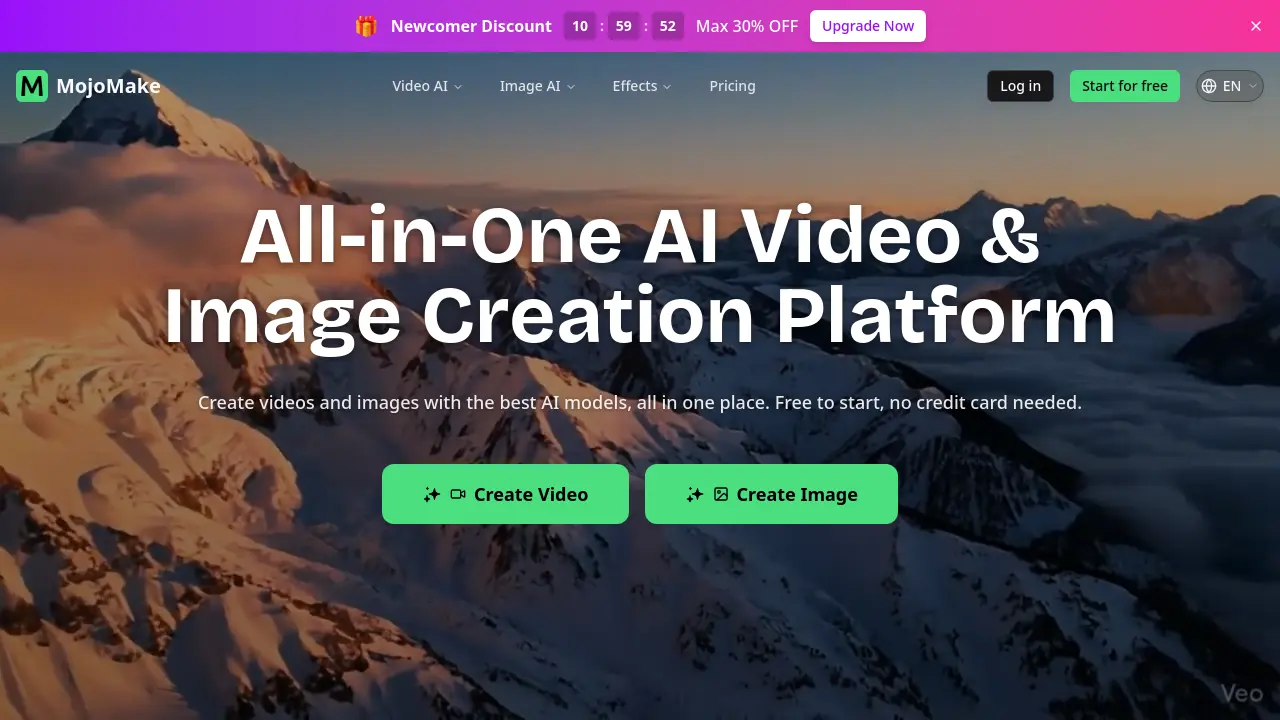
MojoMake is an AI video and image creation platform for creators and businesses, offering text‑to‑video, image‑to‑video, and text‑to‑image tools with top models, commercial rights and 4K export.

FAQs of MojoMake
What is MojoMake AI Video Generator?
MojoMake AI Video Generator is an online tool that transforms text prompts, static images, or reference footage into high‑quality videos using top‑tier models such as Veo, Sora, and Kling. It operates fully in the browser, requires no coding, and outputs videos in 1080p HD with commercial usage rights.
Is MojoMake free to use?
MojoMake offers a free tier that lets new users create videos and images without entering a credit‑card. The free plan includes watermarked outputs and limited rendering minutes, while paid subscriptions unlock higher resolutions, faster rendering, and removal of watermarks.
How do I create AI videos with MojoMake?
To create an AI video, log in, select a tool (e.g., Text‑to‑Video or Image‑to‑Video), enter a descriptive prompt or upload a reference image, choose the desired AI model, and click Generate. The platform processes the request on its servers and returns a downloadable video file, typically within a few minutes.
Which AI models are supported?
MojoMake integrates more than ten leading models, including Veo 3.1, Sora, Kling 3.0, Seedance 2.0, Runway, Nano Banana 2, Flux, Qwen, Ideogram, and OpenAI’s image model. Users can switch models with a single click, allowing experimentation with different artistic styles and animation capabilities.
Do I need design skills to use MojoMake?
No formal design or video‑editing experience is required. MojoMake’s interface is built for beginners: users simply type a prompt or upload an image, select a model, and the AI handles rendering, motion, and lighting automatically.
Can I use the videos & images for commercial purposes?
Yes. MojoMake grants 100 % commercial rights to all generated assets on both free and paid plans. Users may incorporate videos and images into advertisements, YouTube content, product listings, or any commercial project without additional licensing fees.
How long does video generation take?
Generation time varies by model, video length, and server load, but typical 15‑second clips are produced in 30 seconds to 2 minutes. Longer, higher‑resolution videos may take up to 5 minutes. Paid plans receive priority queueing for faster turnaround.
What content is prohibited?
MojoMake prohibits the creation of illegal, hateful, extremist, or sexually explicit material. Users must also avoid generating deep‑fakes of real people without consent, copyrighted works without permission, and any content that violates privacy or defamation laws.
How does the subscription plan save money compared to multiple tools?
A single MojoMake subscription replaces separate accounts for tools such as Runway, Kling, and other niche generators. By bundling all models, users can reduce overall spending by up to 80 % and simplify workflow with one unified dashboard.
Is my data and generated content secure?
MojoMake employs industry‑standard AES‑256 encryption for data in transit and at rest. Uploaded files, prompts, and generated assets are stored on secure cloud servers, and the company adheres to GDPR‑compatible privacy policies to protect user information.
How to use MojoMake
MojoMake serves as an all‑in‑one AI video and image creation platform, offering text‑to‑video, image‑to‑video, reference‑based, and text‑to‑image generators powered by models such as Veo, Sora, and Kling.
After registering or logging in, select the desired tool (e.g., “Create Video” or “Create Image”) from the dashboard; the interface presents a prompt field and optional reference‑image upload area.
Enter a clear textual description or upload a reference image, then choose the AI model and output settings (resolution, aspect ratio, duration); click the “Generate” button to start processing.
The system renders a preview within a few minutes; use the embedded player to review visual quality, motion consistency, and adherence to the original prompt.
Export the final asset by selecting 1080p video or 4K image options; the download includes commercial‑rights metadata, enabling unrestricted use in ads, YouTube, or marketing materials.
Analyze the exported file’s performance metrics (view count, engagement, conversion) to gauge effectiveness, then iterate by adjusting prompts or model choices for future projects.
