
ManualFig Introduction
Turn product photos into clean line drawings, numbered assembly steps, and IFU panels for manuals, inserts, and support pages. Export PNG or SVG.

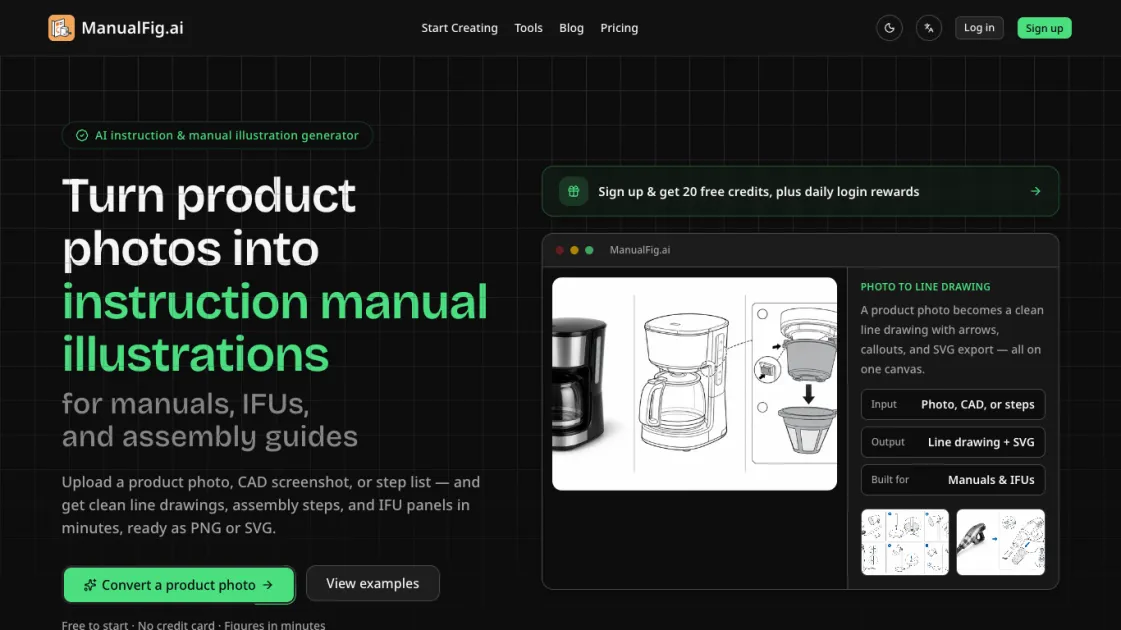
What is ManualFig
ManualFig is an AI-powered tool that converts product photos, CAD screenshots, or step lists into clean instruction manual illustrations. Designed for technical writers, product teams, and support departments, it generates numbered assembly steps, part callouts, direction arrows, and IFU-compliant panels without requiring design skills. The platform supports export in PNG and SVG formats, making it straightforward to drop figures directly into manuals, packaging inserts, and help articles. ManualFig targets the specific problem of creating clear, review-ready manual figures — the kind that reduce support tickets and pass regulatory review — rather than producing polished marketing renders.
How does ManualFig work
ManualFig uses AI image processing to convert uploaded product photos or CAD screenshots into clean line drawings suitable for instruction manuals. The system identifies key components, removes visual clutter like reflections and backgrounds, and produces structured figures with numbered steps, part callouts, and directional arrows. For text-based inputs, it interprets step descriptions and generates corresponding visual panels. Users can then refine any figure using plain-language instructions, and the tool applies changes while maintaining the established drawing style. The process runs entirely in the browser — no design software or vector editing skills are required.
Benefits of ManualFig
ManualFig reduces the time and skill barrier involved in creating instruction manual illustrations. Technical writers can generate publication-ready figures from existing product photos without hiring illustrators or learning vector tools. The consistent drawing style across figures helps documentation teams maintain visual uniformity across multiple manuals and product lines. For companies with regulatory requirements, the built-in IFU panel generation — including hazard symbols and correct-versus-incorrect comparisons — streamlines compliance documentation. The free tier allows teams to evaluate the tool before committing to a paid plan.
Pros and Cons of ManualFig
Pros
- Converts real product photos into manual-ready line drawings
- Generates numbered step-by-step assembly panels automatically
- Produces IFU-compliant safety and warning figures
- Exports as PNG and SVG for direct documentation insertion
- Free tier available with no credit card required
Cons
- Limited to instruction manual illustrations, not general-purpose design
- Output quality depends on input image clarity and detail
- Free tier likely has generation limits that require paid upgrade
