
Spark Robin – Gemini AI model for rich visual responses

What is Spark Robin
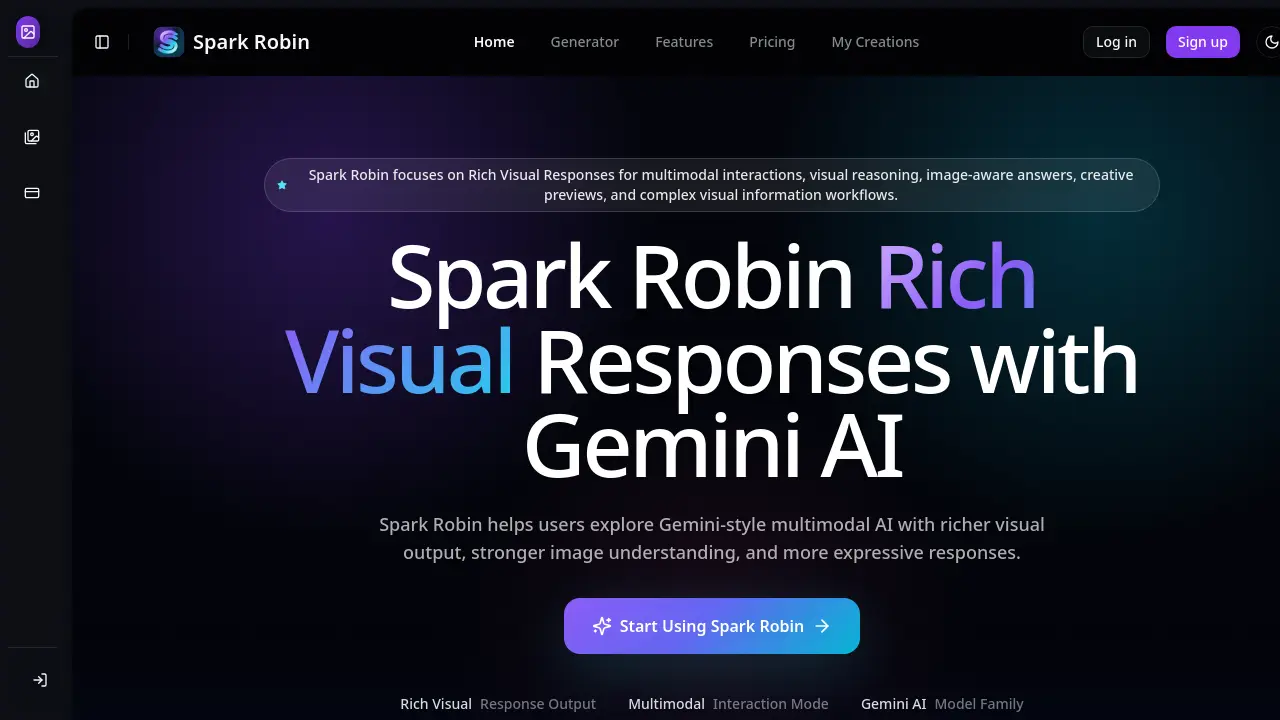
Spark Robin is a Gemini‑based visual AI model that delivers Rich Visual Responses for multimodal workflows. By interpreting image details, layout cues, and visual relationships, it generates answers that combine structured visual output with textual guidance, reducing reliance on plain‑text replies. Users can upload reference images, describe visual goals, and receive image‑aware feedback suitable for design reviews, marketing campaigns, storyboard concepts, and educational diagrams. The platform supports fast interaction through the V1.1 Fast mode, enabling rapid iteration on visual ideas. Spark Robin’s capabilities include precise image editing, video extensions, and creative previews, all aligned with Gemini’s multimodal intelligence. It is targeted at creators, product teams, and visual learners who need clearer, more actionable AI‑driven insights from complex visual content.
How does Spark Robin work
Spark Robin operates as a Gemini‑based visual AI layer that processes multimodal prompts by first extracting visual cues from uploaded images, then combining those cues with detailed text instructions. The system’s core model interprets layout, scene meaning, and visual relationships, feeding this understanding into a generation engine that produces Rich Visual Responses—structured outputs that include annotated images, design suggestions, or visual explanations rather than plain text. Users interact through a four‑step workflow: enter a prompt, attach visual context, trigger generation, and apply the output to design reviews, marketing concepts, or educational materials, enabling faster, image‑aware decision making.
Benefits of Spark Robin
Spark Robin delivers Gemini‑style multimodal AI with Rich Visual Responses that clarify complex image information through structured, image‑aware output. By interpreting visual context, layout cues, and user intent, it supports text‑plus‑image prompts, enabling faster design reviews, product communication, and creative brainstorming. The V1.1 Fast workflow reduces latency, while precise image editing tools (e.g., SeeDream V4) allow clothing, makeup, and background changes. Teams in marketing, product, education, or visual storytelling benefit from clearer visual explanations, consistent visual reasoning, and quicker decision‑making across multimodal workflows.
Pros and Cons of Spark Robin
Pros
- Generates rich visual responses for multimodal inputs.
- Supports image-aware prompts and detailed visual context.
- Fast V1.1 workflow reduces response latency.
- Tailored for design, marketing, and educational workflows.
- Aligns with Gemini AI visual intelligence.
Cons
- Requires credit purchases; free credits limited.
- No native support for non‑visual or pure text tasks.
- Advanced features may have a learning curve.
- Limited information on model transparency and customization.
- No explicit API documentation for integration.
Core Features of Spark Robin
Rich Visual Response Generation
Creates answers that incorporate image details, visual relationships, and structured layouts, enabling users to obtain clearer, more useful information than plain‑text replies.
Multimodal Interaction
Accepts combined text and image inputs, allowing prompts to include visual context that guides the model toward image‑aware, context‑rich outputs.
Fast Visual Workflow (V1.1)
Delivers rapid generation of visual responses, supporting quick iteration for design reviews, marketing concepts, and educational material without long waiting times.
Image Editing & Enhancement
Provides precise editing capabilities—such as clothing, makeup, background replacement, and style adjustments—using SeeDream V4 and other specialized models.
Model & Settings Selection
Allows users to choose from multiple Gemini‑based visual models (e.g., Wan 2.7, Wan 2.6) and adjust parameters like dimensions, generation count, and advanced options.
Use Cases of Spark Robin
- Marketing teams: Generate Rich Visual Responses to evaluate campaign imagery, refine messaging, and accelerate visual asset approval.
- Product designers: Use multimodal interaction to analyze UI screenshots, suggest layout improvements, and streamline design communication.
- Educators and researchers: Create image‑aware explanations of diagrams and visual data, enhancing lesson clarity and study materials.
- Storyboard artists: Apply visual reasoning to cinematic frames or anime concepts, producing detailed creative direction and scene summaries.
- Visual developers: Leverage fast Spark Robin V1.1 workflows for iterative image‑to‑video and video‑edit tasks, reducing prototyping time.
FAQs of Spark Robin
What is Spark Robin?
Spark Robin is a specialized Gemini AI model that delivers Rich Visual Responses, enhancing multimodal interactions with stronger image understanding and more expressive visual output.
Who is Spark Robin for?
Spark Robin targets creators, marketers, product teams, educators, researchers, and any visual‑focused professionals who need richer AI responses from image‑heavy prompts.
How is Spark Robin different from a standard chatbot?
Unlike text‑only chatbots, Spark Robin processes visual context and generates answers that incorporate image details, visual relationships, and structured visual explanations.
Does Spark Robin support image‑based prompts?
Yes. Spark Robin is built for multimodal interaction, allowing users to upload images or visual references that shape richer, image‑aware responses.
What visual styles are supported?
Spark Robin works across a wide range of visual domains, including product mock‑ups, UI screenshots, marketing assets, cinematic storyboards, anime‑style illustrations, and educational diagrams.
Can Spark Robin help with product visuals?
Yes. Users can upload product images for Spark Robin to analyze composition, suggest visual improvements, explain presentation angles, and produce richer communication assets.
Can Spark Robin be used for cinematic concepts?
The tool is capable of dissecting cinematic frames, evaluating mood and lighting, and providing feedback for storyboarding, concept art, and visual storytelling.
How to use Spark Robin
Spark Robin generates Rich Visual Responses using Gemini‑based multimodal AI, turning text and image inputs into structured, image‑aware answers that support design, marketing, education, and creative workflows.
Users start by entering a detailed prompt that describes the visual goal, audience, and desired style, ensuring the model captures contextual nuances for accurate output.
Next, an image or visual reference is uploaded or dragged into the interface, providing concrete visual context that guides the model’s reasoning and output generation.
After clicking Generate, Spark Robin processes the prompt and visual input, producing a rich visual response that highlights relationships, composition, and actionable insights.
Finally, users review the output, extract design recommendations or narrative explanations, and integrate the visual response into presentations, product reviews, or creative iterations.
