
ManualFig FAQs
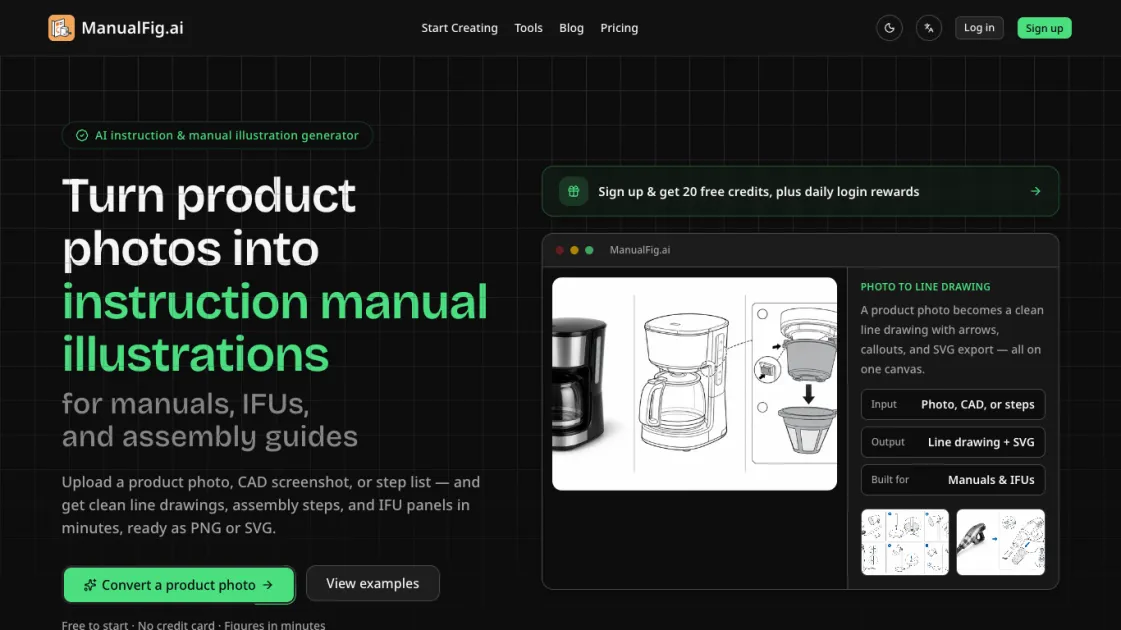
Turn product photos into clean line drawings, numbered assembly steps, and IFU panels for manuals, inserts, and support pages. Export PNG or SVG.

FAQs of ManualFig
What is ManualFig?
ManualFig is an AI tool that generates instruction manual illustrations from product photos, CAD screenshots, or written step lists. It produces clean line drawings, assembly panels, and IFU-compliant figures for technical documentation.
Who should use ManualFig?
Technical writers, product documentation teams, and customer support departments that need to create or update instruction manuals, packaging inserts, and assembly guides. It is also useful for manufacturers producing regulatory-required IFU panels.
How does ManualFig differ from general image generators?
General image generators produce visual content for marketing or creative purposes. ManualFig is purpose-built for instruction manuals — its outputs are line drawings with numbered steps, part callouts, and compliance elements, not glossy renders.
What input formats does ManualFig accept?
The tool accepts product photos, CAD screenshots, supplier images, sketches, existing manual pages, or plain-text step descriptions. It works from visual or textual input depending on what is available.
What file formats can I export?
ManualFig exports figures as PNG or SVG files. Both formats can be inserted directly into documentation systems, print layouts, or digital support pages.
Is there a free plan?
ManualFig offers a free tier that allows users to try the tool without a credit card. Paid plans — Starter, Pro, and Business — unlock higher generation limits and additional features.
Can ManualFig figures pass regulatory review?
The tool generates IFU-compliant panels including hazard symbols, correct and incorrect comparisons, and safety warnings. However, compliance verification depends on the specific regulatory requirements of each market.
How to use ManualFig
- Upload a product photo, CAD screenshot, or step description to the ManualFig platform — the tool accepts visual or text input depending on what is available
- Describe the desired figure or assembly step in plain language, specifying elements like part callouts, arrows, or safety warnings as needed
- Review the generated line drawing and use text-based editing to refine details, adjust numbering, or add compliance elements like hazard symbols
- Export the finished figure as PNG or SVG and insert it directly into your manual, packaging insert, or support article
