
Luvvoice FAQs
Luvvoice is a free online text-to-speech tool with over 70 languages and 200 voices. It allows users to convert text to natural-sounding speech and download MP3 files.

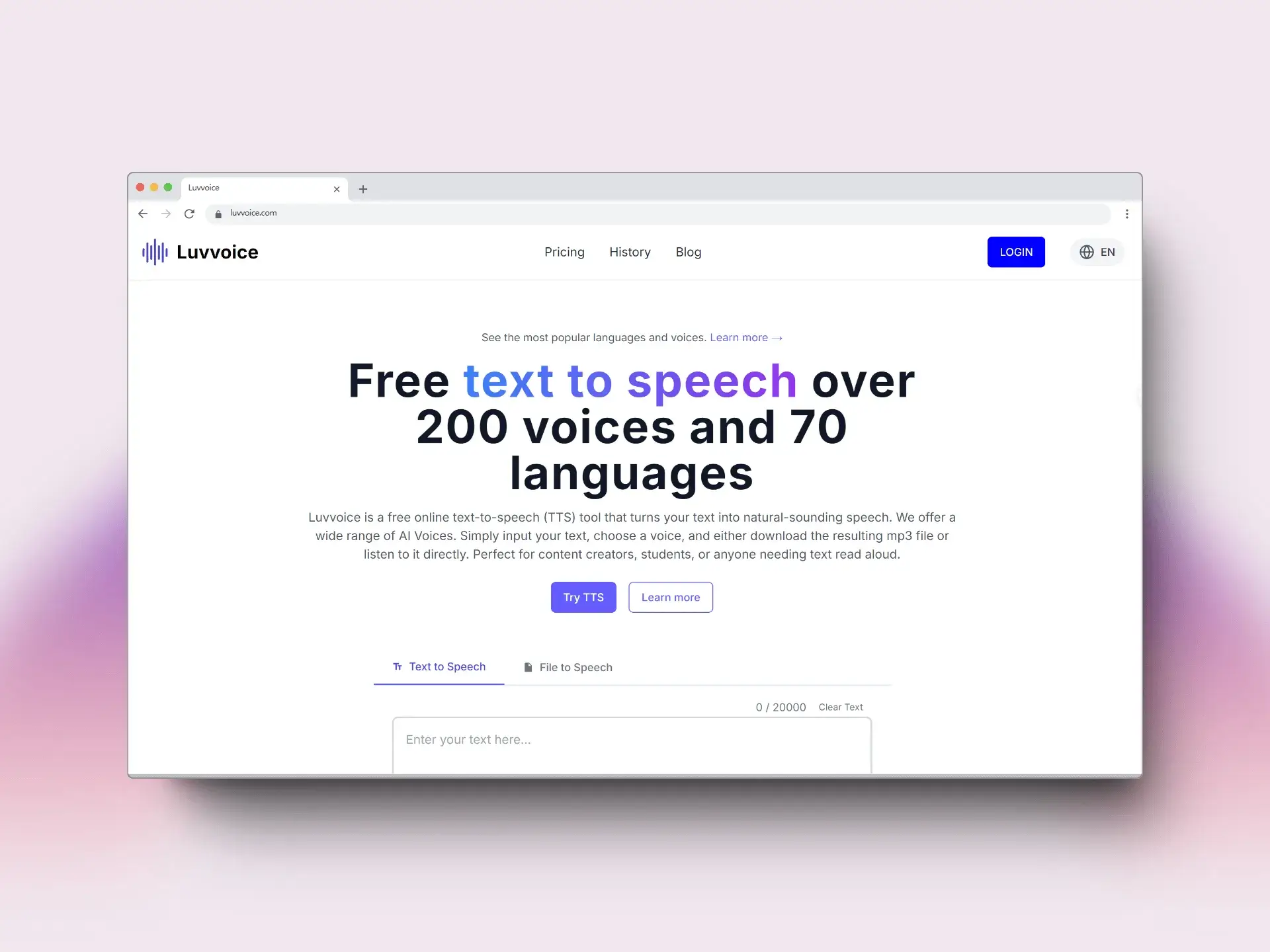
FAQs of Luvvoice
What is Luvvoice?
Luvvoice is a free online text-to-speech (TTS) tool that converts text into natural-sounding speech using AI voices. It offers a wide selection of voices across 70 languages, allowing users to input text, select a voice, and either listen to the audio directly or download it as an MP3 file. Luvvoice is suitable for content creators, students, and anyone who needs text read aloud.
What are the main features of Luvvoice?
Luvvoice boasts real AI voices generated through deep learning, a vast library of 200 voices in over 70 languages, easy conversion of text to audio, document-to-voice functionality supporting PDF and TXT formats, extended character limits for logged-in and paid users (up to 20,000 characters at once), and adjustable speech rate and pitch settings.
What file formats does Luvvoice support for text to speech conversion?
Luvvoice supports common file formats like PDF and TXT, allowing users to upload documents and convert them to AI voice. This feature can handle documents with hundreds of thousands of characters, greatly improving efficiency for large text conversions.
What can Luvvoice audio tools be used for?
Luvvoice audio tools find applications in diverse fields such as media production (YouTube, TikTok, Podcasts, TV), education, gaming, and accessibility services. The AI voice generator helps bridge language barriers, restores lost voices, and makes digital interactions more human-like.
How many characters can be converted with the free Luvvoice plan?
With the free Luvvoice plan, users can convert up to 20,000 characters per month. This allows for ample usage for various text-to-speech needs without requiring a paid subscription.
Can the audio generated by Luvvoice be used for commercial purposes?
Yes, users have full ownership of the audio files generated by Luvvoice and can freely use them in commercial projects like YouTube videos, podcasts, and social media content. However, users must ensure the usage complies with local laws and regulations.
What audio format does Luvvoice support for downloads?
Luvvoice supports MP3 format for audio downloads after converting text to speech. MP3 is a common audio format, ensuring compatibility across various devices and platforms. This makes it easy to listen to the converted content anywhere.
Why does Luvvoice sometimes show a 'Something went wrong' error?
The 'Something went wrong' error when clicking the generate button on Luvvoice may be caused by browser extensions interfering with the website's operation. Disabling translation plugins and refreshing the page is recommended to resolve this issue.
Why might Luvvoice fail to extract text from a PDF file?
Luvvoice may fail to extract text from PDF files that contain only images or that were created through scanning. Standard PDF files usually allow text extraction, but image-based or scanned PDFs might not be processed correctly.
Are there any Luvvoice alternatives?
While Luvvoice is a powerful text-to-speech tool, users seeking alternatives may explore other AI voice generators available online. These may offer different features, pricing models, or voice selections. Researching "text to speech AI" will provide a list of Luvvoice alternatives.
How to use Luvvoice
Luvvoice is a free online text-to-speech (TTS) tool providing natural-sounding speech in over 70 languages. It's designed for content creators, students, and those needing text read aloud using AI voices.
Begin by entering your desired text into the provided text box or upload a document for conversion via the "Text to Speech" tab. Free users are limited to 3000 characters.
Select the desired language and AI voice from the dropdown menus. Luvvoice offers a variety of voice options and language support for diverse content creation.
Click the "Generate" button to initiate the text to speech conversion. This will process your text and convert it into an audio file using the chosen voice.
Listen to the generated audio directly on the website. Adjust speech rate and pitch by clicking the settings button to customize your Luvvoice experience.
Download the generated audio in MP3 format for offline use in various projects like YouTube videos, podcasts, or educational content.
Consider logging in or upgrading to a paid plan for extended character limits, reaching up to 20,000 characters for efficient bulk text conversion.
If you encounter issues like the "Something went wrong" error, disable browser extensions or translation plugins and refresh the page for optimal performance.
Address potential PDF extraction issues by ensuring the PDF contains selectable text and is not purely image-based. Scanned documents may not work.
Explore Luvvoice's features, including AI voice generation and document-to-voice capabilities, to improve media production, education, and accessibility efforts.
