
Mumble AI – Mac app for notes, meetings and dictation

What is Mumble AI
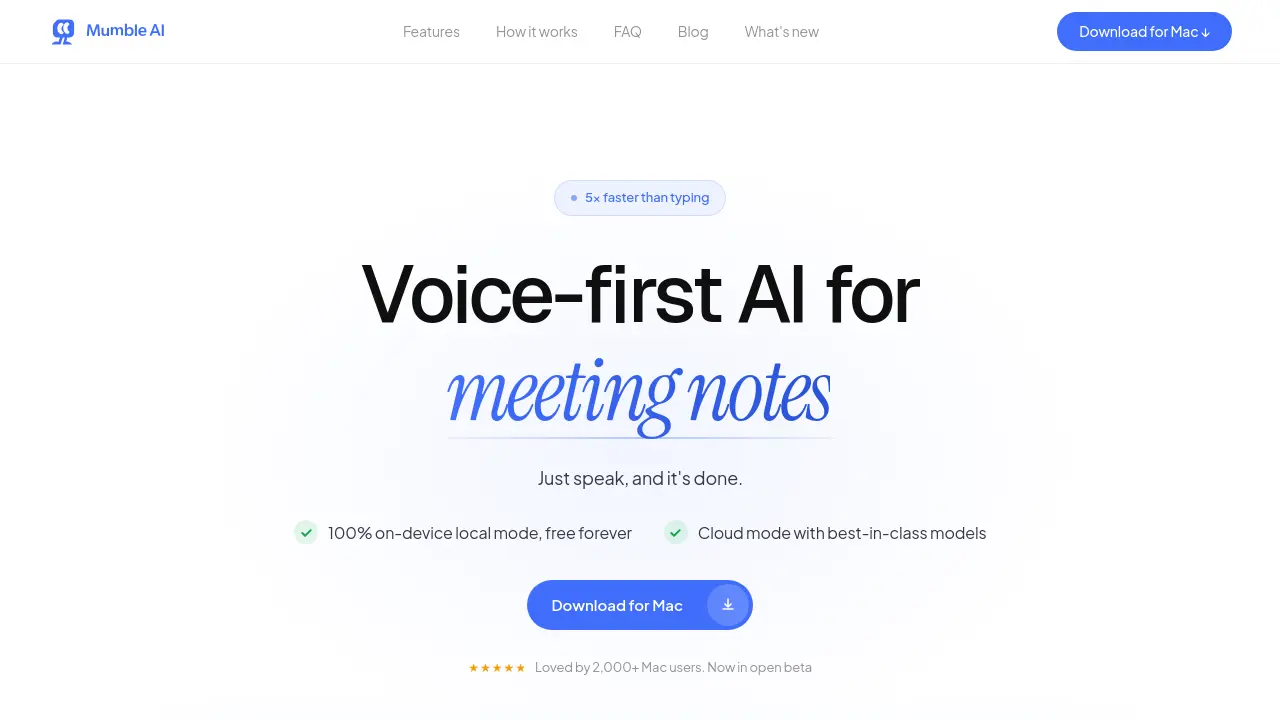
Mumble AI is a voice‑first workspace for macOS that combines meeting capture, dictation, and smart note‑taking into a single application. When a scheduled call begins, the app records directly from the Mac’s system audio—no bot joins the meeting—while providing real‑time transcription with speaker labels. After the call ends, AI generates a structured summary, action items, and customizable templates, all stored locally or in the cloud.
In local mode, transcription runs entirely on‑device, keeping audio private and offline; cloud mode offers best‑in‑class accuracy across 50+ languages and faster processing. System‑wide dictation works in any text field, with shortcut keys to format output as plain text, bullet points, or custom actions. Mumble AI also syncs voice notes from its iOS companion, enabling seamless cross‑device workflow for professionals who prefer speaking over typing.
How does Mumble AI work
Mumble AI operates as a voice‑first workspace on macOS, capturing audio directly from the system without inserting a bot into the call. When a scheduled meeting begins, the app auto‑detects the session, records the audio, and delivers a live transcript with speaker labels. The transcript is processed either by on‑device local models for full privacy or by cloud‑based models for higher accuracy, then an AI engine generates a structured summary, action items and customizable templates. System‑wide dictation works in any text field, converting spoken input into clean notes, bullet points or custom actions, while all data remains encrypted and never leaves the device in local mode.
Benefits of Mumble AI
Mumble AI is a voice‑first Mac application that captures meetings, creates live transcripts with speaker labels, and generates structured summaries the moment a call ends. It offers both cloud processing—for fast, 50‑plus language accuracy—and a fully offline local mode, keeping all audio on‑device for privacy‑critical sessions. System‑wide dictation works in any text field, while customizable templates and smart note organization streamline follow‑ups. Automatic calendar detection starts recording without adding a bot to the call, and the free tier provides unlimited use during beta, making it a versatile tool for meeting notes, dictation, and voice memos.
Pros and Cons of Mumble AI
Pros
- 5× faster than typing.
- 100% on‑device local mode, free forever.
- Real‑time transcription with speaker labels.
- Instant AI‑generated meeting summaries.
- Works across any macOS app.
Cons
- macOS‑only, requires Apple Silicon.
- Cloud mode may incur future subscription fees.
- No native Windows or Linux support.
- Limited free tier after beta may restrict heavy users.
Core Features of Mumble AI
AI-Powered Meeting Capture
Records meetings directly from the Mac, provides real‑time transcripts with speaker labels, and generates structured summaries with action items immediately after the call ends.
System‑Wide Voice Dictation
Enables typing by speaking in any application; keyboard shortcuts format text as plain, bullet points, or custom actions, delivering clean output instantly.
Smart Note Generation & Organization
Transforms voice recordings into searchable Smart Notes, auto‑tags content, and syncs with iOS Mumble Note, ensuring ideas are structured and retrievable.
Voice‑Activated Skills Suite
Executes tasks such as scheduling meetings, conducting research, or creating posts through simple voice commands, delivering completed results without manual steps.
Dual Processing Modes (Cloud & Local)
Offers cloud mode for high‑accuracy, multilingual transcription and local on‑device mode for offline privacy, letting users switch based on speed or security needs.
Use Cases of Mumble AI
- Students: Capture lecture content with live transcription and speaker labels, then export clean notes for study revision.
- Project managers: Auto‑record virtual meetings, generate structured summaries with action items, and sync them to project timelines.
- Remote workers: Use system‑wide dictation to compose emails and documents across apps, reducing typing time by up to fivefold.
- Legal professionals: Activate local on‑device mode for confidential calls, ensuring transcripts never leave the Mac and remain fully encrypted.
FAQs of Mumble AI
How is Mumble AI different from other meeting transcription tools like Otter, Fireflies, or Granola?
Mumble AI distinguishes itself by recording audio directly from the Mac’s system audio without adding a bot to the call, offering both cloud‑based and on‑device (local) AI processing, and providing a unified voice‑first workspace that includes system‑wide dictation, voice notes, and customizable meeting templates. This combination of privacy, speed, and multi‑tool integration is not typically found in competing services.
Does a bot join my meeting when I use Mumble AI?
No. Mumble AI captures audio from the Mac’s microphone and system output, so no extra participant appears in the meeting. The app auto‑detects scheduled calls via Google Calendar and records silently in the background, preserving the original meeting experience.
Does Mumble AI offer a local (offline) mode?
Yes. In local mode, all speech‑to‑text and summarization models run entirely on the Mac, meaning audio never leaves the device. Users can switch to cloud mode at any time for higher accuracy or multilingual support, but the offline option ensures full privacy for sensitive conversations.
Is my data safe when I use Mumble AI?
Data security is a core focus. In local mode, nothing is transmitted—audio and transcripts remain on the Mac. In cloud mode, all data is encrypted both in transit and at rest, is used solely for transcription and summarization, and is never shared with third parties or used to train external models. Users can delete any stored data at will.
Does Mumble AI provide a free plan?
During the open beta, Mumble AI is completely free with unlimited usage. After the beta, the local mode will remain free forever, while cloud mode will include a generous free tier and optional paid plans for advanced features or higher usage volumes. No credit‑card information is required to start.
Which platforms and meeting applications are compatible with Mumble AI?
Mumble AI is a native macOS app requiring macOS 14+ on Apple Silicon (M1 or newer). It works with any meeting software that outputs audio through the Mac, including Zoom, Google Meet, Microsoft Teams, and Slack. System‑wide dictation functions in any text field across all apps, and an iOS companion (Mumble Note) syncs voice notes to the Mac app.
Can I sync voice notes from Mumble Note (iOS) to Mumble AI on my Mac?
Yes. Voice notes created in Mumble Note on iOS automatically synchronize to Mumble AI on the Mac. The sync is currently one‑directional—notes flow from the iOS app to the desktop client—ensuring that all captured ideas are available for further organization and summarization.
How to use Mumble AI
Mumble AI provides voice‑first meeting notes, dictation, and smart summaries on macOS, offering both cloud‑based accuracy and 100 % on‑device privacy modes.
Install the Mac app via the provided download link, then launch it and grant microphone and screen‑recording permissions to enable audio capture.
Press the configured shortcut (default ⌘ Space) in any application; Mumble opens instantly, ready to record your speech or ongoing meeting without a bot participant.
Speak naturally; Mumble transcribes in real time, labeling speakers, and applies the selected shortcut keys (← for plain text, ↑ for bullet points, ↓ for custom actions).
When the meeting ends, Mumble automatically generates a structured summary, including decisions, action items, and a concise overview displayed in the workspace.
Review the summary, edit if needed, then export or share it directly from the app; templates can be customized to match existing documentation standards.
Switch between cloud and local processing in settings: use cloud for faster, multilingual transcription, or local mode for offline privacy-sensitive recordings.
Analyze the live transcript and summary to identify key discussion points, track assigned tasks, and align follow‑up actions, improving productivity and meeting efficacy.
Mumble AI Website Traffic Analysis
Latest traffic information
- Monthly Visits10.56K
- Bounce Rate40.43%
- Pages Per Visit1.64
- Visit Duration00:00:11
- Global Rank2.15M
- Country/Region Ranking1.67M
Top Keywords
| Keyword | Traffic | Volume | Cost Per Click |
|---|---|---|---|
| mumble ai – local mode | 130 | 130 | -- |
| mumble | 110 | 31.86K | $1.22 |
| cocoon weaver vs wispr flow | 100 | 300 | -- |
| mumble dictation | 70 | 70 | -- |
| typeless 費用 | 60 | 260 | $5.18 |
Top Regions
| Region | Percentage |
|---|---|
| United States | 31.15% |
| India | 24.03% |
| France | 11.49% |
| United Kingdom | 9.42% |
| Nigeria | 8.5% |
Mumble AI Alternatives
Free AI caption and subtitle generator that transcribes speech in 100+ languages, styles every word and exports MP4, SRT, VTT or TXT files in the browser.
Translate Now is a browser-based AI voice translator for real-time speech translation, live transcription, and replayable bilingual audio transcripts.

talat transcribes meetings, dictation and recordings locally on your Mac or Windows PC, with private AI notes, summaries and speaker identification.
MeeLang is a Chrome extension that provides real-time AI translation subtitles for Google Meet, supporting over 30 languages with sub-second latency.
Memo Card turns live or recorded lectures into AI lecture notes with transcription, real-time translation, bilingual captions, quizzes, and replay.
Viblo AI YouTube MP3 Downloader inspects public videos and lists available M4A or WebM audio formats with size, duration, and temporary direct links.
Turn public Instagram Reels and videos into clean transcripts with NanoPhoto.AI. Copy, read, and download spoken text with one credit.
VoiceScriber turns speech into text in 100+ languages using on-device AI on your iPhone. Works completely offline with no uploads for total privacy.
Petti Chat is an AI-powered web tool that lets pet owners capture short pet sounds, interpret likely intent in human language, and reply with calm, pet‑friendly audio, ensuring privacy and real‑time interaction.
LectMate is a web SaaS that captures live or recorded lectures, delivering real-time transcription, translation and bilingual notes for overseas students.
GPT Realtime 2 is an AI voice generator for developers and product teams, offering realtime speech‑to‑speech interaction, low‑latency audio, prompt control, tool handoffs and downloadable session recordings.
GPT Realtime is an AI voice generator platform for developers and product teams, offering low‑latency speech‑to‑speech, image‑aware prompts, SIP call support, API workflow planning and reusable cache for rapid voice‑app prototyping.