
GPT Realtime – low‑latency AI voice generator for calls

What is GPT Realtime
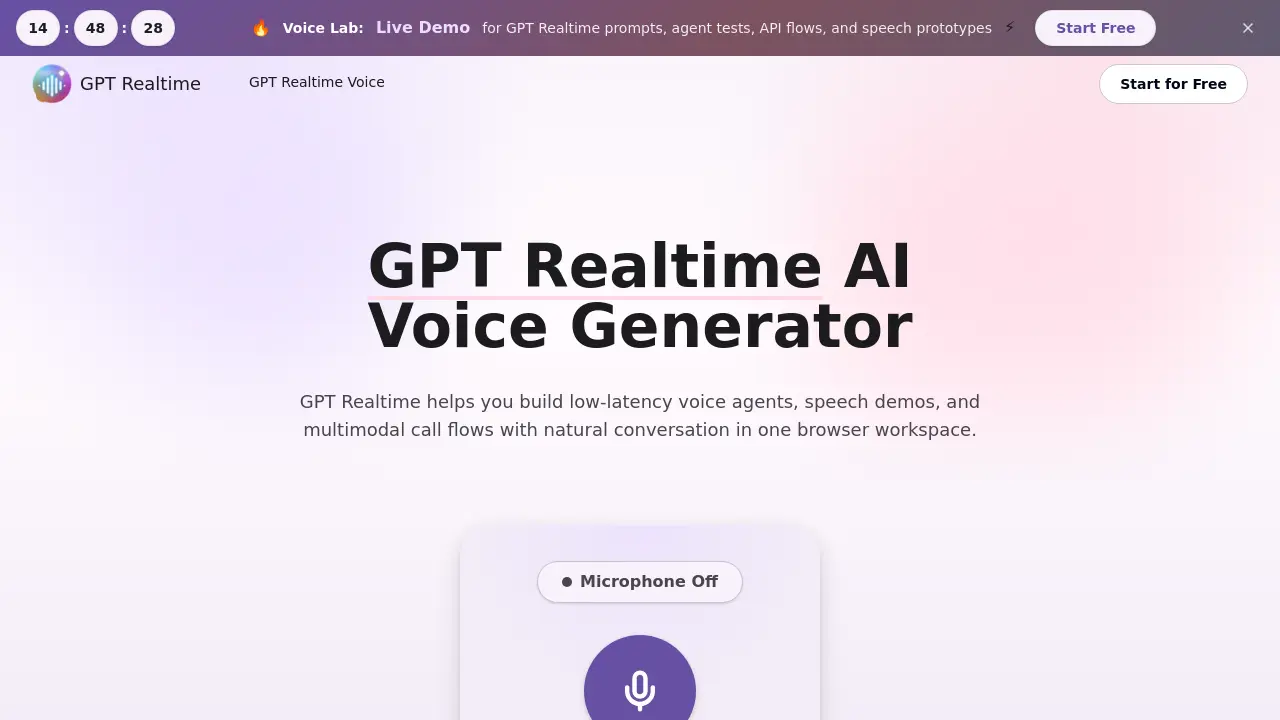
GPT Realtime is a browser‑based workspace that enables rapid prototyping of low‑latency voice agents, speech‑to‑speech demos, and multimodal call flows. Users define a scenario, select a voice model, and launch a real‑time conversation that can incorporate image context, tool calls, and SIP‑based phone routing. The platform consolidates speech generation, API planning, cached prompts, and review notes into a single flow, allowing product teams to compare model behavior, latency, and tone across variations. Built‑in features such as voice control, model comparison, and cache workflow support repeatable testing and documentation for QA, stakeholder alignment, and launch readiness. An integrated API further supports WebRTC demos, function‑call retries, and automated handoff logic, making GPT Realtime suitable for support, coaching, and product‑support prototypes.
How does GPT Realtime work
GPT Realtime operates as a browser‑based workspace that captures audio via the microphone, streams it through a low‑latency speech‑to‑speech model, and returns a synthesized voice response in real time. Users define a scenario, select a voice model, and optionally attach image context or tool schemas; the platform then processes the spoken input, invokes any required function calls, and manages handoff logic such as SIP routing or API callbacks. Cached prompts and reusable contexts accelerate repeat tests, while built‑in controls let teams fine‑tune greeting style, interruption handling, and escalation rules, producing repeatable voice‑agent prototypes for QA and launch planning.
Benefits of GPT Realtime
GPT Realtime provides a browser‑based workspace for building and testing low‑latency voice agents, speech‑to‑speech prototypes, and multimodal call flows. The platform combines live voice interaction, image context, tool calls, and SIP‑style phone routing in a single environment, enabling teams to compare model behavior, tune greeting styles, interruption handling, and escalation rules, and organize reusable prompts through caching. Features such as API planning, model comparison, and visual context support rapid iteration and clearer QA documentation, while the free trial lets users evaluate voice settings, API flows, and cached sessions before committing to a production build.
Pros and Cons of GPT Realtime
Pros
- Low‑latency speech‑to‑speech interaction.
- Browser‑only workspace eliminates local setup.
- Integrated cache for reusable prompts and tool schemas.
- Supports multimodal input, including image context.
- SIP and API workflow features enable phone‑call prototyping.
Cons
- Not an official OpenAI model page, may cause trust concerns.
- Limited to browser environment; no native app support.
- Pricing and credit details not disclosed on the site.
- Advanced customization may require external tool integration.
- Documentation focuses on demos, not large‑scale production deployment.
Core Features of GPT Realtime
Speech‑to‑Speech Prototyping
Enables teams to create natural voice responses within a single workflow, eliminating the need to combine separate speech synthesis and recognition systems.
Voice Agent Builder
Provides tools to design agents that listen, reason, respond, invoke external tools, and adjust tone for fast, realistic customer conversations.
API Workspace & Prototyping
Supports planning and testing of WebRTC demos, server events, function calls, retries, and handoff logic for voice‑first applications.
Model Comparison & Testing
Allows side‑by‑side evaluation of latency, clarity, instruction compliance, safety phrasing, and voice usefulness across different GPT Realtime model versions.
Image Context Integration
Adds visual information to sessions, facilitating troubleshooting, guided support, screen‑sharing demos, and multimodal interactions.
SIP Call Flow Design
Creates inbound phone call flows for support, lead qualification, appointment booking, and transfer rules, enabling pilot testing of call‑center scenarios.
Cache Workflow Management
Organizes reusable prompts, cached context, tool schemas, and test notes to accelerate repeatable voice sessions and streamline QA evidence.
Voice Control Tuning
Offers granular adjustment of greetings, interruption handling, answer length, escalation rules, and brand‑specific tone to match desired conversational style.
Use Cases of GPT Realtime
- Customer support teams: Prototype low‑latency voice agents with real‑time speech‑to‑speech and escalation rules for quicker QA cycles.
- Product managers: Compare model variants, voice tones, and image‑context prompts in a single browser workspace to inform launch decisions.
- Developers of call center software: Design SIP call flows, tool‑call integrations, and cached prompt libraries for repeatable API demos.
- Training coordinators: Run short coaching‑assistant trials, capture audit notes, and validate tone before committing to full‑scale builds.
- UX researchers: Conduct multimodal demos that combine visual screenshots and live voice to assess user comprehension of support scripts.
FAQs of GPT Realtime
What is GPT Realtime?
GPT Realtime is a browser‑based workspace that enables teams to prototype and test low‑latency voice agents, speech‑to‑speech flows, multimodal image context, and API handoff scenarios. It consolidates live voice, tool calls, SIP workflows, cached prompts, and review notes into a single, repeatable testing environment for QA and launch planning.
What is the GPT Realtime API used for?
The GPT Realtime API supports the creation of voice‑first applications such as interactive agents, live support demos, coaching tools, SIP‑based call routing, and multimodal demos that combine speech with image context. It allows developers to script voice prompts, invoke function calls, handle retries, and manage handoff logic directly from the browser workspace.
What does “gpt‑realtime” vs. “gpt‑realtime‑mini” mean?
“gpt‑realtime” refers to the standard voice model offering full‑capacity speech‑to‑speech generation, while “gpt‑realtime‑mini” denotes a lighter, lower‑cost variant intended for small‑scale demos, limited workloads, or budget‑constrained testing. Both share the same workflow features but differ in latency and compute requirements.
How does the GPT Realtime cache improve workflow efficiency?
The cache feature stores reusable prompts, tool schemas, and context snippets, enabling rapid re‑execution of identical or similar voice sessions without re‑typing or re‑loading data. This reduces latency for repeated tests, ensures consistency across QA runs, and simplifies collaboration by providing a shared repository of session assets.
Can GPT Realtime handle SIP call routing for inbound support lines?
Yes. GPT Realtime includes built‑in SIP workflow capabilities that let users design inbound call flows, define transfer rules, set escalation triggers, and simulate appointment‑booking or lead‑qualification scenarios. The SIP integration works within the same browser workspace used for voice agent testing.
What are the steps to create a voice test in GPT Realtime?
Users follow three steps: (1) write a scenario describing the caller, goal, tone, and required context; (2) select the voice, model version, quality settings, and any tool integrations; (3) run the session, listen to the generated speech, and download or adjust the results as needed.
How can teams compare different model versions within GPT Realtime?
The platform provides a model‑comparison view that displays latency, clarity, instruction‑following accuracy, safety wording, response timing, and overall voice usefulness for each selected model (e.g., gpt‑realtime‑1.5 vs. gpt‑realtime‑2). Teams can toggle between versions to evaluate performance before committing to a production build.
Is GPT Realtime an official OpenAI product page?
No. The site is an independent platform that offers access to GPT Realtime models and workflow tools but does not claim to be the official OpenAI model hosting page.
Where can users obtain support for GPT Realtime?
Support is available via email at support@gpt-realtime.ai. The site also includes documentation, FAQ sections, and a free trial generator for hands‑on testing of voice prompts and API flows.
How to use GPT Realtime
GPT Realtime provides a browser‑based workspace for building low‑latency voice agents, speech demos, multimodal call flows, and API prototypes, consolidating voice, image, and tool contexts.
Write the scenario by specifying caller identity, goal, desired tone, and any relevant background information that the agent must access during the conversation.
Pick the setup, selecting voice profile, model version, audio quality, enabled tools, and response behavior such as interruption handling or escalation rules.
Run the realtime test: click Generate, listen to the live speech‑to‑speech interaction, and capture the session output via download or on‑screen transcript.
Review results by comparing latency, clarity, instruction adherence, and voice suitability; note any mismatches against the original scenario for further tuning.
Adjust prompts, voice parameters, or tool calls based on the review, then repeat the test to iteratively refine the agent before production deployment.
