
CAVN AI – AI Music & Video Generator for Creators and Studios

What is CAVN AI
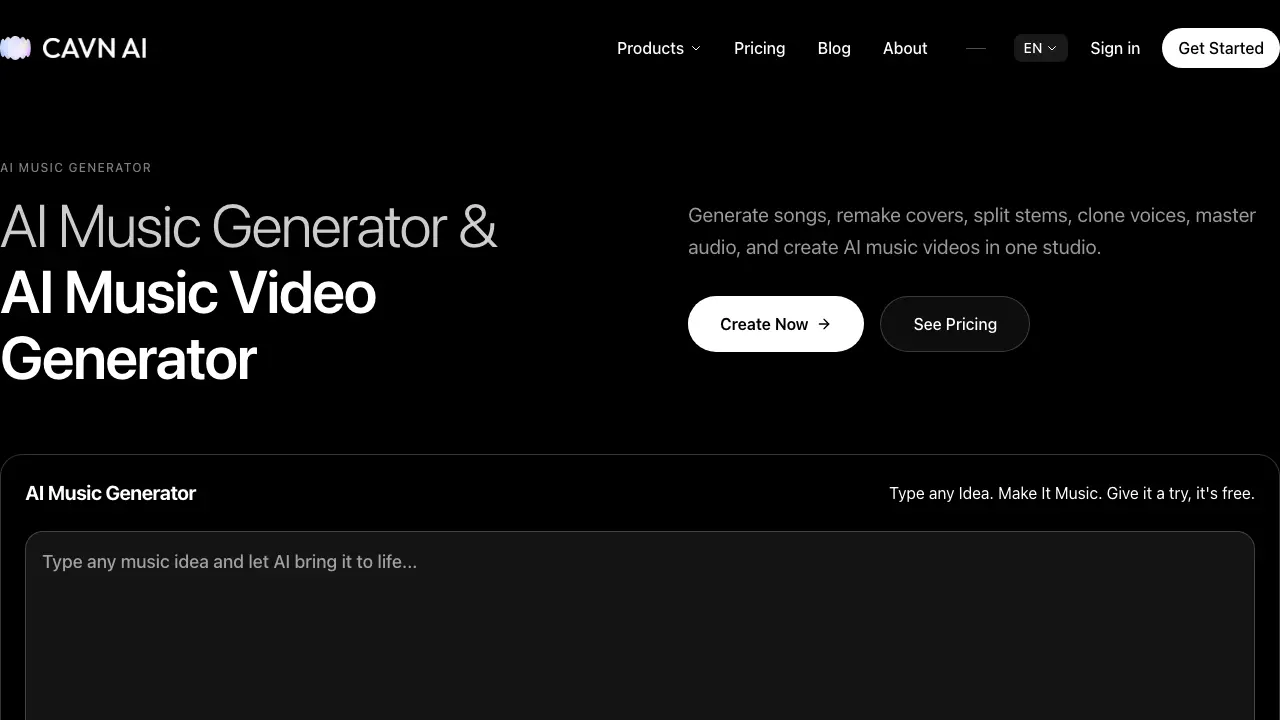
CAVN AI is an integrated studio that combines AI‑driven music generation, voice cloning, stem separation, mastering, and automatic music‑video creation in a single web‑based platform. Users input a text, image, or video prompt and receive multiple song variations within seconds, then refine the arrangement by extracting stems, exporting MIDI, or applying professional mastering tools. The voice‑clone module reproduces any vocal style in seconds, enabling the construction of custom AI singers or virtual artists. Video output leverages lip‑sync AI to produce up to 10‑minute, 4K music videos with smart cuts and digital avatars, suitable for distribution on major streaming services. The service operates on a free‑to‑start model with commercial‑use rights, and it is already adopted by over 300 K creators who have generated more than five million tracks.
How does CAVN AI work
CAVN AI operates as an integrated cloud‑based studio that converts textual, visual or video prompts into complete musical tracks and accompanying videos. The platform first passes the user’s description through a suite of generative models—including Smodel, Mureka, Minimax, Ace Step and CAVN’s proprietary model—to produce multi‑instrumental arrangements, after which a stem‑splitting engine isolates individual parts for further editing or mastering. A voice‑cloning module samples a target vocal, enabling rapid synthesis of new singing lines, while a MIDI‑export tool translates audio into editable performance data. Finally, an AI video engine generates synchronized 4K visuals with lip‑sync avatars, delivering a ready‑to‑publish music video in minutes.
Benefits of CAVN AI
CAVN AI provides an all‑in‑one platform for creating, refining, and publishing music with artificial intelligence. Users can describe a concept and receive multiple song variations within seconds, then separate stems, master tracks, and export MIDI without leaving the studio. The voice‑cloning tool generates studio‑quality vocals in minutes, enabling custom singers or virtual artists. Integrated AI video generation adds 4K, lip‑synced visuals automatically, supporting up to ten‑minute videos. The service is free to start and permits commercial use, while supporting large‑scale distribution on platforms such as TikTok, Spotify, and Apple Music.
Pros and Cons of CAVN AI
Pros
- Generates songs from text, image, or video prompts.
- Offers AI voice cloning and virtual artist avatars.
- Includes stem separation, mastering, and MIDI export.
- Auto‑creates 4K music videos with lip‑sync technology.
- Free tier allows commercial use without credit card.
Cons
- Limited detail on pricing beyond free plan.
- No explicit mention of offline or local processing.
- Voice cloning may raise copyright concerns.
- Performance depends on proprietary AI models, no transparency.
- UI/UX details are sparse, user onboarding unclear.
Core Features of CAVN AI
AI Music Generation
Transforms text, image, or video prompts into complete songs within seconds, offering multiple variations and rapid idea-to-track conversion for creators.
AI Voice Clone
Creates studio‑quality vocal replicas in seconds, enabling voice swapping, custom AI singers, and experimentation with diverse vocal styles.
AI Music Studio
Provides stem separation, mastering, MIDI export, and 12‑track editing, delivering full‑production capabilities and precise local adjustments.
AI Music Video Generation
Auto‑generates 4K music videos with intelligent cuts, lip‑sync technology, and storyboarding, producing up to 10‑minute videos ready for publishing.
AI Artist Avatars
Generates virtual idols and digital personas that can perform across platforms, establishing sustainable intellectual property for the AI‑driven music era.
Use Cases of CAVN AI
- Independent musicians: Accelerate song composition and mastering using CAVN AI’s multimodal music generator.
- Content creators: Produce 4K AI music videos with automatic lip‑sync and storyboard generation for faster publishing.
- Record label A&R teams: Prototype demos and test vocal styles through AI voice cloning, reducing artist development cycles.
- Educators and students: Convert audio to MIDI or sheet music for interactive music theory lessons via the AI studio tools.
- Podcast producers: Separate stems and enhance audio quality quickly, facilitating seamless background music integration.
FAQs of CAVN AI
What AI models does CAVN AI use as an AI music generator?
CAVN AI combines several state‑of‑the‑art models—including Smodel, Mureka, Minimax, Ace Step, and its proprietary CAVN model—within a unified engine. The platform applies custom optimization layers to improve timbre realism, harmonic coherence, and generation speed, enabling text, image, or video prompts to be turned into high‑quality songs in seconds.
Can I clone my own voice or create a custom AI singer?
Yes, CAVN AI’s Voice Clone tool allows users to upload a short sample of their own voice or any reference vocal and generate a fully functional AI singer. The cloning process finishes within seconds, producing studio‑grade vocal tracks that can be edited, pitch‑shifted, or blended with other AI‑generated voices for personalized music projects.
What audio production tools are included?
The platform’s AI Music Studio bundles stem separation, automatic mastering, MIDI export, and a 12‑track editor with precise local adjustments. Users can also access an Audio Enhancer, audio‑to‑MIDI conversion, and sheet‑music generation, giving a complete production workflow without needing third‑party DAWs.
How does AI music video generation work?
CAVN AI’s MV Generator analyzes the completed track, creates a storyboard, and renders a 4K video with intelligent lip‑sync and smart cuts. The system can incorporate digital avatars, custom graphics, or user‑provided footage, delivering a fully edited music video up to 10 minutes long in a few clicks.
Do I own the music I create on CAVN AI?
All tracks, stems, and videos produced on CAVN AI are owned by the creator. The platform’s free‑to‑start policy includes commercial usage rights, so users may monetize, distribute, or license their AI‑generated content without additional royalties or attribution requirements.
How long does it take to generate a complete song?
From prompt entry to a downloadable audio file, CAVN AI typically delivers a full‑length song in under 60 seconds. Additional refinement steps—such as stem splitting, mastering, or voice cloning—add only a few extra seconds, allowing creators to iterate rapidly and meet tight production deadlines.
Is there a free plan, and what limitations does it have?
CAVN AI offers a no‑credit‑card free tier that includes unlimited song generation, basic voice cloning, and access to the AI Music Studio. The free plan limits export resolution for music videos to 1080p and caps the number of premium avatars per month, while paid plans unlock 4K video, higher‑quality voice models, and increased API usage.
Can I integrate CAVN AI into my existing workflow via API?
Yes, CAVN AI provides RESTful API endpoints for music generation, voice cloning, stem separation, and video rendering. Developers can authenticate with API keys and embed the service into DAWs, web apps, or mobile platforms, enabling automated content creation at scale.
How does CAVN AI ensure the generated music is royalty‑free?
All audio produced by CAVN AI is generated on‑demand by proprietary models, meaning no pre‑existing copyrighted material is sampled. The platform’s terms of service explicitly grant users worldwide royalty‑free rights for commercial and non‑commercial use, eliminating the need for additional licensing.
How to use CAVN AI
The product CAVN AI serves as an integrated AI music studio, enabling users to generate songs, clone vocals, master tracks, separate stems, and produce 4K music videos from simple prompts.
Begin by accessing the “Create” interface, entering a textual, visual, or video prompt that describes the desired musical idea, then press Enter to generate initial song variations.
Review the automatically produced song snippets, select the most suitable version, and use the “Blend” option to combine preferred sections into a cohesive track.
Move to the “Refine” stage: apply stem separation, adjust individual instrument levels, run the AI mastering tool, and optionally export MIDI files for further editing.
Open the “Clone Voice” module, upload a short reference recording, let the system synthesize a custom vocal model, and replace or layer the cloned voice onto the track.
Proceed to the “Music Video” section, upload the final audio, choose a storyboard style, and generate a 4K video with lip‑sync avatars; download the video for commercial distribution.
CAVN AI Website Traffic Analysis
Latest traffic information
- Monthly Visits34.29K
- Bounce Rate34.12%
- Pages Per Visit6.1
- Visit Duration00:14:30
- Global Rank694.94K
- Country/Region Ranking46.29K
Top Keywords
| Keyword | Traffic | Volume | Cost Per Click |
|---|---|---|---|
| suno ai | 310 | 1.39M | $0.2 |
| cavn ai music generator | 200 | -- | -- |
| s노래 만드는 ai | 120 | 290 | -- |
| ia pra fazer musica | 70 | 70 | -- |
| suno | 40 | 3.09M | $0.3 |
Top Regions
| Region | Percentage |
|---|---|
| Canada | 79.31% |
| United States | 6.97% |
| Brazil | 5.95% |
| South Korea | 5.73% |
| India | 1.33% |
CAVN AI Alternatives
Browser studio for AI video, image and music generation with Grok Imagine, Kling and GPT Image models. Free daily credits, no sign-up required.
SongScene turns any MP3, Suno, or Spotify track into an AI music video with beat-synced cuts and auto lyric captions, exporting 9:16, 16:9, or 1:1 clips.
LOVO AI turns scripts into MP3 voiceovers in the browser, with 21 voice previews, permission-based voice cloning, 74-language speech, and a video editor.

SongFor creates AI-powered personalized songs with custom lyrics and studio-quality production for birthdays, anniversaries, weddings and more. Free preview, pay only if you love it.
MelodyCraft is an AI music generator that turns lyrics into songs, creates AI covers, and offers various music styles for content creators.
KidVoice is an AI kid voice generator that creates natural child and teen voice audio from text with multilingual support and voice cloning.
Viblo AI offers AI video generation, image creation, voice, and music tools with 250+ models. Compare quality and credit costs, then start free.
Invideo AI provides video, image, and audio generation through 200+ AI models with free credits and a unified workspace for content creators.
Musicaura turns mood, scene, or lyric prompts into original songs and background tracks for creator videos, podcasts, and games.
Create royalty-free AI music from text or lyrics with Free Music Creator. Generate songs and download high-quality audio for personal and commercial use.
Miso One AI is an AI voice generator that lets creators and development teams produce expressive dialogue audio, test cloning, review prompts, and download speech samples with credit tracking.
CraftMusic AI, an AI music generator for creators, lets users write lyrics, generate songs or instrumentals from prompts, fine‑tune genre and mood, then download royalty‑free tracks for videos, podcasts, games or ads.