
SongScene: AI Music Video Generator with Auto Lyrics

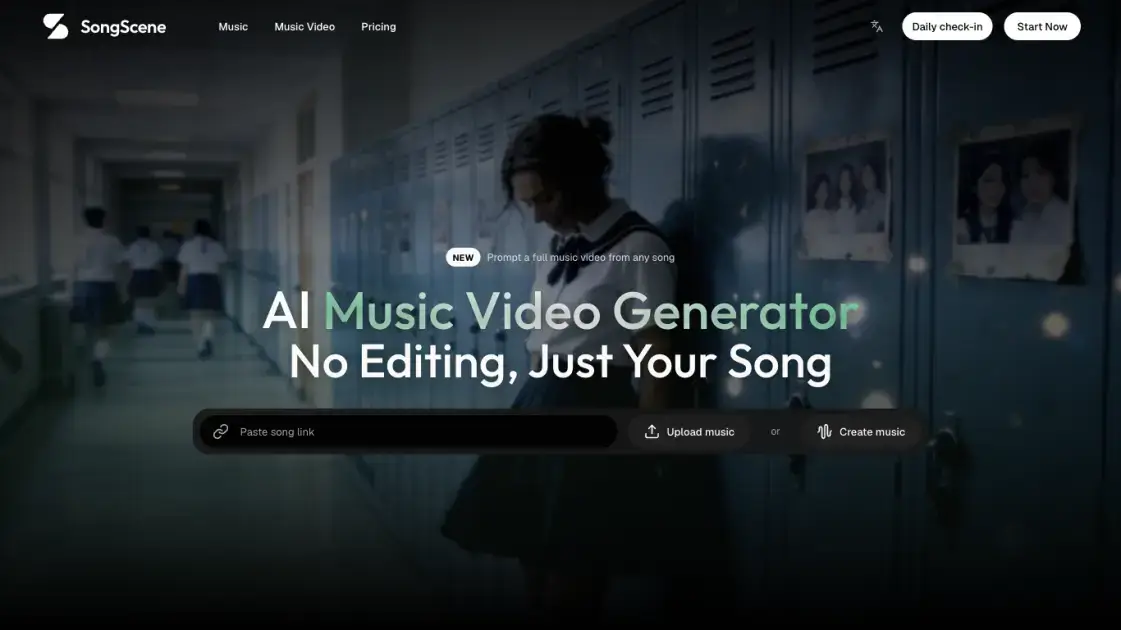
What is SongScene
SongScene is a web-based AI music video generator that turns a finished track into a post-ready video without a timeline. You can bring a song from Suno, Udio, YouTube, Spotify, SoundCloud, or TikTok by pasting a link, upload an MP3 or WAV, or write a new song in the same workspace with Suno, MiniMax, or Mureka. After the track loads, SongScene matches the visuals to the genre, syncs every cut to the beat, and writes lyric captions from the audio in more than 15 languages. The finished clip renders in a few minutes and exports at 9:16, 16:9, or 1:1 in HD. A free account starts with 50 credits and earns 10 more each day, and paid plans add watermark-free 1080p exports and commercial use rights, while 4K export is planned for paid plans.
How does SongScene work
SongScene runs a server-side pipeline instead of handing you a timeline. It loads the audio, from your file, a platform link, or a song generated in the workspace, and validates the track, prompt, and export settings. The track is then analyzed, mapping BPM and drops, so cuts and scene swaps land on the beat and the visuals match the genre. Storyboard planning combines your scene brief, up to seven reference images, and caption settings; models such as MiniMax H3 or Seedance 2.5 generate the clips, and captions are written from the audio with ASR or imported from an SRT file. Rendering runs in the background, the finished video lands in your library, and you can open the project in Canvas to adjust individual shots.
Benefits of SongScene
SongScene's edge is the removal of the editing step: the track does the pacing, and cuts, transitions, and scene swaps land on the beat, so a post-ready clip arrives in minutes instead of a project to finish. One song becomes a vertical short, a wide MV, and a square loop, and captions keep short clips watchable with the sound off. The free tier adds 10 credits daily, paid tiers carry commercial use rights, uploaded audio is not used to train models, and asset storage has no capacity limit. Trade-offs: 4K export is planned rather than live, unused credits are not guaranteed to roll over, and plan changes go through support.
Pros and Cons of SongScene
Pros
- Cuts and scene swaps sync to the beat
- Automatic lyric captions in 15+ languages
- Free account earns 10 video credits daily
- Commercial use rights on paid plans
- Uploaded audio is not used for model training
Cons
- 4K export is planned, not available
- Free preview exports are watermarked 540p
- Unused credits are not guaranteed to roll over
- Plan changes require contacting support
- HD quality tops out at 1080p
Core Features of SongScene
No-edit, beat-synced pipeline
SongScene places every cut, transition, and scene swap for you, with no timeline or keyframes. The audio drives the pacing, so the video moves with the music instead of random motion behind it.
Seven video styles with genre presets
Lyric videos, beat visualizers, performance MVs, abstract loops, storytelling MVs, dance videos, and viral shorts. Presets cover hip-hop, lo-fi, EDM, R&B, and trap, and a custom prompt takes the look anywhere.
Auto lyric captions
Captions are written from the audio with ASR in 15+ languages and timed to each vocal line, or an SRT link replaces them when the lyric timing is already set.
Multi-ratio export
One track exports as 9:16, 16:9, or 1:1. HD is available now, 4K is planned for paid plans, and re-renders from history keep earlier settings when you want new ones.
Built-in AI music generation
Write a prompt or paste your own lyrics, pick Suno, MiniMax, or Mureka, and generate a vocal or instrumental song in one to three minutes inside the same workspace.
Reference images and Canvas editing
Up to seven reference images steer the look toward your cover art or stage styling. After rendering, the project opens in Canvas where individual shots can be adjusted before export.
Use Cases of SongScene
- Independent artists releasing a single: turn the finished track into a 9:16 vertical for Reels, TikTok, and Shorts, plus a wide 16:9 cut, without re-briefing.
- Short-form creators chasing the hook: vertical clip with burned-in captions built around the chorus, so viewers follow the song with the sound off.
- Lo-fi and faceless YouTube channels: batch lyric videos and beat visualizers; several tracks become on-beat 9:16 clips in a single evening.
- VJs and live performers: abstract loops that pulse with the beat, rendered for a set, a livestream, or a Canvas-style placement.
- Suno and Udio users: paste a share link and the audio is pulled in directly, skipping the file-download step before video generation.
FAQs of SongScene
What is SongScene and who is it for?
SongScene is an AI music video generator built for musicians, producers, and short-form creators. It takes a finished track and returns a post-ready video with beat-synced cuts and timed lyric captions, so no editing experience is required.
How do I turn a Suno or Udio song into a music video?
Copy the share link from your Suno or Udio track and paste it into SongScene; the audio is pulled automatically, without downloading the file first. YouTube, Spotify, SoundCloud, and TikTok links work the same way, and MP3 or WAV uploads are also supported.
How is SongScene different from a general text-to-video tool?
A general tool like invideo treats music as one ingredient next to scripts, and editors like CapCut hand you a timeline to cut by hand. SongScene reads the BPM and the drop, places the cuts itself, and every scene swap follows the actual track.
What aspect ratios and resolutions are supported?
Exports cover 9:16, 16:9, and 1:1 in HD, so one song becomes a vertical short, a wide MV, and a square loop. 4K is planned for paid plans but is not live yet, and you can re-render with new settings from your history.
Can I use the generated videos commercially?
Paid subscribers can use generated videos in commercial releases, monetized posts, and client projects. You keep the rights to the music you upload or link, SongScene does not claim them, and your uploaded audio is not used to train models.
Is there a free version, and what does it include?
Yes. A free account starts with 50 video credits and adds 10 free credits every day, and asset storage has no capacity limit. The one free preview export is watermarked and capped at 15 seconds at 540p.
How many credits does one music video take?
Usage depends on the model, length, and resolution. MiniMax H3 at 720p is the best-value option at 100 credits for a 10-second clip, and the credit estimate is shown before you generate. Failed generations return the credits you used.
How to use SongScene
- Create a free account: it starts with 50 video credits and adds 10 free credits daily, and asset storage has no capacity limit on any plan.
- Add your song: generate one with Suno, MiniMax, or Mureka, upload an MP3 or WAV file, or paste a link from Suno, Udio, YouTube, Spotify, SoundCloud, or TikTok.
- Pick the style and ratio: choose one of seven video types or write a custom prompt, then set 9:16, 16:9, or 1:1 and the resolution.
- Generate and export: generation runs in the background with cuts synced to the beat and captions burned in; download the finished clip from your library or re-render it with new settings.
SongScene Website Traffic Analysis
Latest traffic information
- Monthly Visits1.65K
- Bounce Rate--%
- Pages Per Visit10.43
- Visit Duration00:04:52
- Global Rank4.04M
- Country/Region Ranking53.32K
Top Keywords
| Keyword | Traffic | Volume | Cost Per Click |
|---|---|---|---|
| song scene ai | 130 | 140 | -- |
| songscene | 40 | -- | -- |
| ai music video generator | 30 | 7.02K | $3.99 |
| ai music generator | 20 | 111.22K | $0.87 |
| google flow music | -- | 113.47K | $0.4 |
SongScene Alternatives

Turns two separate portraits into a 15-second vertical rap duet video on an orange stage with a shared microphone and the original soundtrack. Free 480P preview available.
Mareel is an all-in-one AI video and image generation workspace giving creators, marketers, and ecommerce teams 40+ leading models and one shared credit balance.
Kinovi is a REST API that runs published video, image, and audio AI models from one endpoint. Send a model ID to createTask, poll recordInfo, and pay per use from one shared credit balance.
An AI cartoon video generator that turns a script or prompt into an animated video with the same character in every scene, AI voiceover and soundtrack, and commercial rights included.
Gemini Omni is an online AI video generator and editor that turns a text prompt or reference image into a video, then refines each shot through conversational edits while keeping characters and the scene consistent.
Kling 4.0 turns text, images, and up to 15 Omni Reference assets into cinematic AI video, with 30-second multi-shot scenes, 10 keyframes, and 4K HDR.
Gemini Omni is a chat-based multimodal AI video generator and editor. It combines text, images, video, and audio to create cinematic clips with native audio.
Kling 4.0 turns text prompts and reference images into cinematic AI video, with native audio, flexible model options and a credit-based HTTP API for developers.
MixVio runs 21 video, image and audio models in one browser workspace, plus 11 creator tools, with exact credit cost shown before every generation.
PodcastorAI turns PDFs, URLs, notes, and audio into studio-quality video podcasts with AI hosts, voices, and scripts for YouTube, Spotify, and TikTok.
Create AI videos from text, images, or references with native sound. Reeldo AI brings Seedance, Kling, Veo, and MiniMax H3 into one studio.
FramePack AI generates long-form videos from text or images with fixed context length, solving the forgetting-drifting dilemma for creators and researchers.