
Reeldo AI: Text, Image & Reference to Video Generator

What is Reeldo AI
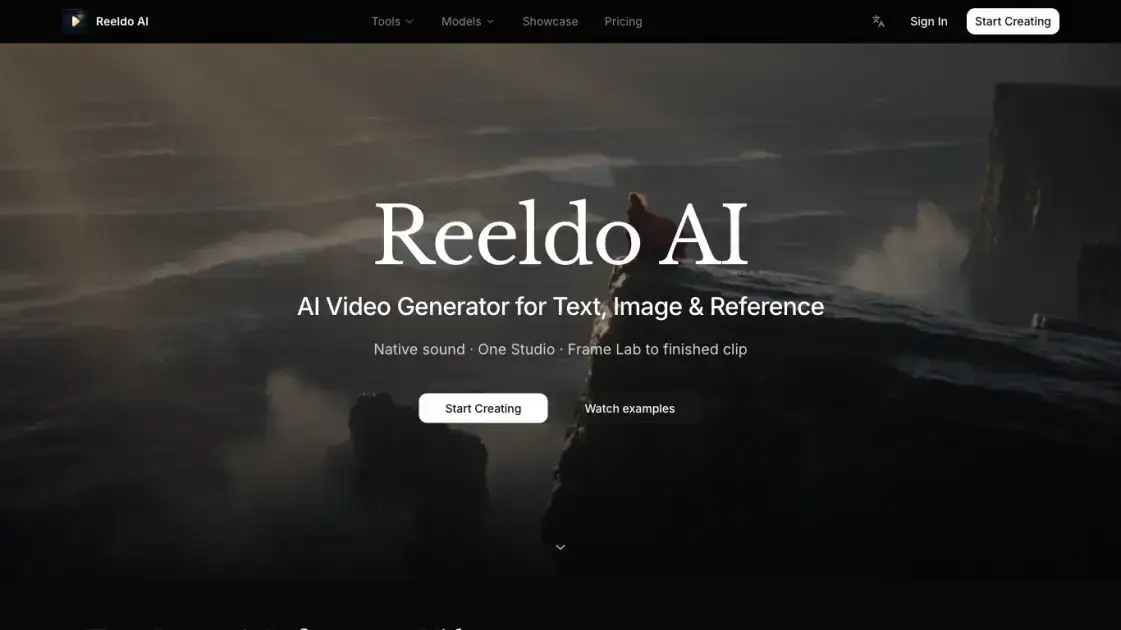
Reeldo AI is a browser-based video creation platform that turns text, images, and reference clips into finished videos with native sound. It aggregates several leading video models, including Seedance 2, Kling 3.0, Veo 3.1, Gemini Omni, and MiniMax H3, so users can switch engines without leaving the workspace. The platform combines a Frame Lab for still image preparation with a Video Studio for generation, supporting output up to 4K and character continuity across shots.
How does Reeldo AI work
Reeldo AI follows a four-stage workflow that moves from idea to finished clip. First, users describe their vision in a prompt, covering scene, character, camera movement, and audio mood. Second, they prepare stills in Frame Lab, where images can be generated, edited, upscaled, or storyboarded to serve as start frames and references. Third, they generate in the Video Studio by choosing an engine and setting duration and aspect ratio, with credit costs shown before generation starts. Finally, they preview beside the editor, export the clip, and iterate until the result is ready.
Benefits of Reeldo AI
Reeldo AI reduces the time between an idea and a finished clip by handling text-to-video, image-to-video, and reference-to-video in a single workspace. The built-in native sound removes the separate audio production task, while aggregated models such as Seedance, Kling, Veo, and MiniMax H3 give creators options without account hopping. Character continuity and up to 4K output support longer, more polished productions. The credit-based system shows costs before generation and offers both subscriptions and one-time packs, which suits occasional and frequent users. Watermark-free export on paid plans is another practical benefit.
Pros and Cons of Reeldo AI
Pros
- Native sound generated with the video
- Multiple top video models in one studio
- Reference-to-video with character continuity
- Up to 4K output resolution
- No watermark on paid plans
Cons
- Credit cost varies by model and resolution
- API access limited to early access users
- No free plan, subscription required for full features
Core Features of Reeldo AI
Multi-Model Engine Access
Reeldo AI pools Seedance 2, Kling 3.0, Veo 3.1, Gemini Omni, MiniMax H3, and Runway models in one studio, letting users compare outputs without switching platforms.
Native Sound Generation
Videos are created with built-in audio, including dialogue, ambience, and effects, so scenes feel complete without a separate sound production step.
Reference to Video
Image, video, and audio references drive the generation, supporting character continuity and cinematic motion for consistent multi-shot sequences.
Frame Lab
Still images can be generated, edited, upscaled, or storyboarded before video creation, giving creators precise control over start frames and references.
High-Resolution Output
Generation supports up to 4K resolution with configurable aspect ratios and durations, including 1080p fast draft options for cheaper iterations.
Flexible Pricing
A credit system with subscription plans and one-time top-up packs lets users pay per output second, with credits displayed before each generation.
Use Cases of Reeldo AI
- Social media creators: generate vertical and horizontal clips with built-in sound for fast posting.
- Brand and marketing teams: produce product hero videos and brand stories with consistent characters.
- Filmmakers and videographers: prepare storyboard stills and reference clips, then generate cinematic shots up to 4K.
- E-commerce sellers: turn product images into lifestyle videos for listings and ads.
- Content agencies: test multiple video models in one studio to match client style and budget.
FAQs of Reeldo AI
What is Reeldo AI?
Reeldo AI is a video generation platform that creates videos from text, images, or reference clips. It combines several leading AI video models in one studio, including Seedance 2, Kling 3.0, Veo 3.1, Gemini Omni, and MiniMax H3, and generates native sound along with the visuals.
Are you the official Seedance, Kling, or Veo website?
No. Reeldo AI is an independent service that gives access to these models through one unified interface. Users can switch between engines and compare outputs in a single workspace instead of maintaining separate accounts.
What can I create today?
You can create short cinematic clips, product videos, character-driven stories, and social media content. Input options include text prompts, images, video references, and audio references, with up to 4K resolution and native sound support.
Which models can I use?
The platform offers Seedance 2 (including a faster draft mode), Kling 3.0, Veo 3.1, Gemini Omni, MiniMax H3, and Runway models such as Gen-4 Turbo and Aleph for video-to-video work. Available models may change as new releases appear.
How do credits work?
Credits are consumed per second of output video. Reference video input adds to the billable duration, for example a 3-second reference plus a 5-second output equals 8 billable seconds. Subscriptions include monthly credits, and one-time packs top up accounts.
Can I use outputs commercially?
Commercial use is included in the Standard plan and above. The Basic plan is limited to lower resolutions, while paid plans also remove watermarks and provide priority queue positions for faster generation.
How long does generation take?
Generation time varies by model, resolution, and queue position. Paid subscribers receive priority queue access, and the Pro and Max plans get the fastest queue for quicker results on longer and higher-resolution videos.
How to use Reeldo AI
- Open the Reeldo AI website and create an account. Users can access the studio from the main page without installing any software.
- Write a prompt describing the scene, character, camera, and audio mood Rica, or upload an image or reference clip when a visual starting point is available.
- Pick a video model such as Seedance 2, Kling 3.0, or Veo 3.1, then set resolution, duration, and aspect ratio.
- Check the credit cost shown before generation, then start creating the video with native sound included.
- Preview the result beside the editor, download the finished clip, and refine the prompt or settings to iterate until satisfied.
Reeldo AI Alternatives
MixVio runs 21 video, image and audio models in one browser workspace, plus 11 creator tools, with exact credit cost shown before every generation.
PodcastorAI turns PDFs, URLs, notes, and audio into studio-quality video podcasts with AI hosts, voices, and scripts for YouTube, Spotify, and TikTok.
FramePack AI generates long-form videos from text or images with fixed context length, solving the forgetting-drifting dilemma for creators and researchers.
Generate and edit AI images with Nano Banana Pro. Blend up to 14 images, render crisp text, and create 4K visuals online with studio controls.
Pi is an AI presentation generator that turns ideas into polished slides. One-click generation, smart layouts and templates make decks fast and easy.
Turn prompts, images, product links, and scripts into ready-to-publish AI videos with Seedance 2.5, Kling, and more. No filming or editing required.
Convert PPT to MP4 video online with AI. Upload slides, set duration, resolution and sound, then generate a polished cinematic video with narration and music.

Browse curated AI image and video prompts with real results and creator attribution, copy-ready for GPT Image, Nano Banana, Midjourney, and more.
Veo3 AI Video Generator, powered by Google DeepMind's Veo 3, creates 8-second videos with native audio, text-to-video, and cinematic quality output.
SJolt is an AI model API platform aggregating top image, video, and audio generation models behind one unified request flow for developers and teams.
Speedpaint turns photos, logos, and illustrations into hand-drawn sketch videos with AI. Trace line art and export watermark-free 1080p whiteboard animations.
AI video production for courses and training. Create editable, reviewable videos from a topic or source material—one video or a chapter-based series.