
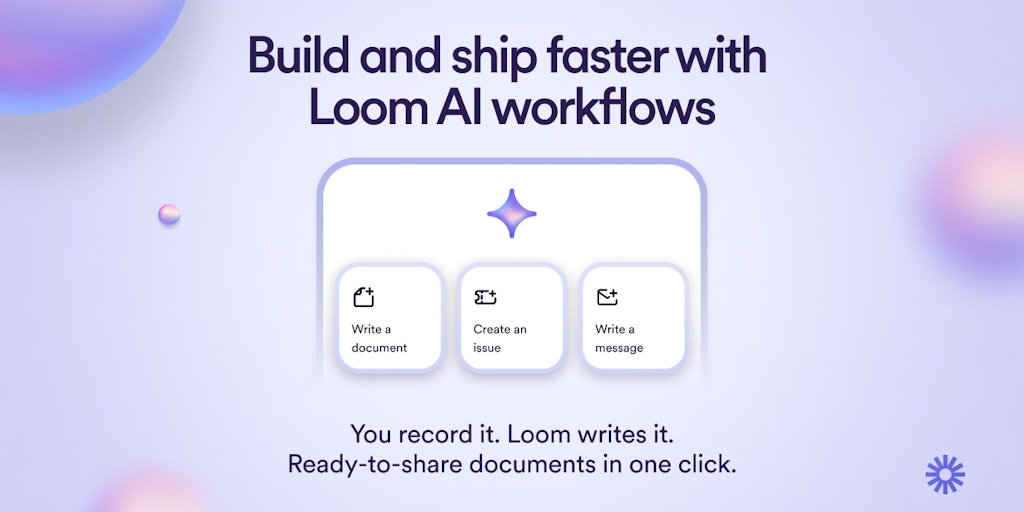
Loom AI Workflows - Turn any loom video into share-ready docs in a click
| Added on: | May 5, 2024 |
| Monthly Visits: | 16.02M |
| Social & Email: | -- |

What is Loom
Loom is a free screen recorder available on both Mac and PC. It's been embraced by over 21 million users as a go-to tool for creating and sharing video content. Loom distinguishes itself with its advanced video editing features and secure video storage capabilities. Loom empowers its users to communicate more effectively by simplifying the process of recording and sharing screencasts. It's ideal for creating quick tutorials, demos, or even just a simple message to your colleagues. The platform offers a user-friendly interface that makes capturing and sharing videos a breeze. What sets Loom apart is its ability to integrate seamlessly with popular platforms like Slack and Gmail, enabling you to share your video recordings directly from your workflow.
Core Features of Loom
Free screen recording
Loom is a free screen recorder for Mac and PC.
Easy sharing
Users can easily share their screen recordings with others.
Advanced video editing
Loom offers advanced video editing features, including the ability to trim, add annotations, and more.
Video storage
Loom provides video storage for users.
Trusted by over 21 million people
Loom is a popular screen recording tool trusted by over 21 million people.
FAQs of Loom
What is Loom?
Loom is a free screen recording tool that lets you record your screen and webcam simultaneously. It's great for creating quick tutorials, demos, and presentations. You can easily share your recordings with others via a link, and they can watch them on any device.
How do I use Loom?
To use Loom, you first need to create a free account. Once you've signed up, you can start recording. Loom has a simple and intuitive interface, making it easy to use. You can record your entire screen, a specific window, or just your webcam. You can also add annotations to your recordings to highlight important points.
What makes Loom different from other screen recording tools?
Loom is different from other screen recording tools because it offers a variety of features that are useful for both individuals and teams. For example, Loom allows you to record and share videos in high quality, and it also provides a way to easily track who has watched your videos.
What are the benefits of using Loom?
There are many benefits to using Loom, including:
- Easy to use: Loom is very easy to use, even for people who are not familiar with screen recording tools.
- High-quality recordings: Loom produces high-quality recordings that are clear and easy to watch.
- Easy sharing: Loom makes it easy to share your recordings with others, via a link.
- Collaboration features: Loom offers a variety of collaboration features, such as the ability to comment on recordings and leave feedback.
Is Loom free?
Yes, Loom offers a free plan that includes unlimited recording and storage. There are also paid plans that offer additional features, such as the ability to create private recordings and access advanced analytics.
Who can benefit from using Loom?
Loom can be beneficial for anyone who needs to create and share videos, including:
- Teachers: Loom can be used to create quick tutorials and demos for students.
- Salespeople: Loom can be used to create product demos and presentations for potential customers.
- Project managers: Loom can be used to give team updates and share progress reports.
- Customer support representatives: Loom can be used to create video responses to customer inquiries.
What is the best way to learn more about Loom?
The best way to learn more about Loom is to visit the Loom website and try it out for yourself. You can also watch some of the Loom tutorials on YouTube to learn more about how to use the tool.
Loom Website Traffic Analysis
Latest traffic information
- Monthly Visits16.02M
- Bounce Rate50.64%
- Pages Per Visit3.09
- Visit Duration00:04:16
- Global Rank3.71K
- Country/Region Ranking2K
Top Keywords
| Keyword | Traffic | Volume | Cost Per Click |
|---|---|---|---|
| loom | 567.76K | 886.48K | $1.57 |
| loom video | 58.41K | 92.68K | $1.58 |
| loom login | 16.22K | 16.83K | $4.09 |
| loom download | 12.56K | 15.12K | $1.37 |
| loom pricing | 8.81K | 10.31K | $1.75 |
Top Regions
| Region | Percentage |
|---|---|
| United States | 43.19% |
| United Kingdom | 5.65% |
| Australia | 4.61% |
| Philippines | 4.45% |
| Canada | 3.63% |
Loom Alternatives
Scribix is an AI video clipper that cuts podcasts and interviews into captioned vertical shorts, then publishes them to YouTube, TikTok and LinkedIn.
Katto turns long videos and podcasts into scored, captioned 9:16 clips. It ranks clips by viral potential and exports them to 7 platforms from one place.
Gemini Omni is an online AI video generator and editor that turns a text prompt or reference image into a video, then refines each shot through conversational edits while keeping characters and the scene consistent.
Remove image backgrounds, video watermarks, burned-in subtitles and video backgrounds with Rmark AI. Upload a file, preview, then download a clean copy.

AI video production for courses and training. Create editable, reviewable videos from a topic or source material—one video or a chapter-based series.
Video Editor AI automatically turns long videos into viral shorts with AI highlight detection, smart captions, and auto reframe. Free, no sign-up required.
VidBG Remover uses AI to remove video backgrounds and export transparent footage with an alpha channel. Supports MP4, MOV, WebM with stable edges.
Medeo creates professional AI videos via chat. Supports text, image, and URL inputs with AI editing and character consistency for ads, explainers, and shorts.
Remove hardcoded subtitles from short videos with NanoPhoto.AI. Upload MP4, MOV, or WebM, let AI clean burned-in text, and download a clean subtitle-free MP4.
Face AI, a free AI video face swap tool, enables users to replace one or multiple faces in videos up to 15 seconds, delivering 4K, watermark‑free results.
Omni Flash is an AI video editor for creators that enables natural‑language edits, using image, audio or sketch references to swap characters, transfer style or motion, while preserving scene coherence and physics across multi‑turn refinements.
Copy Video AI extracts scene, camera, motion, audio and style details from YouTube links or MP4 uploads, generating a reusable structured prompt for creators, marketers and editors.