
Invideo AI FAQs
Invideo AI provides video, image, and audio generation through 200+ AI models with free credits and a unified workspace for content creators.

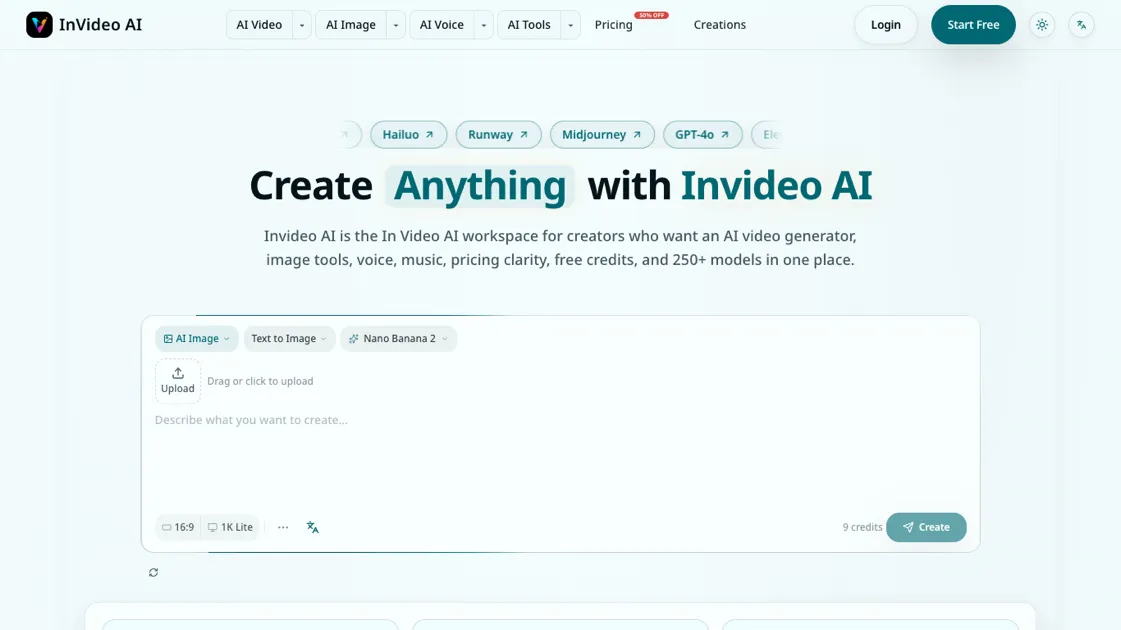
FAQs of Invideo AI
What is Invideo AI?
Invideo AI is a multimodel creative workspace that combines AI video generation, image creation, voice synthesis, and music production. It provides access to over 250 AI models through a single browser-based interface on invideoai.ai.
Is Invideo AI free to use?
Invideo AI offers a free plan with 300 credits and 5 daily login bonuses, requiring no credit card. Users can generate images and videos without paying, though premium models and higher volumes require a subscription or credit pack purchase.
How do I use Invideo AI to create an AI video?
Enter a text prompt into the home generator, select a video model such as Sora 2, Kling, or Seedance, and generate. The platform renders the video and displays it in the workspace for review, editing, or export.
What is the best AI video generator for creators?
Invideo AI lets creators compare outputs from multiple video models, including Sora 2, Veo3, Seedance, and Runway Extend. The best model depends on the specific use case, quality requirements, and available credits, which the comparison interface helps evaluate.
Can I turn images into videos with Invideo AI?
Yes, Invideo AI supports image-to-video conversion. A generated or uploaded image can be expanded into a video sequence using the platform's video models, with the option to add voice, music, or captions afterward.
How much does Invideo AI cost?
The free plan costs $0 with 300 credits. The subscription plan is $15 per month or $13 per month billed yearly at $156 per year. Credit packs are available at $20 for 100 credits, with credits that never expire.
Does Invideo AI also create AI images, voice, and music?
Yes, the platform supports AI image generation through models like Midjourney and Flux, voice synthesis including cloning and text-to-speech, and music generation. All these tools are accessible within the same workspace as the video generator.
How to use Invideo AI
- Visit invideoai.ai and create a free account to receive 300 credits and 5 daily login bonuses.
- Use the home generator to enter a text prompt describing the video, image, or audio content you want to create.
- Select an AI model from the comparison interface based on your quality, speed, and budget requirements.
- Review the generated output and compare it against results from other models before committing additional credits.
- Move successful outputs into the editing or video tools to add voice, music, captions, or upscaling as needed.
- Check the pricing page to estimate credit costs before running large batches or premium model generations.
- Upgrade to a subscription or purchase credit packs once your production workflow is established and predictable.
