
ImagePixelArt Core Features
This professional online tool converts images to pixel art with multiple styles, including Game Boy and Minecraft, ensuring privacy with local browser processing.

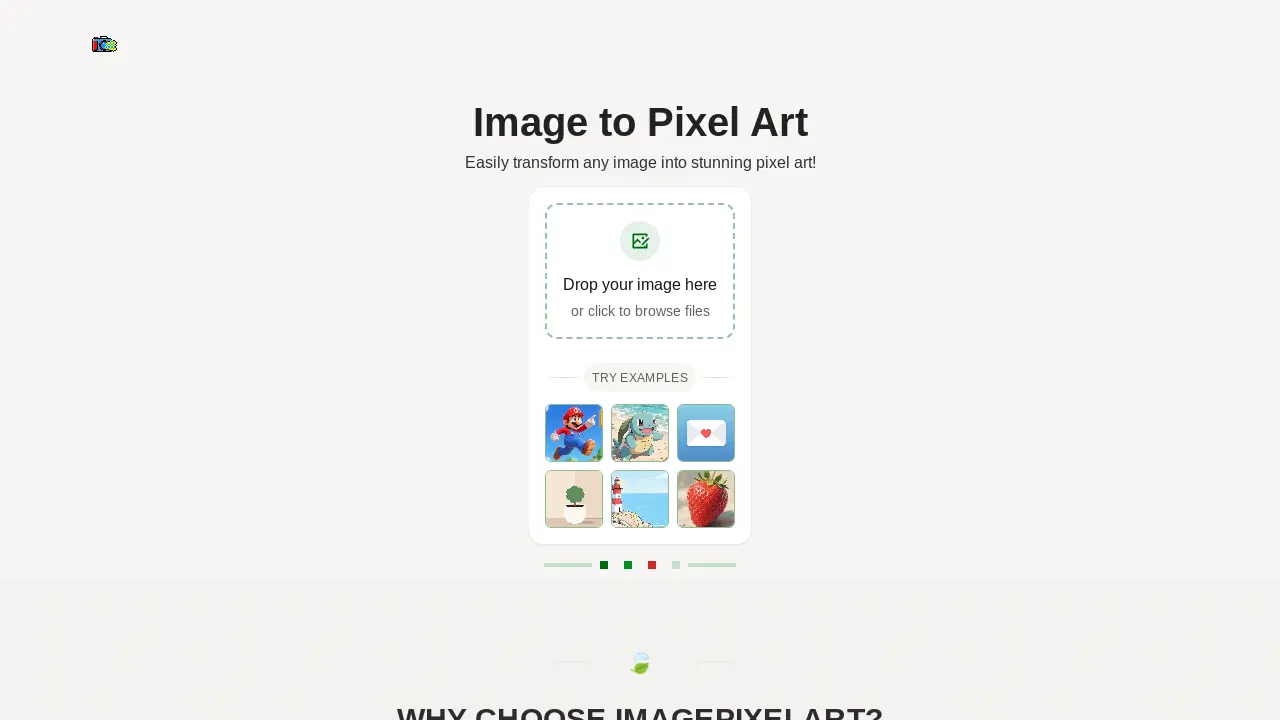
Core Features of ImagePixelArt
Image to Pixel Art Conversion
Transforms various image formats like JPEG and PNG into distinct pixel art, enabling users to create retro-style graphics effortlessly.
Localized Image Processing
Ensures user privacy by processing all images directly within the browser, without any server uploads, thereby protecting sensitive data.
Multiple Pixelation Styles
Offers diverse pixel art styles, including classic, Game Boy, Minecraft, and neon, allowing for varied aesthetic outcomes in image pixelation.
Real-time Customization and Preview
Provides instant visual feedback as users adjust parameters like pixel size, brightness, and contrast, facilitating precise artistic control.
Use Cases of ImagePixelArt
- Graphic Designers: Convert images to pixel art for retro design projects or game asset creation, utilizing various pixel styles.
- Content Creators: Generate unique image pixel art for social media, blogs, or digital content, enhancing visual appeal.
- Artists: Transform personal photos into distinct image pixel art, experimenting with brightness, contrast, and saturation.
- Game Developers: Create 32x32 image pixel art sprites or textures efficiently using the image pixel art generator's features.
- Hobbyists: Convert any image into black and white (noir et blanc) image pixel art for creative personal projects.
