
ImagePixelArt FAQs
This professional online tool converts images to pixel art with multiple styles, including Game Boy and Minecraft, ensuring privacy with local browser processing.

FAQs of ImagePixelArt
Are images uploaded to servers by ImagePixelArt?
No, ImagePixelArt operates with complete local processing. All image transformations occur directly within the user's browser, ensuring that images never leave the device and maintaining user privacy. This approach differentiates ImagePixelArt from cloud-based pixel art converters.
Which image formats does ImagePixelArt support?
ImagePixelArt supports a variety of common image formats, including JPEG, PNG, WEBP, and GIF. For optimal performance when converting an image to pixel art, it is recommended that the image size be under 50MB.
What is the output image quality from ImagePixelArt?
The output from ImagePixelArt is provided in PNG format, which offers lossless pixel effects. This guarantees high-quality results for your pixel art, allowing users to achieve detailed and sharp images. Users can also preview the output before final download.
Are there any usage limitations for ImagePixelArt?
ImagePixelArt offers unlimited usage without any restrictions. There is no account registration required, and the service is completely free to use forever. This makes it a highly accessible image pixel art generator for all users.
What pixel art styles are available on ImagePixelArt?
ImagePixelArt provides multiple pixel styles for users to choose from, including classic pixel, Game Boy, Minecraft, and neon effects. These diverse options allow users to transform any image into stunning pixel art with various retro aesthetics.
How does ImagePixelArt ensure privacy and security?
ImagePixelArt prioritizes user privacy by processing all images locally within the browser. This means that images are never uploaded to external servers, providing complete privacy protection and security for user data.
Can users fine-tune pixelation parameters on ImagePixelArt?
Yes, ImagePixelArt offers professional parameters allowing users to fine-tune aspects such as pixel size, brightness, contrast, and saturation. This enables precise control over the pixel art transformation, catering to specific creative requirements.
How to use ImagePixelArt
- Access the ImagePixelArt website, your dedicated image pixel art converter.
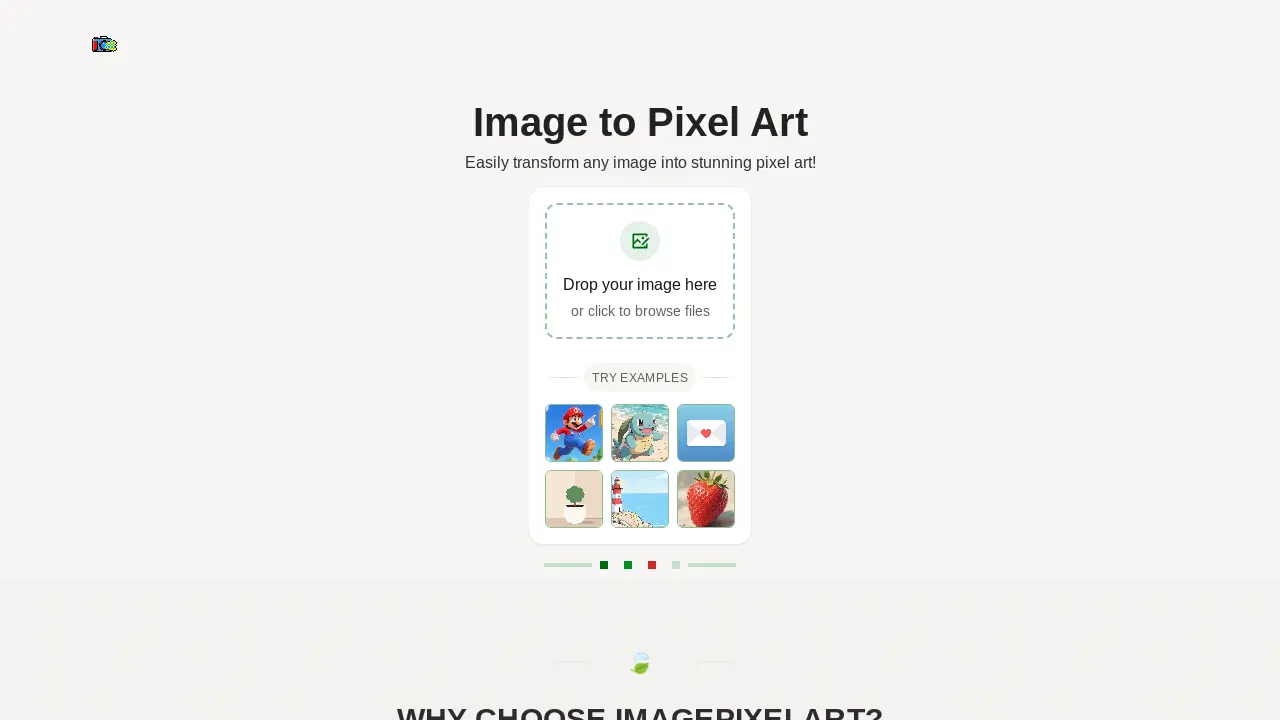
- Drag and drop an image file (JPEG, PNG, WEBP, GIF) onto the designated area or click to browse your local files for upload.
- Select a preferred pixel style from available presets like "classic pixel," "game boy," or "minecraft" to achieve desired retro effects.
- Adjust professional parameters such as pixel size, brightness, contrast, and saturation using the sliders for fine-tuning.
- Observe the real-time preview of your image pixel art as you modify settings, ensuring instant visual feedback.
- Once satisfied with the pixelation, download your high-quality result, which will be provided in PNG format.
