
GPT Image 2 Core Features
GPT Image 2 is an AI image generator and editor for creators and marketers, offering text-to-image and image-to-image tools to produce ads, ecommerce visuals, UI mockups, and posters, then export production-ready assets in one workflow.

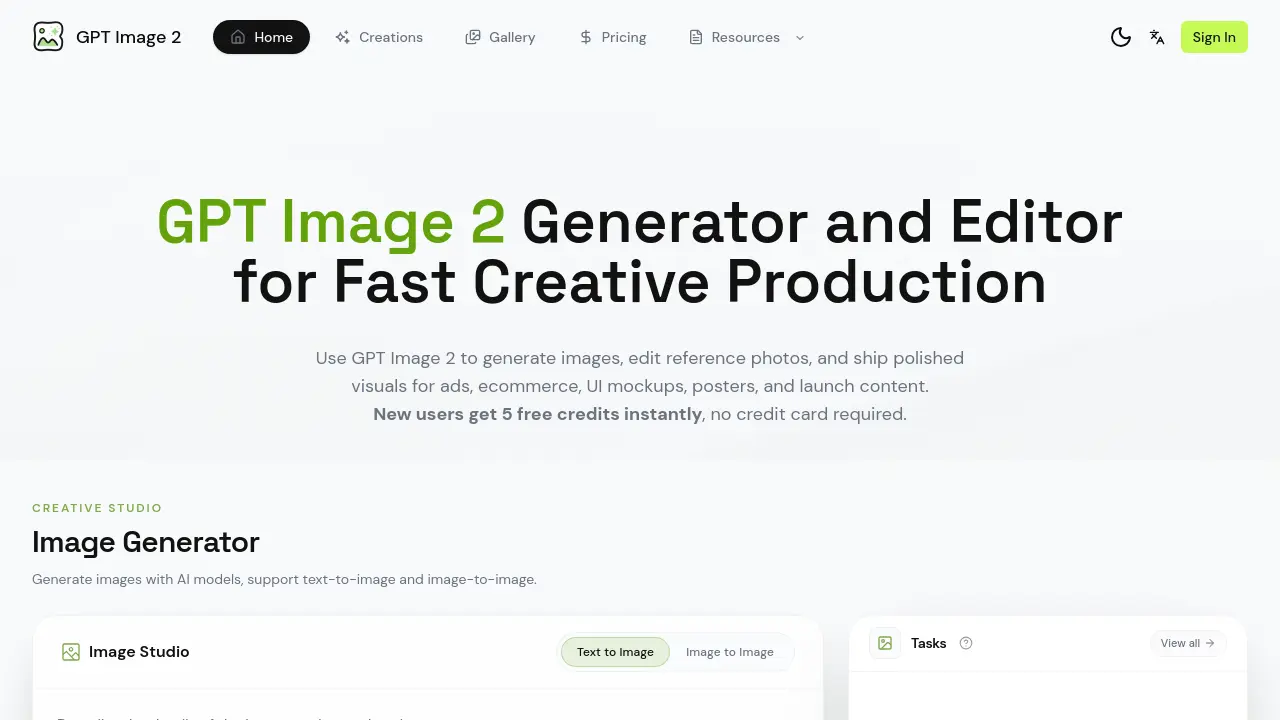
Core Features of GPT Image 2
Image Generation
Generates images using text‑to‑image and image‑to‑image AI models, allowing users to define subject, composition, lighting, aspect ratio, and typography within a single workspace.
Reference Image Editing
Enables uploading existing photos or layouts and modifying style, background, props, or copy space through an AI‑driven editing workflow, preserving original assets.
Text‑Heavy Visual Creation
Produces posters, menus, labels, UI mockups, and screenshots with accurate text rendering and clear typographic hierarchy for marketing and product documentation.
Production‑Ready Export
Outputs high‑resolution, campaign‑grade assets suitable for print, web, and social channels, streamlining the handoff from creative iteration to final delivery.
Batch Exploration & Comparison
Allows rapid generation of multiple style variations, side‑by‑side comparison, and selection of the most effective assets for specific audience or channel needs.
Character & Style Consistency
Locks specific characters, subjects, or artistic directions across successive generations, ensuring visual coherence throughout multi‑image campaigns.
Use Cases of GPT Image 2
- Marketing teams: Generate product ads and ecommerce hero images with AI‑driven composition and lighting.
- UI/UX designers: Create onboarding screens, dashboard mockups, and device screenshots featuring readable interface text.
- Event planners: Produce posters, menus, and launch‑event visuals where typographic hierarchy is critical.
- Brand managers: Maintain character consistency across campaign assets by locking subject and art direction in batch generation.
- Content editors: Refine existing photos through reference‑image editing to adjust background, props, or copy space without starting from scratch.
