
Image to Video AI Core Features
Image to Video AI is an online AI video generator that enables marketers and content creators to animate product photos, portraits or AI art into short clips by adding simple motion prompts, previewing results, and exporting with free credits.

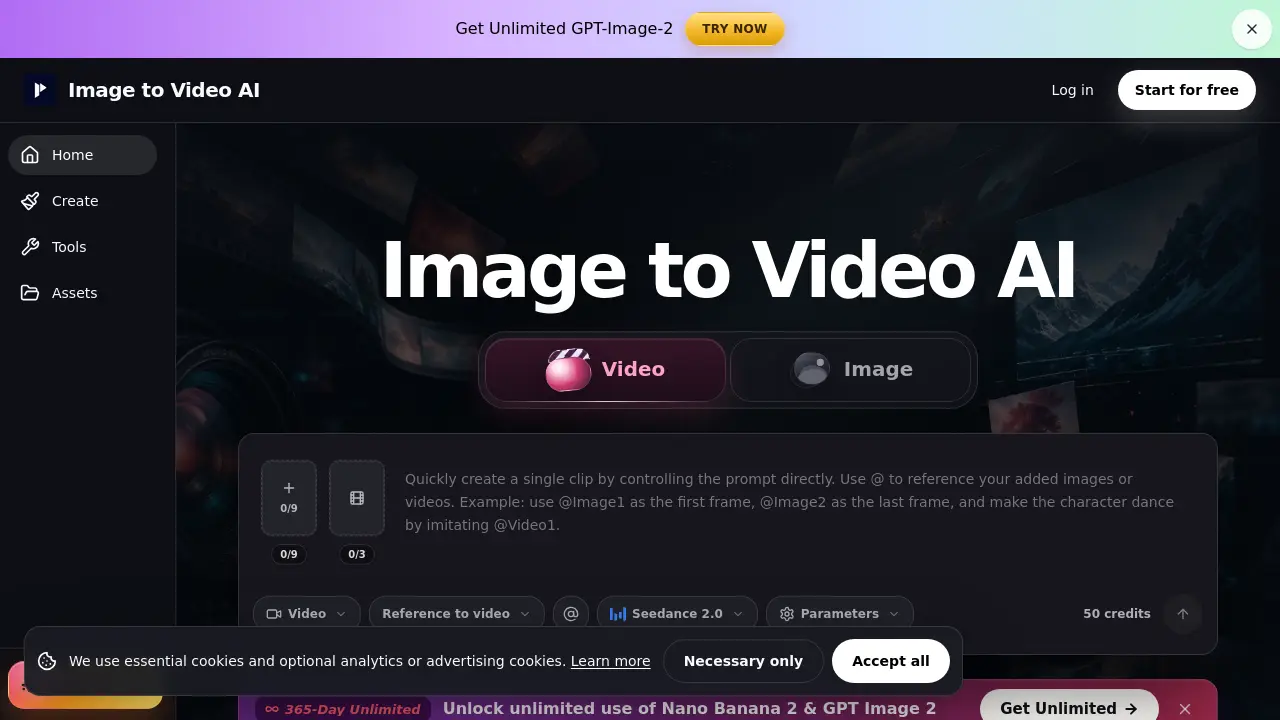
Core Features of Image to Video AI
Text/Image to Video Conversion
Transforms a single uploaded image into a short video clip by applying one motion command and optional style or lighting keywords, enabling rapid product or portrait animations.
Frames‑to‑Video Interpolation
Generates motion between a defined start and end frame, producing smooth transitions for product reveals, before‑and‑after showcases, or packaging movements.
Reference‑Guided Video Generation
Uses uploaded images, videos, or audio as stylistic references to steer AI output, allowing finer control over appearance, character direction, and timing.
Preview, Export, and Credit Management
Provides an in‑app preview before download, displays required credits, handles failed jobs separately, and supports watermark‑free exports for paid plans.
Use Cases of Image to Video AI
- E‑commerce managers: Generate product demo clips from static photos, adding push‑in or rotation for landing pages.
- Social media creators: Turn portrait or AI art images into short Reels or Shorts with subtle motion.
- Marketing teams: Animate posters and thumbnails into 9:16 videos for quick ad testing and campaign previews.
- UI/UX designers: Produce frame‑to‑frame transitions to showcase before‑after UI changes in prototype demos.
- Content strategists: Create draft video hooks from single images, enabling rapid A/B testing before final editing.