
Image to Video AI
Free Image to Video AI creates videos from photos instantly

What is Image to Video AI
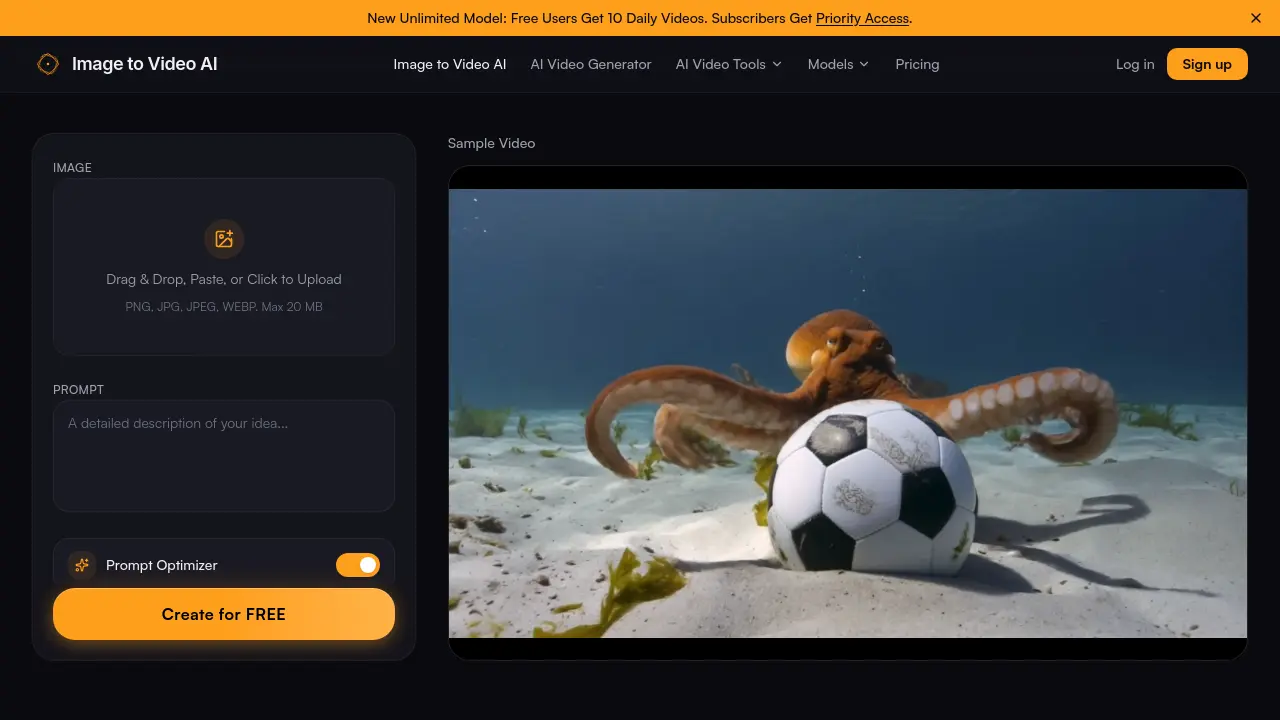
Image to Video AI is a web‑based generator that converts a single uploaded photo into a short HD video using an AI‑driven motion engine. Users drag‑and‑drop PNG, JPG or WEBP files (up to 20 MB), add a natural‑language prompt describing the desired movement, and receive a 4‑ to 6‑second clip in seconds. The platform supports multiple motion styles—cinematic pans, physics‑based simulations, and stylized animations—while maintaining up to 1080p resolution without watermarks on the free tier. A priority‑access subscription removes the watermark, lifts daily limits, and provides faster processing for batch projects. Designed for content creators, marketers, educators and hobbyists, the tool streamlines the workflow from static image to shareable video for social media, product demos, and storytelling.
How does Image to Video AI work
The Image to Video AI platform processes a user‑uploaded raster file (PNG, JPG, or WEBP, up to 20 MB) through a diffusion‑based video model that combines visual data with a textual prompt. After the image is parsed, the prompt‑optimizer extracts motion directives, which the engine translates into frame‑by‑frame transformations such as zoom, pan, or fluid simulations. The resulting sequence is rendered at up to 1080p, encoded as an HD video without watermarks, and delivered for download within seconds. Free accounts receive ten daily generations, while subscribers obtain priority access to higher‑capacity models.
Benefits of Image to Video AI
Image to Video AI lets users convert JPG, PNG, or WEBP files into cinematic‑quality video clips in seconds. By combining an uploaded image with a text prompt, the engine generates smooth, context‑aware motion such as slow zooms, wind effects, or water ripples, producing HD output up to 1080p without watermarks on the free tier. The drag‑and‑drop interface requires no editing skills, and the optimized pipeline delivers results in a few seconds, supporting rapid batch production for social media, marketing, or educational content. Free users receive ten daily videos, while subscribers gain priority access and higher‑resolution options.
Pros and Cons of Image to Video AI
Pros
- Free tier offers 10 videos daily.
- No watermarks on paid outputs.
- Generates HD (up to 1080p) video.
- Supports JPEG, PNG, WEBP up to 20 MB.
- Quick processing – seconds per clip.
Cons
- Free version includes a small watermark.
- Limited to 4–6 second video duration.
- Advanced motion styles require subscription.
- No native mobile app disclosed.
- Customer support details are sparse.
Core Features of Image to Video AI
Image Upload & Formatting
Accepts JPG, PNG, or WEBP files up to 20 MB, providing an intuitive drag‑and‑drop interface that automatically crops and frames images to the desired aspect ratio.
Prompt‑Driven Motion Control
Combines the uploaded image with a user‑written text prompt, allowing precise specification of camera moves, environmental effects, and animation styles for contextual video creation.
High‑Resolution HD Output (No Watermark)
Generates videos up to 1080p resolution without embedded logos, delivering crisp, professional‑grade clips suitable for YouTube, TikTok, Instagram, or website embedding.
Lightning‑Fast AI Processing
Processes image‑to‑video conversions in seconds, enabling rapid batch generation for marketers and creators who need high‑volume content with minimal waiting time.
Versatile Motion Style Library
Offers a wide range of AI‑powered motion presets—from cinematic pans and realistic physics simulations to stylized animations—giving users creative flexibility across social, marketing, and storytelling projects.
Use Cases of Image to Video AI
- Content creators: Generate short, HD clips from photos for TikTok or Instagram using AI motion prompts.
- Real estate agents: Transform property listing images into cinematic walkthrough videos to increase viewer engagement.
- E‑commerce managers: Animate product photos into dynamic video ads, boosting conversion rates without editing software.
- Educators: Convert textbook illustrations into animated explanations for online courses, enhancing student comprehension.
- Marketing teams: Produce batch video ads from static campaign assets quickly, meeting tight content calendars.
FAQs of Image to Video AI
Is there an image to video AI free option?
Yes, Image to Video AI offers a free tier that allows users to generate up to 10 videos per day without any credit‑card requirement. The free plan includes HD output, no watermarks on the preview, and access to the core motion styles, making it suitable for students and hobbyists who need quick video prototypes.
What is the best image to video AI tool?
Image to Video AI is positioned as one of the leading image‑to‑video generators because it combines a user‑friendly drag‑and‑drop interface, customizable text prompts, and fast AI processing that delivers cinema‑quality clips in seconds. Its ability to handle PNG, JPG, and WEBP formats up to 20 MB and output up to 1080p resolution without hidden fees distinguishes it from many competing services.
Do you integrate Veo 3 model or other AI engines?
The platform supports multiple AI back‑ends, including the Veo 3 model alongside its own proprietary motion‑style engine. By integrating these models, Image to Video AI can provide a variety of motion effects—ranging from realistic physics simulations to stylized animations—ensuring that creators have flexible options for different project requirements.
How to create video with images?
Users start by uploading a photo (JPG, PNG, or WEBP) via drag‑and‑drop or file‑select, then enter a descriptive text prompt that defines the desired motion (e.g., “slow zoom in” or “wind blowing through trees”). After clicking Generate, the AI engine synthesizes a short video (typically 4–6 seconds) which can be previewed, edited, and downloaded directly from the website.
Is there an AI image to video no account option?
Image to Video AI allows visitors to generate videos without registering an account, but the free, no‑account usage is limited to a single video per session and does not retain history. Creating an account unlocks daily credits, priority processing, and the ability to manage previously generated clips in a personal dashboard.
How can I create professional results with free image to video AI?
To achieve professional‑grade results, users should upload high‑resolution images, craft precise prompts that specify camera movements and environmental effects, and select the appropriate duration (4 s or 6 s). Additionally, reviewing the preview, adjusting the prompt for smoother motion, and exporting the final clip at 1080p resolution helps ensure that the video meets quality standards for platforms like YouTube, Instagram, or TikTok.
Can I use Image to Video AI for commercial projects?
Yes, the generated videos can be used in commercial contexts such as marketing ads, product demonstrations, or real‑estate tours, provided that users comply with the platform’s licensing terms. Paid subscription plans remove any residual watermarks and grant broader usage rights, which is advisable for businesses that require unrestricted distribution.
What file formats and size limits are supported?
The service accepts PNG, JPG, JPEG, and WEBP files with a maximum file size of 20 MB per upload. These formats preserve image detail, allowing the AI engine to render realistic motion and maintain high visual fidelity throughout the generated video clip.
How to use Image to Video AI
Image to Video AI converts uploaded photos into short, HD videos by combining visual input with a text prompt, enabling creators to generate motion‑rich content quickly.
Upload a JPG, PNG, or WEBP file (max 20 MB) via drag‑and‑drop or the browse button; the interface crops to the desired aspect ratio automatically.
Enter a concise prompt describing the desired motion—e.g., “slow zoom toward the horizon” or “gentle wind across trees”—to guide the AI video generation engine.
Select the video duration (e.g., 4 seconds or 6 seconds) and click Generate; the AI processes the image and prompt, producing a preview within seconds.
Review the preview, adjust the prompt or duration if the motion is unsatisfactory, then download the final video file in HD resolution without watermarks.
Analyze the output by comparing motion smoothness, framing, and relevance to the prompt; use these observations to refine future prompts for more precise AI video results.
