
Ideogram 4.0 AI – AI image generator with layout control

What is Ideogram 4.0 AI
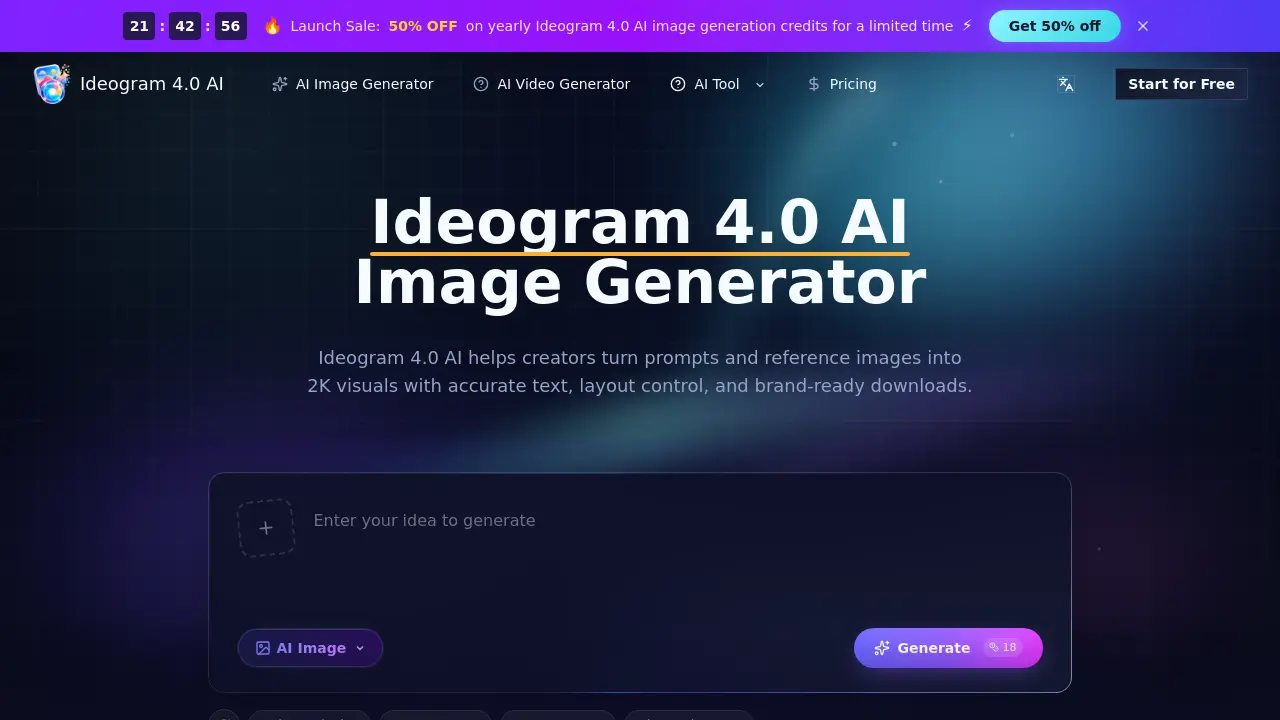
Ideogram 4.0 AI is a browser‑based image generation workspace that converts text prompts and optional reference images into 2K visuals with precise layout control and readable multilingual typography. The platform supports open‑weight text‑to‑image and image‑to‑image workflows, allowing creators to dictate subject placement, color hierarchy, and exact wording for posters, product mockups, social ads, storyboards, and brand assets. Structured prompts guide the 9.3 B‑parameter Ideogram 4.0 model to produce design‑ready drafts that can be iterated, versioned, and downloaded at high resolution without watermarks. Team features include credit management, fast queuing, and collaborative comparison of multiple visual concepts, making the tool suitable for designers, marketers, ecommerce teams, and concept artists seeking rapid, repeatable visual prototypes.
How does Ideogram 4.0 AI work
Ideogram 4.0 AI operates as a browser‑based workspace where users input text prompts, optionally attach reference images, and set parameters such as aspect ratio, resolution, and style direction. The platform routes the request to the 9.3 billion‑parameter Ideogram 4.0 model, which generates a 2K image while interpreting layout instructions and rendering multilingual typography. Generated drafts can be iteratively refined, saved, and downloaded as high‑resolution, brand‑ready assets. Credit consumption is tied to image settings, and the system supports team collaboration through version comparison, priority queues, and fast‑track generation for professional and enterprise plans.
Benefits of Ideogram 4.0 AI
Ideogram 4.0 AI is a browser‑based workspace that converts text prompts and reference images into 2K designs with precise layout control and multilingual typography. It supports structured prompts for subject placement, color hierarchy, and text regions, enabling fast drafts of product visuals, ad concepts, storyboards, and ecommerce listings. The workflow includes reference‑driven styling, high‑resolution downloads, and credit‑based usage, making it suitable for designers, marketers, and development teams seeking repeatable, brand‑ready assets without watermarks. Plans range from hobbyist to enterprise, each offering priority queues, commercial licenses, and expert support.
Pros and Cons of Ideogram 4.0 AI
Pros
- Generates 2K images with precise layout control.
- Supports multilingual, readable text in graphics.
- Allows reference images to guide style and composition.
- Offers tiered credit plans with commercial use license.
- Provides fast iteration for ecommerce and ad concepts.
Cons
- No official affiliation with Ideogram 4.0 model.
- Credits consumed even for moderated outputs.
- Higher‑tier plans required for priority queue and speed.
- Limited information on API or developer integration.
- Browser‑only interface may restrict offline workflows.
Core Features of Ideogram 4.0 AI
Prompt‑to‑Image Generation
Transforms detailed textual prompts, optionally combined with reference images, into 2K visual drafts, enabling rapid concept creation for ads, product pages, and storyboards.
Multilingual Text Rendering
Produces clear, readable typography within images across multiple languages, supporting posters, labels, logos, and social graphics that require accurate on‑image wording.
Layout‑Aware Prompting
Interprets structured layout instructions—subject placement, text blocks, color hierarchy—to maintain consistent composition and visual hierarchy across generated drafts.
Reference Image Workflow
Allows users to upload reference files that guide mood, color, texture, pose, and transparency, ensuring generated assets align with existing brand or design cues.
Team Collaboration & Version Control
Enables multiple users to explore ad concepts, ecommerce graphics, and editorial visuals, compare prompt versions, and share selected outputs for collective approval.
High‑Resolution Export & Download Management
Provides credit‑based access to high‑resolution, watermark‑free downloads, supporting seamless handoff to clients, production pipelines, or further editing tools.
Credit and Queue Management
Tracks usage of generation credits, offers priority queuing for faster rendering on higher‑tier plans, and integrates flexible monthly, yearly, or pay‑as‑you‑go billing.
Use Cases of Ideogram 4.0 AI
- Marketing teams: Generate campaign visuals with precise typography and layout control for rapid A/B testing.
- Ecommerce managers: Produce store‑ready product images, including transparent assets, directly from product briefs.
- Concept artists: Create storyboards and character design frames using reference images to maintain visual consistency.
- UI/UX designers: Draft app mockups and icon sets with multilingual text rendering for early stakeholder reviews.
- Publishers: Design poster and cover drafts featuring readable headlines and balanced composition without external software.
FAQs of Ideogram 4.0 AI
What is Ideogram 4.0 AI?
Ideogram 4.0 AI is a browser‑based workspace that provides access to the Ideogram 4.0 image model. Users create images by entering text prompts, uploading reference files, managing credits, and downloading high‑resolution outputs suitable for design projects.
What can I create with Ideogram 4.0?
Users can generate a wide range of design assets, including posters, product photos, ad concepts, social media graphics, character designs, editorial illustrations, app mockups, and storyboard frames, all rendered at 2K resolution.
Is this the official Ideogram 4.0 AI model site?
No. The site operates as an independent workspace that connects to the Ideogram 4.0 model but does not claim official affiliation with the model’s developers.
What does Ideogram4 or Ideogram 4 mean?
Both “Ideogram4” and “Ideogram 4” are shorthand spellings for Ideogram 4.0. The full name is preferred for clarity, especially in documentation and marketing materials.
How is Ideogram 4.0 AI different from a basic image generator?
Ideogram 4.0 AI emphasizes accurate multilingual text rendering, layout‑aware prompting, structured composition control, and native 2K output, making it more suitable for professional design workflows than generic text‑to‑image tools.
Why is the 9.3B Ideogram 4.0 Model useful for designers?
The 9.3 billion‑parameter model is trained on design‑focused datasets, enabling it to understand typography, object placement, visual hierarchy, and colour schemes, which are critical for high‑quality visual communication.
Can I use references with the Ideogram 4.0 AI Image Generator?
Yes. Users may upload reference images to influence subject identity, style, colour palette, texture, pose, and overall composition, allowing tighter control over the generated result.
Does Ideogram 4.0 support open‑weight workflows?
Ideogram 4.0 supports open‑weight access, meaning the model can be used in flexible, local, or developer‑oriented pipelines, although this particular site offers a hosted, independent interface.
Can structured prompts guide layouts?
Structured prompts can describe specific regions, text blocks, colour zones, and relative placement of objects, enabling the model to produce drafts that respect predefined design hierarchies and spacing rules.
Can Ideogram 4.0 help with transparent design assets?
Yes. The platform allows generation of images with transparent backgrounds, which is ideal for stickers, logos, UI icons, and other assets that require seamless integration into various media.
What should I include in a strong prompt?
A strong prompt should contain the main subject, any visible words, detailed layout notes, colour palette, material description, desired aspect ratio, stylistic direction, and any reference context to guide the model.
Can I create brand and marketing assets?
Absolutely. Ideogram 4.0 AI can draft launch posters, product cards, social ads, packaging concepts, title graphics, and moodboards, helping marketers iterate quickly before committing to production.
How should I review generated images?
Reviewers should verify text spelling, object placement, colour consistency, safe cropping, background detail, and overall composition to ensure the image meets the intended channel requirements and brand guidelines.
Can I test multiple creative directions?
Yes. Users can run several prompt variations for the same brief, compare composition choices, save the strongest drafts, and refine wording to converge on the optimal visual solution.
Who should use the Ideogram 4.0 AI Image Generator?
Designers, marketers, ecommerce teams, concept artists, founders, and agency creatives benefit from Ideogram 4.0 AI’s rapid prototyping, layout control, and high‑resolution output capabilities.
How do credits work?
Credits are deducted based on image size, model selection, quality level, and generation type. Plans provide a set number of credits per month or year, and unused credits can roll over depending on the subscription tier.
When does a failed generation still consume credits?
If the model produces an output that is subsequently blocked by moderation, credits are typically not refunded. However, failures that occur before any image is rendered usually result in a credit refund.
Are there discounts for yearly subscriptions?
Yes. Yearly plans offer a 50 % discount compared with monthly billing, reducing the effective cost per credit and providing predictable budgeting for teams and freelancers.
Which browsers are supported for Ideogram 4.0 AI?
Ideogram 4.0 AI is optimized for modern browsers such as Chrome, Edge, Firefox, and Safari. Using an up‑to‑date browser ensures full functionality of the prompt editor, reference upload, and high‑resolution download features.
How can teams collaborate within Ideogram 4.0 AI?
Teams can share credit pools, compare multiple prompt versions side‑by‑side, and download assets with consistent naming conventions, streamlining the handoff process for design reviews and client approvals.
How to use Ideogram 4.0 AI
Ideogram 4.0 AI functions as a browser‑based text‑to‑image generator, enabling creators to produce 2K visuals with precise layout control, multilingual typography, and brand‑ready downloads.
Begin by entering a detailed prompt describing subject, scene, camera angle, lighting, and any exact wording; optionally upload a reference image to guide style and composition.
Select output parameters such as aspect ratio, resolution, style direction, and credit allocation, ensuring alignment with the project brief and desired channel format.
Click Generate, wait for the model to render the image, then review the draft for text readability, object placement, color consistency, and overall visual hierarchy.
If adjustments are needed, refine the prompt or reference image, regenerate, and compare versions until the layout and typography meet design requirements.
Once satisfied, download the high‑resolution file, export credits usage, and integrate the asset into ecommerce listings, social ads, storyboards, or other marketing collateral.
