
Imgen Studio FAQs
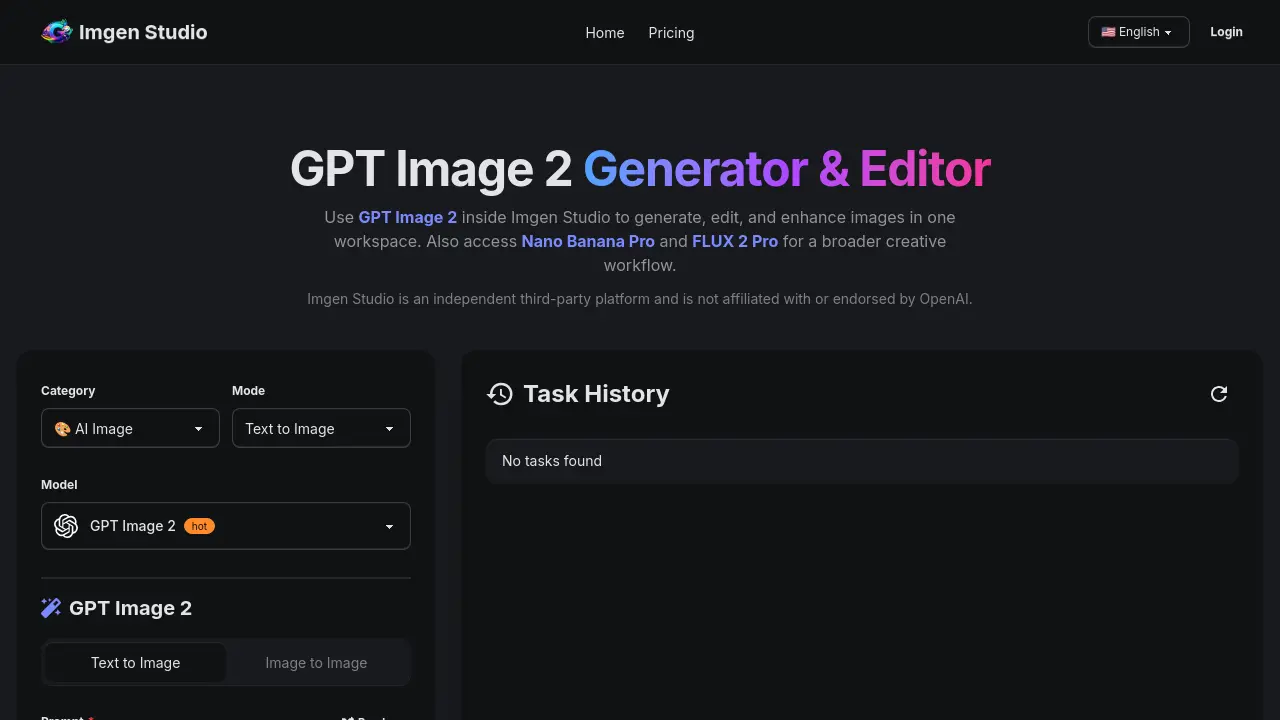
Imgen Studio provides the GPT Image 2 AI image generator and editor in one web workspace, letting teams and creators create, edit, upscale and remove backgrounds from images without swapping tools.

FAQs of Imgen Studio
What is GPT Image 2?
GPT Image 2 is an AI‑driven image generation model integrated into Imgen Studio. It allows users to create, edit, and enhance visuals directly within a single browser‑based workspace, eliminating the need for separate tools or API configuration.
Can I use GPT Image 2 online in Imgen Studio?
Yes. GPT Image 2 is accessible through the Imgen Studio web interface, so users can generate images from any device with an internet connection. No local installation or API keys are required.
Is GPT Image 2 free to try?
New users receive daily free credits after signing up, which enable them to test GPT Image 2 and the accompanying editing features without any upfront payment. Credits refresh each day while the free tier remains active.
When should I choose GPT Image 2 over other models in Imgen Studio?
GPT Image 2 excels at text‑heavy prompts, such as signage, posters, UI mockups, and general‑purpose generation. It also offers fast photorealistic results and seamless editing, making it ideal when a single workflow is preferred over switching between multiple models.
Can I use GPT Image 2 outputs for commercial purposes?
Paid subscriptions grant commercial usage rights for images generated with GPT Image 2, provided users comply with Imgen Studio’s Terms of Service, Acceptable Use Policy, and any model‑specific restrictions. Free‑tier outputs remain limited to non‑commercial testing.
How do subscriptions and cancellations work for GPT Image 2 access?
Subscribers manage their plan through the Billing section of their Imgen Studio account. Cancellations take effect at the end of the current billing cycle, and access continues until that period expires. No additional penalties are imposed.
What content is prohibited when using GPT Image 2?
Imgen Studio forbids generating NSFW material, sexual content involving minors, deepfakes, impersonation, harassment, copyright or trademark infringement, fraudulent content, or any other illegal activity. Users must adhere to the platform’s Acceptable Use Policy at all times.
How fast is image generation with GPT Image 2?
Generation speed varies with image size, selected aspect ratio, and current server load. Typically, standard requests complete within seconds to a few minutes, while larger or high‑resolution tasks may require additional processing time.
Which file formats and resolutions are supported?
GPT Image 2 outputs can be exported as PNG, JPG, or WebP. The platform offers multiple aspect ratios and includes an upscaling feature that can increase resolution up to 4K for production‑level assets.
Do I need to install any software to use GPT Image 2?
No installation is required. GPT Image 2 runs entirely in the browser via Imgen Studio, providing a plug‑and‑play experience that works on most modern operating systems and devices.
How to use Imgen Studio
Imgen Studio provides an integrated workspace for GPT Image 2 generation, image‑to‑image editing, background removal, upscaling, and model switching, enabling rapid visual prototyping.
Sign up for a free Imgen Studio account via Google or email, then locate the GPT Image 2 model selector within the “Mode” panel.
Enter a concise prompt describing the desired image, choose aspect‑ratio and variant settings, and click Generate; the system returns one or two high‑resolution results instantly.
Review the thumbnail grid, select a generated image, and use the built‑in editor to apply inpainting, background removal, or model swap for iterative refinement.
Apply the Upscale to 4K option if higher resolution is required, then export the final asset in PNG, JPG, or WebP for downstream use.
Evaluate the output by checking visual fidelity, text accuracy, and layout consistency; incorporate the polished image into ecommerce listings, ads, or creative projects as needed.
