
GPT Image 2 FAQs
GPT Image 2 is an AI text-to-image and image-to-image generator that delivers native 4K outputs, precise multilingual typography and world-knowledge reasoning, helping creators and agencies produce ready-to-ship visual assets in seconds.

FAQs of GPT Image 2
What is GPT Image 2?
GPT Image 2 is OpenAI’s next‑generation autoregressive multimodal model (codename “Spud”) that generates 4K native images from text or reference images. It combines world‑knowledge reasoning, multilingual typography, and sub‑3‑second single‑pass generation, allowing creators to produce production‑ready assets without additional editing tools.
Is GPT Image 2 available to use here?
Yes. The GPT Image 2 web interface provides immediate access without a waitlist or credit‑card requirement. New users receive 10 free credits, which cover two 1K‑resolution generations, after which additional credits can be purchased through the pricing plans.
How is this site different from the official OpenAI API?
The site offers a ready‑to‑use canvas that bundles GPT Image 2 and competing models in a single UI, handling prompt entry, image‑to‑image uploads, aspect‑ratio selection, and credit‑based billing. The official OpenAI API requires developers to build their own front‑end, manage authentication, and handle post‑processing separately.
Which models can I use here?
In addition to GPT Image 2, the platform provides access to other publicly released models such as DALL·E 3, Nano Banana Pro, and Midjourney v7. Users can switch models with one click while keeping the same prompt and canvas, enabling direct comparison of output quality and speed.
Can GPT Image 2 render Chinese, Japanese, or Arabic text?
Yes. GPT Image 2 supports native multilingual typography for Latin, CJK (Chinese, Japanese, Korean), Arabic, and Cyrillic scripts. Text is rendered with 99 %+ accuracy, eliminating the need for manual retouching or separate overlay tools.
Will my prompts and references be used to train models?
According to the privacy policy, user‑submitted prompts, reference images, and generated outputs are not used to further train GPT Image 2 or any other OpenAI model unless explicit permission is granted by the user. Data is retained only for billing, support, and compliance purposes.
How is billing handled?
Billing operates on a credit‑based system. Each generation consumes a specific number of credits (e.g., a 1K‑resolution image costs 5 credits). Users can purchase credit bundles or subscribe to monthly plans (Hobby, Creator, Studio) that include a predetermined credit allowance. Unused credits roll over until the next billing cycle.
How does GPT Image 2 achieve sub‑3‑second generation?
GPT Image 2 uses a single forward‑pass autoregressive architecture rather than iterative diffusion. This design reduces computational overhead, enabling native 4K output in under three seconds per image, which speeds up production pipelines and lowers idle compute costs.
What is “Character Lock” and how does it help creators?
Character Lock preserves the appearance, pose, and style of a subject across multiple generations or batch outputs. By locking a character, artists can produce consistent comic panels, product catalogs, or UI mock‑ups without re‑defining the subject each time, saving considerable manual effort.
Can I control specific regions of an image without masks?
Yes. GPT Image 2 supports region‑based prompting, allowing users to describe distinct content for different parts of the canvas in a single natural‑language prompt. This eliminates the need for separate masking or node‑graph workflows and streamlines complex layout creation.
How to use GPT Image 2
GPT Image 2 generates native‑4K images from text or reference pictures, delivering accurate multilingual typography, world‑knowledge reasoning, and single‑pass speed for production‑ready assets.
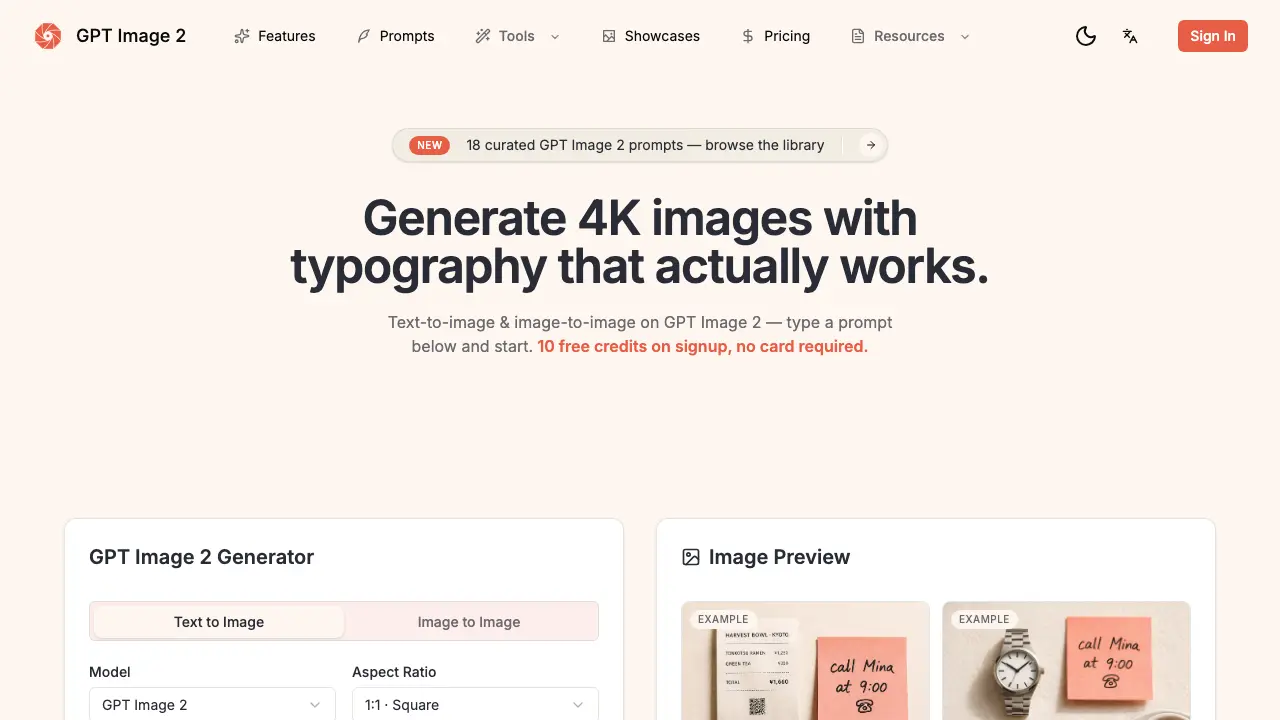
Sign in, claim the 10 free credits, then open the canvas; the interface displays a prompt box, aspect‑ratio selector, and optional image upload area.
Write a concise prompt in any language, explicitly describing visual elements and any text that must appear; the model parses the description before rendering.
(Optional) Drag a sketch, product photo, or character sheet onto the canvas; the system locks style, pose, or brand identity with a single click.
Choose the desired aspect ratio—1:1, 16:9, or 9:16—and select a quality tier (Draft, Standard, HD) to match the project's resolution needs.
Click “Generate”; the model produces a 4K PNG (or transparent PNG/PDF) in under three seconds, displaying the result in the preview pane for immediate review.
Analyse the output by confirming text legibility, layout accuracy, and reasoning consistency (e.g., clocks showing correct time); adjust the prompt or reference and regenerate if needed.
Once satisfied, download the final image, then integrate it into branding, UI mockups, e‑commerce hero shots, or other assets to accelerate the publishing workflow.
