
Gemini Omni Introduction
Gemini Omni AI video generator lets creators and marketers turn text, images or audio into cinematic clips in seconds, using conversational editing and multiple aspect ratios.

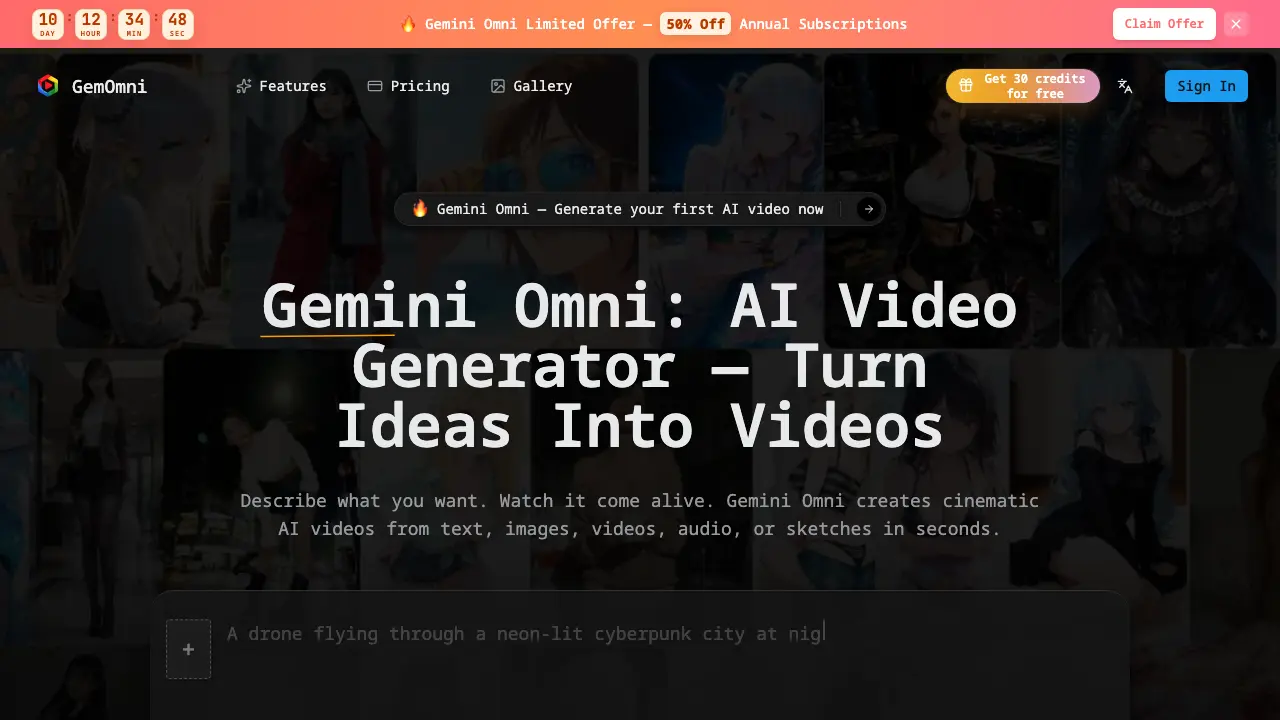
What is Gemini Omni
Gemini Omni is an AI‑driven video generator that converts text, images, audio, or sketches into cinematic clips within seconds. The platform relies on conversational editing, allowing users to describe adjustments in plain language without dealing with timelines or keyframes. It supports multiple aspect ratios—square, landscape, vertical—making it suitable for social media, advertising, education, and product demos. Smart scene enhancement automatically applies color grading, smooth transitions, and physics‑aware rendering to produce polished output. Users start with a free credit bundle and can scale through pay‑as‑you‑go plans that include API access, parallel task processing, and commercial licensing. Gemini Omni’s reference‑based editing lets creators refine videos by uploading existing media as guidance, streamlining the workflow for marketers, educators, and indie filmmakers alike.
How does Gemini Omni work
Gemini Omni operates as an AI‑driven video engine that accepts natural‑language prompts, static images, audio clips, or sketches as input, then translates these references into cinematic‑quality video sequences within seconds. Internally, a multimodal model analyses the supplied data, infers scene composition, motion dynamics and lighting, and synthesizes coherent frames using physics‑aware rendering and motion‑coherence algorithms. Users can iteratively refine output through conversational editing, issuing plain‑text commands to adjust lighting, background or duration without manipulating timelines or keyframes. The platform delivers multiple aspect‑ratio exports, supports text‑to‑video, image‑to‑video, and reference‑based editing, and provides API‑accessible credit‑based pricing for creators.
Benefits of Gemini Omni
Gemini Omni lets users generate cinematic‑quality AI videos from text, images, audio, or sketches in seconds, eliminating the need for complex timelines or keyframes. Its conversational editing interface accepts plain‑language commands to adjust lighting, extend scenes, or swap backgrounds, while reference‑based editing preserves motion coherence and physics‑aware rendering. Built‑in smart scene enhancement adds color grading and smooth transitions, and multiple aspect‑ratio presets support social, YouTube, and TikTok formats. The platform offers a free starter tier with 30 credits and pay‑as‑you‑go plans, providing API access, parallel tasks, and commercial licensing for creators across marketing, education, and indie film workflows.
Pros and Cons of Gemini Omni
Pros
- Generates cinematic videos in seconds.
- Supports text, image, audio, and sketch inputs.
- Conversational editing without timelines or keyframes.
- Multiple aspect ratios for social platforms.
- Pay‑as‑you‑go pricing with free starter credits.
Cons
- No detailed information on rendering hardware requirements.
- Limited credit tiers may restrict high‑volume users.
- Advanced features locked behind paid plans.
- Support limited to email contact.
- No on‑premise deployment option.
