
Duct Tape AI FAQs
Duct Tape AI is an AI image generation platform for creators and teams, offering text‑to‑image, image‑to‑image editing, precise in‑image text rendering, layout control, and rapid credit‑based downloads.

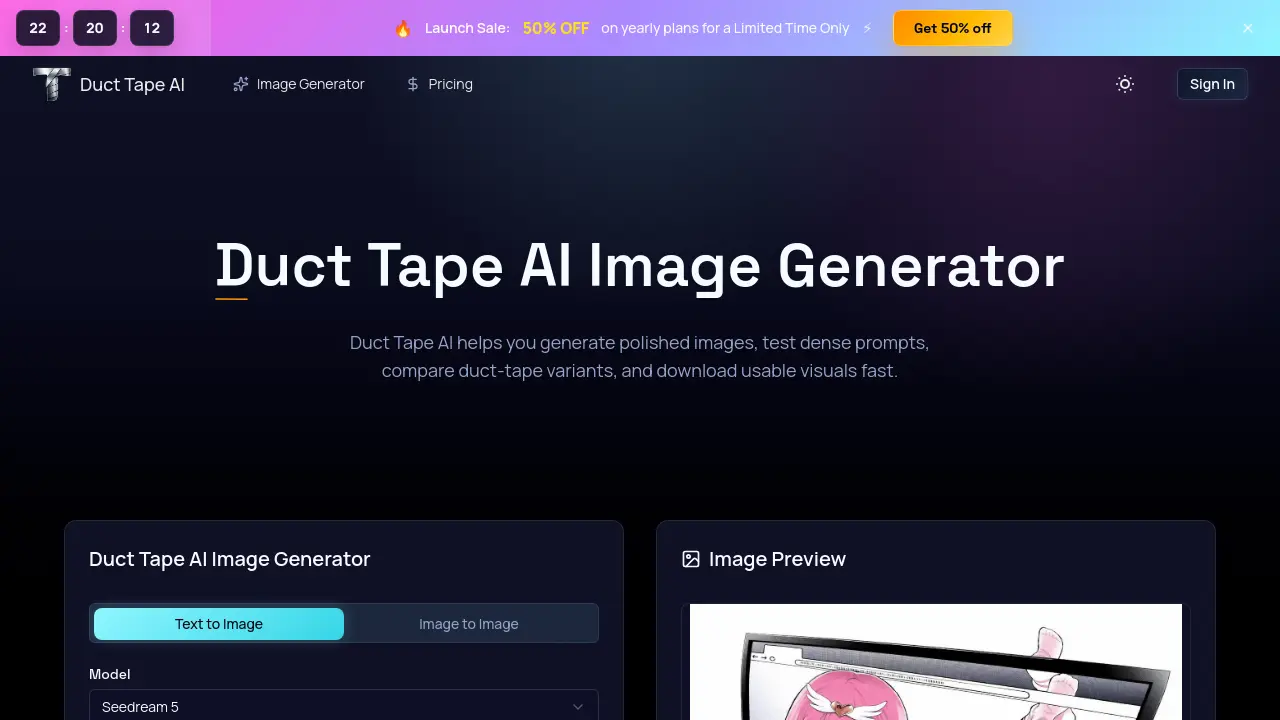
FAQs of Duct Tape AI
What is Duct Tape AI?
Duct Tape AI is an independent web platform that provides text‑to‑image and image‑to‑image generation using the community‑named “duct‑tape” model variants. It is designed for creators who need sharp typography, structured layouts, and commercial‑grade visuals without requiring deep AI expertise.
Is DuctTapeAI the official model owner?
No. DuctTapeAI operates as a third‑party access portal and does not claim ownership or direct development of the underlying AI model. It simply offers users a convenient interface to generate images with the duct‑tape variants.
What do duct‑tape, duct‑tape 1, and duct‑tape 2 mean?
These labels are community‑created tags that differentiate observed model versions. Duct‑tape 1 is generally lighter and less detailed, while duct‑tape 2 is considered more balanced, delivering stronger text fidelity and layout control. A duct‑tape 3 variant is occasionally referenced for even higher detail.
Why do people care so much about Duct Tape AI text rendering?
Readable in‑image text remains a challenge for most diffusion models. Duct Tape AI consistently reproduces headlines, menu items, product labels, and other copy with minimal distortion, making it valuable for advertising, packaging, and editorial workflows that depend on precise typography.
Can I start from a reference image?
Yes. Duct Tape AI supports an image‑to‑image workflow where users upload a reference photo and guide the model to refine composition, lighting, or style while preserving the original structure. This feature is useful for tightening mockups or iterating on existing designs.
What can I create with Duct Tape AI?
Creators employ Duct Tape AI for a wide range of assets, including poster concepts, retail shelf mockups, magazine covers, food menus, brand packaging studies, social‑media graphics, and stylized illustrations such as comic panels or anime‑inspired portraits.
How do credits work on DuctTapeAI?
Credits are the unit of consumption for each generation request; the amount used depends on model selection, image resolution, and quantity. Users can purchase credits via monthly, yearly, or pay‑as‑you‑go plans, and unused credits roll over until depleted.
How does Duct Tape AI handle commercial use?
All subscription tiers include a commercial‑use license, allowing generated images to be incorporated into marketing materials, product packaging, client presentations, and other revenue‑generating projects without additional royalties.
What is the difference between the Starter, Plus, and Enterprise plans?
The Starter plan offers 14,400 credits per year at $0.83 per 100 credits, suited for hobbyists. The Plus plan provides 24,000 credits at $0.75 per 100 credits and adds priority queue and support, targeting professional creators. Enterprise grants 67,200 credits at $0.71 per 100 credits, fastest generation speed, and expert team support for teams and power users.
Is there a free trial or demo available?
Duct Tape AI offers a free trial that lets new users generate a limited number of images to evaluate prompt quality, text fidelity, and layout control before committing to a paid credit plan. The trial does not require a credit purchase and is accessible from the homepage generator section.
How to use Duct Tape AI
Duct Tape AI generates high‑quality text‑to‑image and image‑to‑image visuals, emphasizing readable in‑image copy, precise layouts, and consistent brand details for commercial and editorial projects.
Open the generator page, paste a clear prompt describing the desired scene, and optionally upload a reference image to guide composition, style, or subject matter.
Select appropriate settings: aspect ratio, quality level, background option, output format, and the number of images to match the intended ad, product page, or social media requirement.
Click Generate, wait for the preview to appear, then examine the result for text fidelity, spacing, typography alignment, and overall visual coherence.
Use the built‑in comparison view to toggle between duct‑tape variants (e.g., version 1 vs. version 2) and assess which output best preserves layout and detail.
Download the high‑resolution image once satisfied; the file is ready for immediate inclusion in marketing assets, packaging mockups, or editorial layouts.
Interpret the downloaded result by checking headline legibility, label accuracy, and color consistency; adjust the prompt or settings and re‑generate if needed to meet the project’s goals.
