
Circle Crop Introduction
Circle Crop offers a free online tool for cropping images into perfect circles, ideal for avatars and profile pictures, with precision controls and high-quality PNG output.

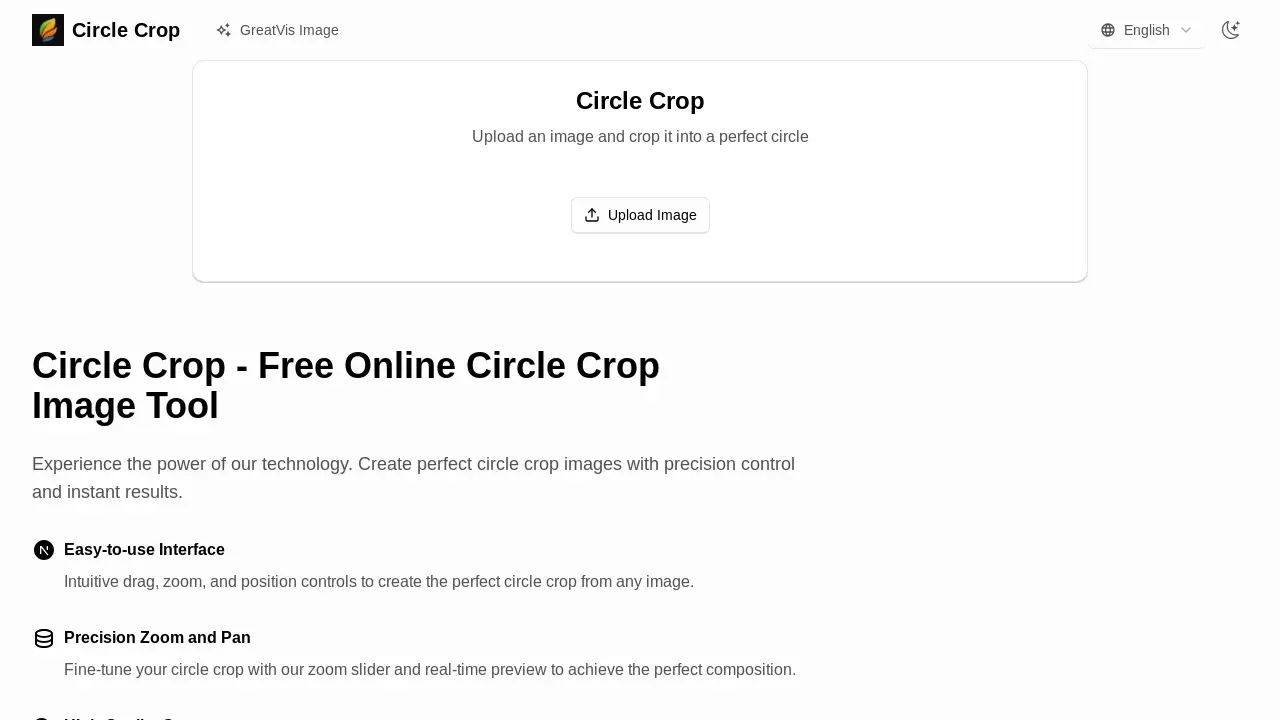
What is Circle Crop
Circle Crop provides a free online tool for cropping images into a perfect circle. This web-based utility supports various formats like JPG, PNG, and WebP, allowing users to circle crop photos and circle crop images easily. The intuitive interface features precision zoom and pan controls with a real-time preview, ensuring accurate composition. Users can download their circle crop photo online in high-quality PNG format, suitable for social media profiles, avatars, and logos. The tool is ideal for quickly creating circular profile pictures, offering a straightforward alternative to complex software like Photoshop or Canva.
How does Circle Crop work
The Circle Crop tool facilitates the creation of a circle crop image by allowing users to upload various image formats, including JPG, PNG, and WebP. The platform enables precise control over the circular crop through an intuitive interface that offers zoom and pan functionalities. Users can preview their circle crop in real-time, ensuring optimal composition before downloading the high-quality output as a PNG file. This online tool processes images directly in the browser, enhancing user privacy and providing immediate results for various applications like social media profiles or logos.
Benefits of Circle Crop
The Circle Crop tool offers a free, online solution to precisely crop any image into a perfect circle. Users benefit from an intuitive interface with real-time previews, allowing for precise zoom and pan adjustments to achieve ideal compositions for a circle crop image. Supporting major formats like JPG, PNG, and WebP, this circle cropper delivers high-quality PNG output, making it ideal for profile pictures, avatars, and logos. The in-browser processing ensures user data privacy, making it a reliable circle crop image online utility.
Pros and Cons of Circle Crop
Pros
- Easy-to-use interface.
- Precision zoom and pan controls.
- High-quality PNG output.
- Real-time preview of circle crop.
- Supports major image formats.
Cons
- No server-side processing for large files.
- Limited file size for optimal performance.
- Specific use case (circle crop image).
