
Circle Crop FAQs
Circle Crop offers a free online tool for cropping images into perfect circles, ideal for avatars and profile pictures, with precision controls and high-quality PNG output.

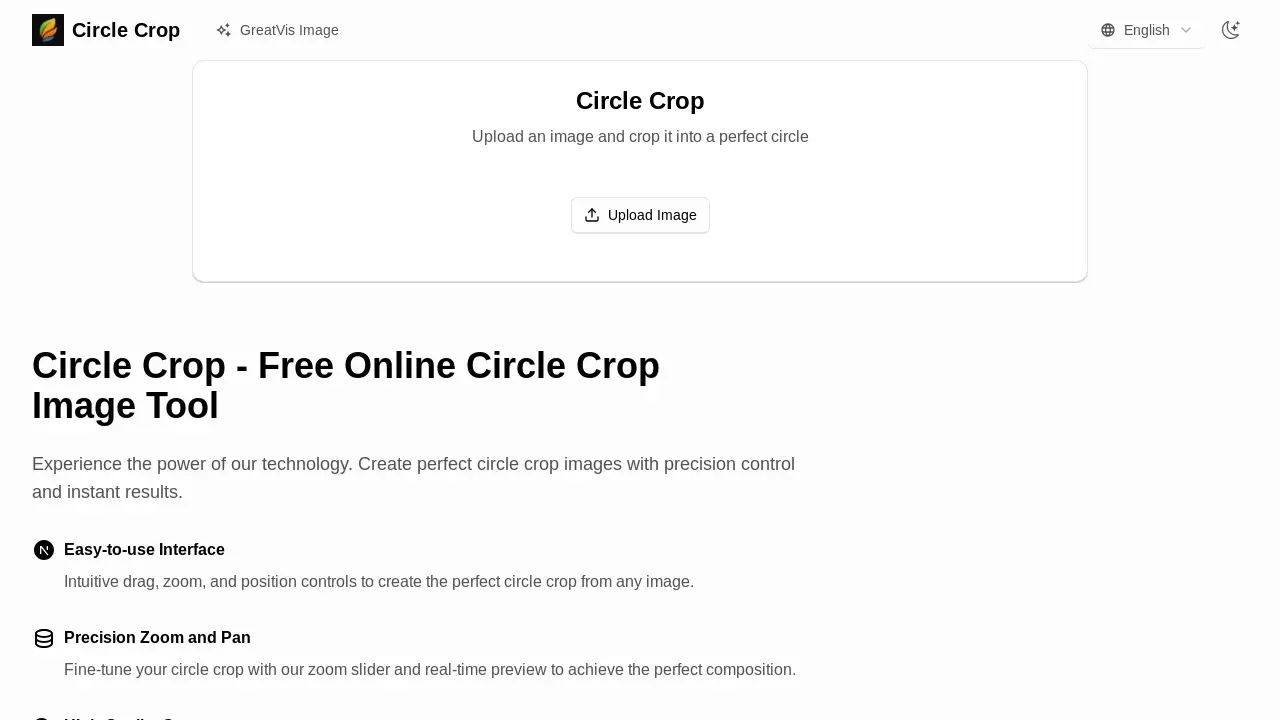
FAQs of Circle Crop
How does the Circle Crop tool function?
The Circle Crop tool operates by allowing users to upload an image, which can then be manipulated using zoom and drag functionalities to fit within a predefined circular frame. This interactive process results in a perfectly cropped circular image, suitable for various applications.
What image formats are supported for uploading and downloading?
The Circle Crop tool supports major image formats for uploading, including JPG, PNG, and WebP. For output, the circle crop image will be downloaded in a high-quality PNG format, ensuring clarity and compatibility for users.
Does the tool offer precise control over the cropping area?
Yes, the Circle Crop tool provides precision zoom and drag controls. Users can fine-tune their circle crop with a real-time preview, allowing for exact positioning and scaling to achieve the desired composition and perfect circular crop image.
Is user data secure when using the Circle Crop tool?
User data is secure because all image processing for creating the circle crop occurs directly within the user's browser. This means that images are not uploaded to an external server, thereby ensuring the privacy and security of personal data.
Are there any file size limitations for images?
The Circle Crop tool performs optimally with images up to 10MB in size. Since all processing is conducted in the user's browser, performance may vary when attempting to process significantly larger files, potentially impacting the real-time preview and cropping speed.
Is the Circle Crop tool available for free use?
Yes, the Circle Crop image tool is completely free for both personal and commercial use. Users can create an unlimited number of circle crop images without any charges, making it accessible for a wide range of needs.
What are the primary benefits of using this advanced circle crop tool?
The advanced circle crop tool offers several benefits, including transforming photos into professional circular avatars, ideal for profile pictures and branding. It also provides creative freedom through intuitive controls and a real-time preview, ensuring high-quality output for various designs.
Can the Circle Crop tool be used for creating social media avatars?
Yes, the Circle Crop tool is perfectly suited for creating avatars, including those for social media profiles. Its ability to produce high-quality, perfectly circular images with precision controls makes it an excellent choice for crafting professional and visually appealing profile pictures.
How to use Circle Crop
Circle Crop is an online tool designed to convert standard rectangular images into perfectly circular images, ideal for social media avatars, profile pictures, and branding. It provides an intuitive interface for precise control over the cropping process.
- Initiate the process by navigating to the Circle Crop website and selecting "Upload Image" to choose an image file from your device.
- Utilize the precision slider to zoom and the drag function to position your image within the circular frame.
- Observe the real-time preview to fine-tune the composition and ensure the desired circular crop image is achieved.
- Once satisfied with the preview, select the "Download Your Circle Crop" option to save your high-quality PNG image file.
- The resulting circle crop image is ready for immediate use across various platforms, including social media profiles and websites.
