
Circle Crop: Free Online Tool for Circular Images

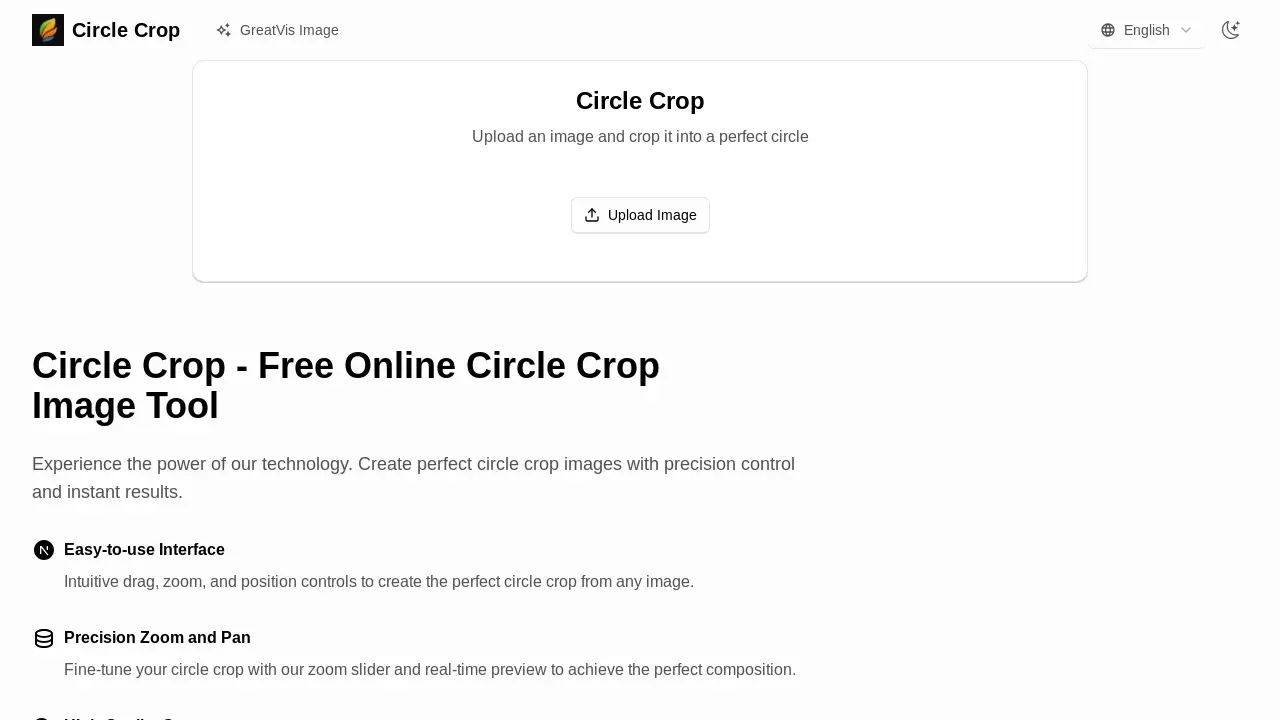
What is Circle Crop
Circle Crop provides a free online tool for cropping images into a perfect circle. This web-based utility supports various formats like JPG, PNG, and WebP, allowing users to circle crop photos and circle crop images easily. The intuitive interface features precision zoom and pan controls with a real-time preview, ensuring accurate composition. Users can download their circle crop photo online in high-quality PNG format, suitable for social media profiles, avatars, and logos. The tool is ideal for quickly creating circular profile pictures, offering a straightforward alternative to complex software like Photoshop or Canva.
How does Circle Crop work
The Circle Crop tool facilitates the creation of a circle crop image by allowing users to upload various image formats, including JPG, PNG, and WebP. The platform enables precise control over the circular crop through an intuitive interface that offers zoom and pan functionalities. Users can preview their circle crop in real-time, ensuring optimal composition before downloading the high-quality output as a PNG file. This online tool processes images directly in the browser, enhancing user privacy and providing immediate results for various applications like social media profiles or logos.
Benefits of Circle Crop
The Circle Crop tool offers a free, online solution to precisely crop any image into a perfect circle. Users benefit from an intuitive interface with real-time previews, allowing for precise zoom and pan adjustments to achieve ideal compositions for a circle crop image. Supporting major formats like JPG, PNG, and WebP, this circle cropper delivers high-quality PNG output, making it ideal for profile pictures, avatars, and logos. The in-browser processing ensures user data privacy, making it a reliable circle crop image online utility.
Pros and Cons of Circle Crop
Pros
- Easy-to-use interface.
- Precision zoom and pan controls.
- High-quality PNG output.
- Real-time preview of circle crop.
- Supports major image formats.
Cons
- No server-side processing for large files.
- Limited file size for optimal performance.
- Specific use case (circle crop image).
Core Features of Circle Crop
Image Cropping to Circle
Enables users to upload various image formats and crop them into a perfect circle, suitable for profile pictures and avatars.
Real-time Preview and Control
Provides an interactive interface with precision zoom, pan, and drag controls for real-time visual adjustment of the circle crop.
High-Quality PNG Output
Allows downloading the cropped image in high-quality PNG format, preserving image integrity for various online and professional uses.
In-Browser Processing
Ensures user data privacy and security by processing all image cropping directly within the user's browser without server uploads.
Use Cases of Circle Crop
- Social Media Users: Create a perfect circle crop image for profile pictures and avatars on various platforms.
- Graphic Designers: Efficiently generate high-quality circle crop photos for client projects and branding materials.
- Content Creators: Produce professional circular images for blog posts, website elements, and online content using the circle crop tool.
- Businesses: Design circular logos and branding assets with precision control using the online circle crop image tool.
FAQs of Circle Crop
How does the Circle Crop tool function?
The Circle Crop tool operates by allowing users to upload an image, which can then be manipulated using zoom and drag functionalities to fit within a predefined circular frame. This interactive process results in a perfectly cropped circular image, suitable for various applications.
What image formats are supported for uploading and downloading?
The Circle Crop tool supports major image formats for uploading, including JPG, PNG, and WebP. For output, the circle crop image will be downloaded in a high-quality PNG format, ensuring clarity and compatibility for users.
Does the tool offer precise control over the cropping area?
Yes, the Circle Crop tool provides precision zoom and drag controls. Users can fine-tune their circle crop with a real-time preview, allowing for exact positioning and scaling to achieve the desired composition and perfect circular crop image.
Is user data secure when using the Circle Crop tool?
User data is secure because all image processing for creating the circle crop occurs directly within the user's browser. This means that images are not uploaded to an external server, thereby ensuring the privacy and security of personal data.
Are there any file size limitations for images?
The Circle Crop tool performs optimally with images up to 10MB in size. Since all processing is conducted in the user's browser, performance may vary when attempting to process significantly larger files, potentially impacting the real-time preview and cropping speed.
Is the Circle Crop tool available for free use?
Yes, the Circle Crop image tool is completely free for both personal and commercial use. Users can create an unlimited number of circle crop images without any charges, making it accessible for a wide range of needs.
What are the primary benefits of using this advanced circle crop tool?
The advanced circle crop tool offers several benefits, including transforming photos into professional circular avatars, ideal for profile pictures and branding. It also provides creative freedom through intuitive controls and a real-time preview, ensuring high-quality output for various designs.
Can the Circle Crop tool be used for creating social media avatars?
Yes, the Circle Crop tool is perfectly suited for creating avatars, including those for social media profiles. Its ability to produce high-quality, perfectly circular images with precision controls makes it an excellent choice for crafting professional and visually appealing profile pictures.
How to use Circle Crop
Circle Crop is an online tool designed to convert standard rectangular images into perfectly circular images, ideal for social media avatars, profile pictures, and branding. It provides an intuitive interface for precise control over the cropping process.
- Initiate the process by navigating to the Circle Crop website and selecting "Upload Image" to choose an image file from your device.
- Utilize the precision slider to zoom and the drag function to position your image within the circular frame.
- Observe the real-time preview to fine-tune the composition and ensure the desired circular crop image is achieved.
- Once satisfied with the preview, select the "Download Your Circle Crop" option to save your high-quality PNG image file.
- The resulting circle crop image is ready for immediate use across various platforms, including social media profiles and websites.
