
TranslateImage AI
Translate Images Online: AI Tool Preserves Font and Layout

What is TranslateImage AI
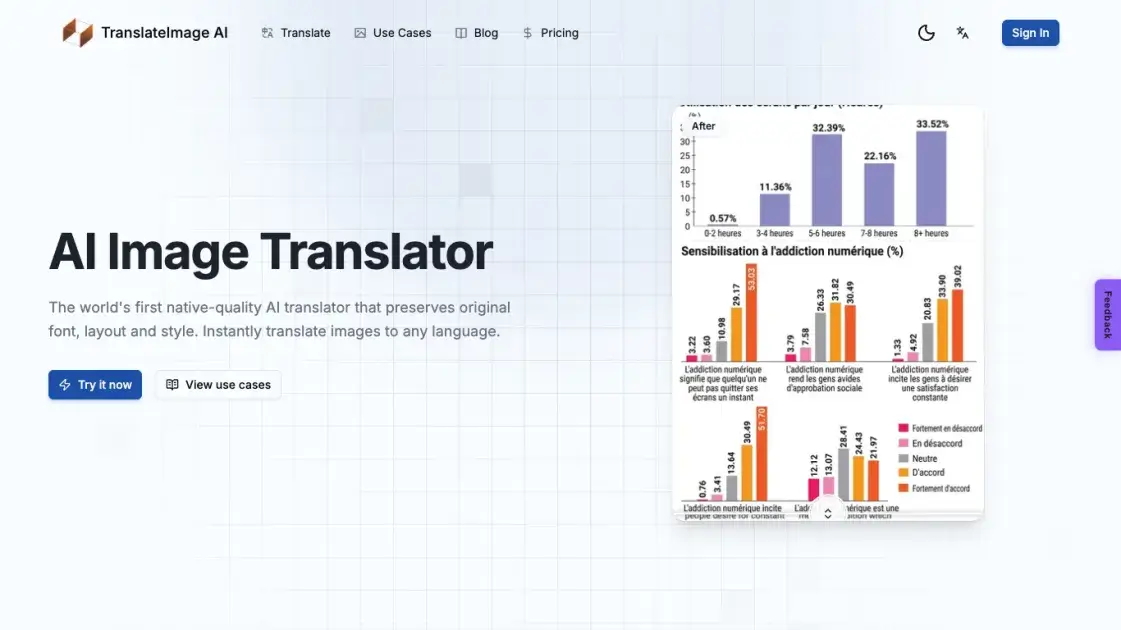
TranslateImage AI is an online image translation tool that converts text inside images to another language while keeping the original font, layout, and visual style intact. It supports more than 70 target languages, from major ones such as English, Japanese, and Korean to regional dialects. Users can upload JPG, PNG, WebP, or PDF files up to 10 MB and receive translated images in seconds. The tool also offers batch translation for up to 20 images at once, with results packed into a single ZIP file, and a dedicated Manga Mode that handles speech bubbles, vertical text, and sound effects when translating comics. It is aimed at individuals and businesses that need to localize screenshots, menus, documents, or product images without redesigning them. A free tier is available for evaluation, with paid plans for heavier usage and commercial work.
How does TranslateImage AI work
TranslateImage AI applies an AI model trained for image translation rather than plain text machine translation. When an image is uploaded, the system first detects the text regions inside the picture, including text that is rotated, vertical, or embedded in graphics. It then reads the recognized text, translates it into the selected target language, and renders the translated text back into the original position. The engine reproduces the font, color, and styling of the source so the result keeps the original layout. Batch uploads run through the same pipeline in parallel, and Manga Mode adds extra handling for speech bubbles and sound effects.
Benefits of TranslateImage AI
TranslateImage AI stands out because it preserves the original font, layout, and style of an image, producing results that look native to the target language rather than pasted-over text. The tool covers more than 70 languages, making it practical for international e-commerce sellers, translators, and content teams. Batch processing of up to 20 images saves time on large projects, while the dedicated Manga Mode handles complex comic layouts such as speech bubbles and vertical text. No design skills are needed, and the drag-and-drop interface keeps the workflow short. A free tier lets users evaluate quality before committing to a paid plan.
Pros and Cons of TranslateImage AI
Pros
- Preserves original font, layout, and style
- Supports translation to 70+ languages
- Batch processing of up to 20 images
- Dedicated Manga Mode for comics
- No design skills required
Cons
- 10 MB file size limit per image
- Batch translation requires signing in
Core Features of TranslateImage AI
Font and Style Preservation
Maintains the original typography, colors, and visual design of the source image, so the translated result looks like it was created natively in the target language.
Layout Integrity
Keeps text positioning, spacing, and alignment intact during translation, so there are no broken layouts or misaligned text after processing.
Multi-Language Support
Powered by AI that understands text across more than 70 languages and regional dialects, covering major world languages and niche markets alike.
Batch Translation
Translate up to 20 images in a single batch with shared language settings, while parallel processing delivers finished images one by one as a ZIP archive.
Manga Mode
A dedicated mode for manga, manhwa, and manhua that preserves speech bubbles, vertical text, and sound effects while translating entire chapters.
Fast Processing
Upload an image, choose a target language, and download the result in seconds, with no design skills or manual editing required.
Use Cases of TranslateImage AI
- E-commerce sellers: Localize product photos, labels, and packaging for international marketplaces without redesigning the visuals.
- Manga readers and translators: Translate manga, manhwa, and manhua chapters while keeping speech bubbles and vertical text intact.
- Document teams: Convert reports, contracts, and scanned documents into other languages while preserving the original layout.
- Restaurants and menu designers: Turn paper or PDF menus into multilingual versions for tourists and international customers.
FAQs of TranslateImage AI
What is Image Translate AI and how does it work?
TranslateImage AI is an AI-powered tool that translates the text inside images into another language. It detects text regions, translates the content, and renders the translated text back into the image while preserving the original font, layout, and visual style.
What types of images can I translate?
The tool accepts JPG, JPEG, PNG, WebP, and PDF files up to 10 MB each. It handles photos, screenshots, documents, menus, and comic pages. Manga Mode is available specifically for comics with speech bubbles and vertical text.
Which languages are supported?
More than 70 languages and regional dialects are supported, including English, Chinese, Japanese, Korean, Spanish, French, German, Arabic, Hindi, and many others. Each target language has its own dedicated translator page for a focused workflow.
How accurate are the translations?
The tool uses advanced AI that understands text in major world languages and produces translations that read naturally and fluently, avoiding awkward phrasing. Because the original layout and typography are kept, the result looks like it was created by a native speaker.
How long does it take to translate an image?
Processing is fast, and the website states that translated images are delivered in seconds. After uploading a file and selecting the target language, the AI detects, translates, and re-renders the text before the user downloads the finished image.
Can I use translated images for commercial purposes?
Yes. The Premium and Pro plans explicitly include commercial use rights along with watermark-free output. Starter credit packs also allow commercial use, so paid users can apply translated images to business projects.
Can I translate multiple images at once?
Yes, batch translation supports up to 20 images per run with shared language settings. Results are processed in parallel and downloaded as a single ZIP file. Signing in is required to use the batch feature.
How to use TranslateImage AI
- Upload an image: Drag and drop a JPG, JPEG, PNG, WebP, or PDF file onto the upload area. The maximum file size is 10 MB per image.
- Choose source and target languages: Select the source language or let auto-detection figure it out, then pick one of the 70+ supported target languages.
- Select a processing mode: Use the general mode for standard images, or switch to Manga Mode for comics with speech bubbles and vertical text.
- Translate the image: Click the translate button and wait a few seconds while the AI detects, translates, and re-renders the text in place.
- Download the output: Save the translated image as JPG, PNG, or WebP, or grab every result as a single ZIP when working in batch mode.
TranslateImage AI Website Traffic Analysis
Latest traffic information
- Monthly Visits17.23K
- Bounce Rate40.89%
- Pages Per Visit2.24
- Visit Duration00:00:34
- Global Rank1.35M
- Country/Region Ranking1.02M
Top Keywords
| Keyword | Traffic | Volume | Cost Per Click |
|---|---|---|---|
| перевод по фото | 1.67K | 168.81K | $0.31 |
| 在线免费发票翻译 | 340 | 720 | -- |
| 在线发票翻译 | 210 | 360 | -- |
| translate photo | 150 | 5.74K | $0.75 |
| translate image | 120 | 49.77K | $1.53 |
Top Regions
| Region | Percentage |
|---|---|
| United States | 26.66% |
| Vietnam | 22.26% |
| South Korea | 12.34% |
| Indonesia | 9.48% |
| Italy | 7.73% |
TranslateImage AI Alternatives
A browser collection of 13 free creative editors for photos, vector art, PDFs, documents, video, audio, and CAD, opening without an account or install.

Translate raw manga, manhwa, manhua and webtoons into 50+ languages with AI, keeping artwork, speech bubbles and panel layout intact across full chapters.
An online AI photo editor that removes image backgrounds, erases people, objects and text, and upscales photos 4x. Preview every photo free before paying per image.
Translate Now is a browser-based AI voice translator for real-time speech translation, live transcription, and replayable bilingual audio transcripts.
Meta Image: browser AI studio powered by Muse Image. Edit photos with prompts, remove backgrounds, restore old photos, generate new images.
OpenSubs is a free in-browser AI subtitle generator that transcribes speech with Whisper, translates into 20 languages and burns captions into video.
OmniEnhancer is an AI image enhancer and photo editor that improves photo quality, clarity, color, and resolution online, with free daily credits.
MeeLang is a Chrome extension that provides real-time AI translation subtitles for Google Meet, supporting over 30 languages with sub-second latency.
MenuForma turns any PDF, photo, or website menu into a digital QR menu with online ordering, 70+ languages, and AI food photos for restaurants.
Makiverse is a free online AI manga and comic generator that turns text prompts into complete manga, comics, and GIFs with consistent characters and styles.
Memo Card turns live or recorded lectures into AI lecture notes with transcription, real-time translation, bilingual captions, quizzes, and replay.
AI Clothes Changer is an online tool that replaces the clothing in a person photo using either a reference image or a text description.