
Circle Crop Core Features
Circle Crop offers a free online tool for cropping images into perfect circles, ideal for avatars and profile pictures, with precision controls and high-quality PNG output.

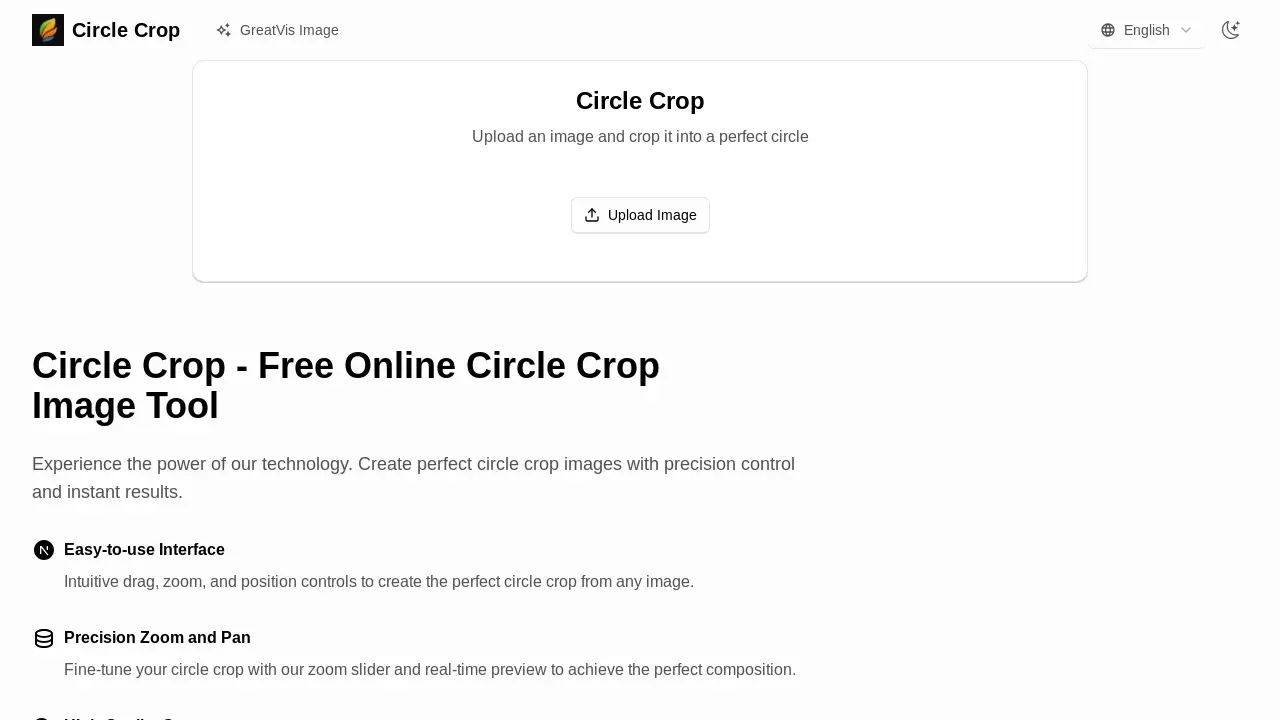
Core Features of Circle Crop
Image Cropping to Circle
Enables users to upload various image formats and crop them into a perfect circle, suitable for profile pictures and avatars.
Real-time Preview and Control
Provides an interactive interface with precision zoom, pan, and drag controls for real-time visual adjustment of the circle crop.
High-Quality PNG Output
Allows downloading the cropped image in high-quality PNG format, preserving image integrity for various online and professional uses.
In-Browser Processing
Ensures user data privacy and security by processing all image cropping directly within the user's browser without server uploads.
Use Cases of Circle Crop
- Social Media Users: Create a perfect circle crop image for profile pictures and avatars on various platforms.
- Graphic Designers: Efficiently generate high-quality circle crop photos for client projects and branding materials.
- Content Creators: Produce professional circular images for blog posts, website elements, and online content using the circle crop tool.
- Businesses: Design circular logos and branding assets with precision control using the online circle crop image tool.
