
AvatarCraft AI FAQs
AvatarCraft AI is an AI avatar generator for creators, marketers and educators, offering text‑to‑video, realistic lip sync, multi‑language voices and customizable avatars to produce professional talking videos quickly.

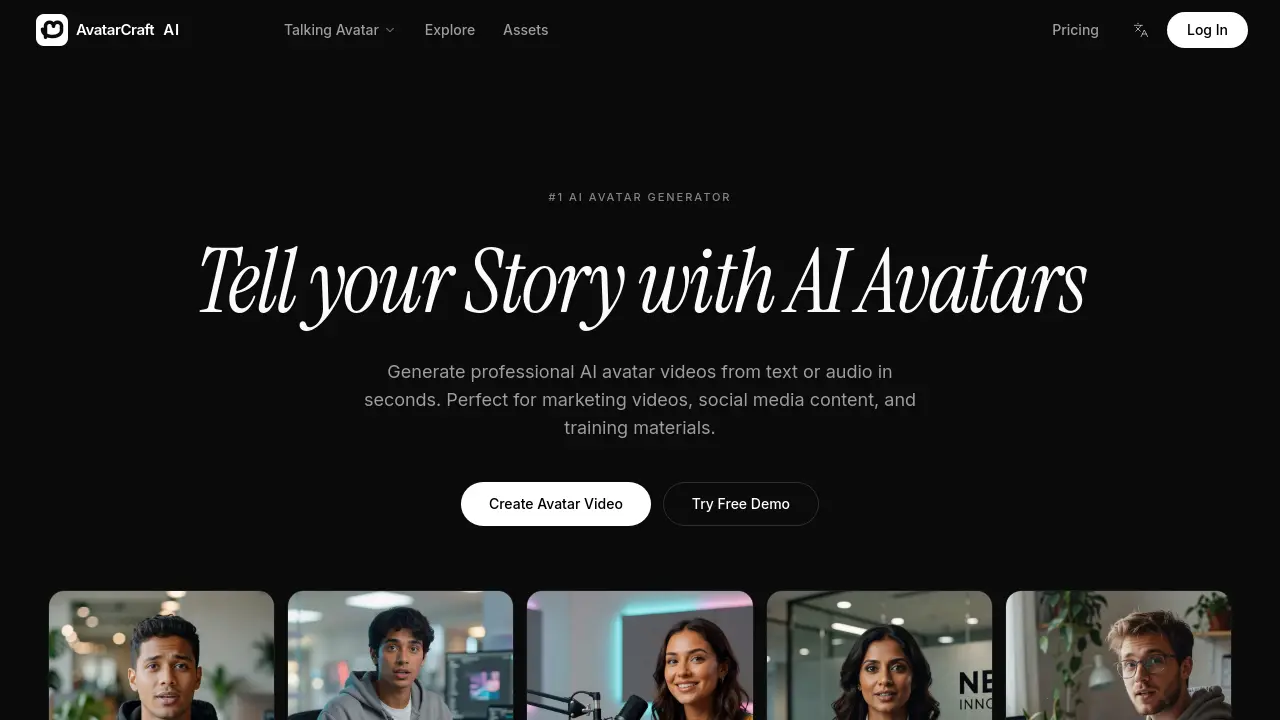
FAQs of AvatarCraft AI
What is an AI avatar generator?
An AI avatar generator is a cloud‑based platform that converts text or audio scripts into realistic talking‑avatar videos. AvatarCraft AI uses neural voice synthesis and lip‑sync algorithms to produce professional‑quality presenter clips without traditional recording equipment.
How does the talking avatar work?
The talking avatar combines a pre‑trained facial animation model with a text‑to‑speech engine. When a script is submitted, the system generates speech in a selected voice, then maps phonemes to precise mouth movements and facial expressions, creating smooth lip sync and natural eye‑gaze.
Can I create my own avatar?
Yes, AvatarCraft AI offers a custom avatar feature that lets users upload a short video of themselves. The platform extracts facial geometry and voice characteristics, producing a digital twin that can speak any future script in the same style and tone.
What languages are supported?
AvatarCraft AI currently supports more than 30 languages, including English, Spanish, Mandarin, French, German, Japanese, Korean, Portuguese, Arabic, and Hindi. Each language provides a selection of natural‑sounding AI voices, enabling global audiences to receive content in their native tongue.
Can I use the videos commercially?
All videos generated on AvatarCraft AI are licensed for commercial use, provided the user complies with the platform’s terms of service. Creators may publish the output on marketing campaigns, YouTube, TikTok, corporate training portals, or any other commercial channel without additional royalties.
How long does it take to produce a video?
Typical turnaround time ranges from a few seconds to two minutes, depending on script length and rendering queue. The platform’s “Text to Avatar” workflow is optimized for rapid processing, allowing creators to publish videos almost instantly after script entry.
What export options are available?
Videos can be downloaded in HD (1080p) MP4 format or streamed directly to social platforms via built‑in publishing tools. Users may also export subtitles in SRT format for any supported language, facilitating accessibility and SEO optimization.
Is there a free trial or demo?
AvatarCraft AI offers a free demo where users can generate a short avatar clip without charge. The demo provides access to a limited set of voices and templates, allowing prospective customers to evaluate quality before selecting a paid plan.
How to use AvatarCraft AI
AvatarCraft AI serves as a text‑to‑avatar video generator, converting scripts or audio into lifelike talking avatar clips for marketing, education, and social media content.
Register or log in, then navigate to Create Avatar Video; upload a custom avatar (optional) or select a pre‑built model from the +50 available options.
Input the desired script or audio file, choose a language and voice from the 30+ supported selections, and click Generate to start the AI rendering process.
While processing, monitor the progress bar; upon completion, preview the video to verify lip‑sync accuracy, facial expressions, and subtitle generation.
Export the finished avatar video in HD or publish directly to platforms such as YouTube, TikTok, or Instagram using the built‑in sharing tools.
Analyze view metrics and audience feedback; adjust script length, voice tone, or avatar style to improve engagement and achieve specific communication goals.
