
Veo 4 Introduction
Veo 4 is an AI video platform that lets creators combine text, images, video and audio to produce multi‑shot cinematic stories with lip‑synced dialogue, consistent characters and production‑grade quality.

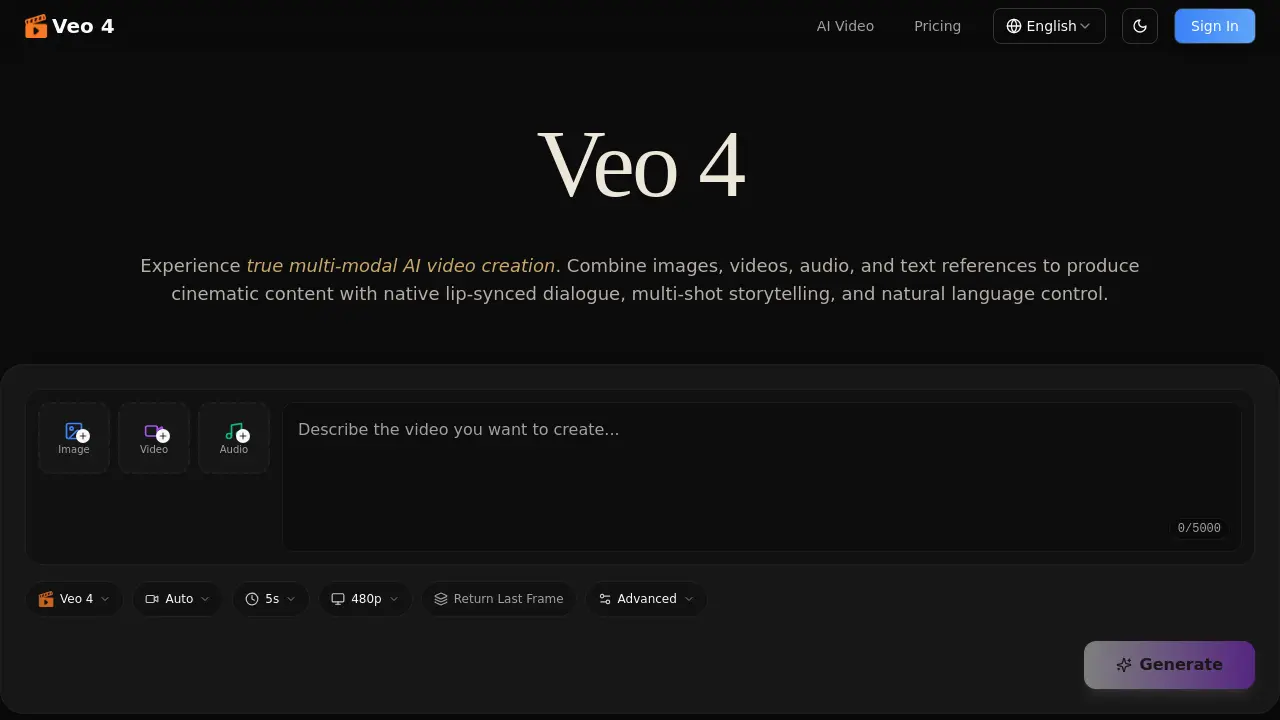
What is Veo 4
Veo 4 is a next‑generation multi‑modal AI video generator that accepts images, video clips, audio files, and natural‑language prompts in a single workflow. By referencing motion, camera moves, characters, scenes, or sound from any uploaded asset, the model produces cinematic multi‑shot sequences with consistent faces, clothing, and visual style. Native audio generation delivers lip‑synced dialogue, Foley effects, and background music without separate tooling, while the extension and editing features allow seamless lengthening or segment‑specific modifications. Supported resolutions range from landscape to portrait formats, and all outputs are watermark‑free and ready for professional use. Veo 4 thus streamlines content creation for advertising, education, social media, film pre‑visualization, and more, enabling creators to script, reference, and refine video projects entirely through intuitive, language‑driven control.
How does Veo 4 work
Veo 4 operates as a multi‑modal generative model that ingests images, video clips, audio files and natural‑language prompts in a single pass. Users upload reference assets, tag them, then describe the desired outcome; the system extracts motion, camera paths, character appearance and sound cues from the inputs, synchronising lip‑matched dialogue, Foley and background music while preserving visual consistency across frames. The model replicates choreography or cinematic camera moves, extends or edits existing footage, and outputs watermark‑free videos of 4‑15 seconds per shot in multiple aspect ratios, enabling seamless multi‑shot storytelling without manual stitching.
Benefits of Veo 4
Veo 4 delivers truly multi‑modal AI video generation, letting users combine images, video clips, audio files, and natural‑language prompts in a single workflow. The model replicates precise motion and camera moves from reference footage, while maintaining consistent faces, clothing, and visual style across 4‑15 second multi‑shot sequences. Native audio generation adds lip‑synced dialogue, Foley and background music without extra tools, and the video‑extension feature enables seamless lengthening or editing of existing clips. Outputs are watermark‑free, production‑grade cinematic quality in multiple aspect ratios, making Veo 4 suitable for advertising, education, social media, and professional film pre‑visualization.
Pros and Cons of Veo 4
Pros
- Multi‑modal inputs combine image, video, audio, and text.
- Native audio generation creates lip‑synced dialogue and music.
- Consistent characters and styles across multi‑shot sequences.
- Precise replication of camera moves and choreography from references.
- Watermark‑free exports ready for professional use.
Cons
- Maximum clip length limited to 15 seconds per shot.
- Requires high‑quality reference assets for best results.
- Complex pricing not disclosed in the provided context.
- Learning curve for natural‑language prompt construction.
- No mention of offline or on‑premise deployment options.
