
AI Image Upscaler Introduction
AI Gazou offers free AI-powered image upscaling to enhance photos, product images, and illustrations. Upscale 2x or 4x with natural detail preservation.

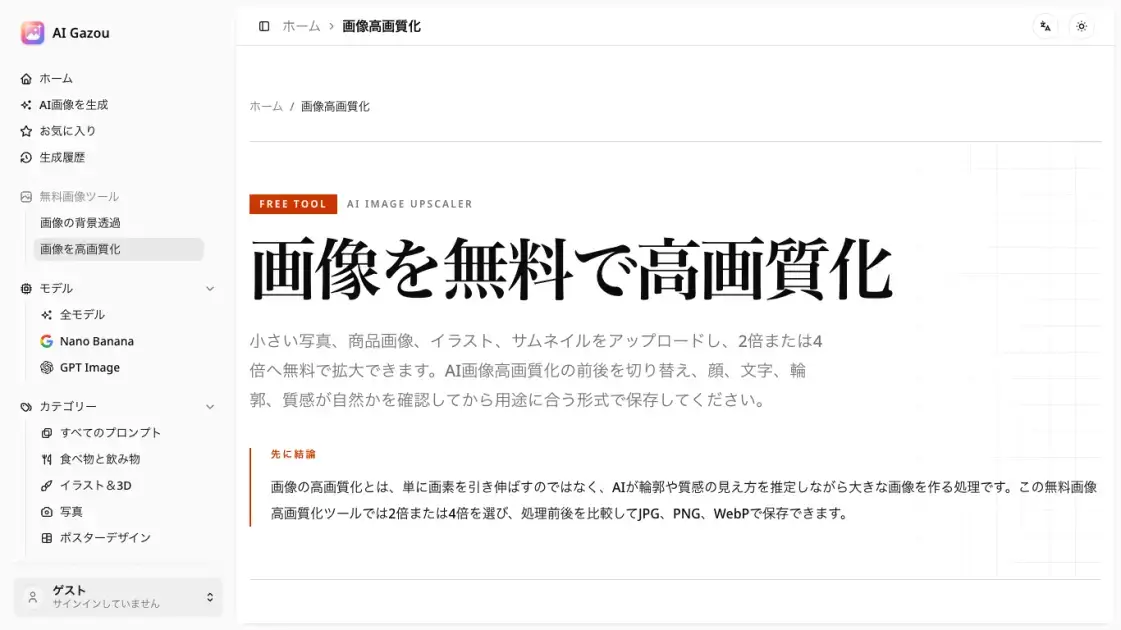
What is AI Image Upscaler
AI Gazou is a free online image upscaling tool that uses AI technology to enhance photo quality. Users can upload images in PNG, JPG, or WebP format (up to 8 MB) and choose between 2x or 4x upscaling factors. The tool processes images through external AI services to improve clarity, edges, and texture details while preserving the original appearance. Results can be saved in JPG, PNG, or WebP formats, with a comparison feature to preview before and after processing. The service requires no login or credits, making it accessible for quick image enhancement tasks.
How does AI Image Upscaler work
AI Gazou uses artificial intelligence to enhance image quality through a multi-step process. When a user uploads an image, the tool analyzes its shapes, colors, and textures to estimate how edges, skin, fabric, and product surfaces should appear at a larger size. The AI then generates a new image at 2x or 4x the original dimensions, attempting to preserve natural details while improving clarity. The processing occurs through external AI services, and users can compare the enhanced result with the original before downloading. The tool supports PNG, JPG, and WebP formats, with output options in the same formats to accommodate different use cases like web publishing or transparent backgrounds.
Benefits of AI Image Upscaler
AI Gazou provides a free, no-login image upscaling service that enhances photo quality through AI technology. The tool supports multiple input and output formats, allowing users to choose between 2x and 4x upscaling factors based on their specific needs. The before-and-after comparison feature helps users evaluate improvements in details like faces, text, and textures before downloading. Processing occurs through external AI services, and images are not stored in the service's history or gallery, offering privacy for sensitive photos. However, the service has limitations: it processes one image at a time with an 8 MB maximum, and AI enhancement cannot restore heavily blurred or motion-blurred images to their original clarity.
Pros and Cons of AI Image Upscaler
Pros
- Free to use without login or credits
- Supports multiple image formats (PNG, JPG, WebP)
- Offers 2x and 4x upscaling options
- Provides before-and-after comparison feature
- No image storage in service history or gallery
Cons
- Limited to one image per session (8 MB maximum)
- Cannot restore heavily blurred or motion-blurred images
- Requires Cloudflare verification for non-logged-in users
- AI enhancement may alter text or facial details
- Processing depends on external AI services
