
Wan 2.7 Image FAQs
This AI image generator offers precise face control, palette matching, readable long text, and batch consistency for commercial and editorial workflows.

FAQs of Wan 2.7 Image
What is Wan 2.7 Image?
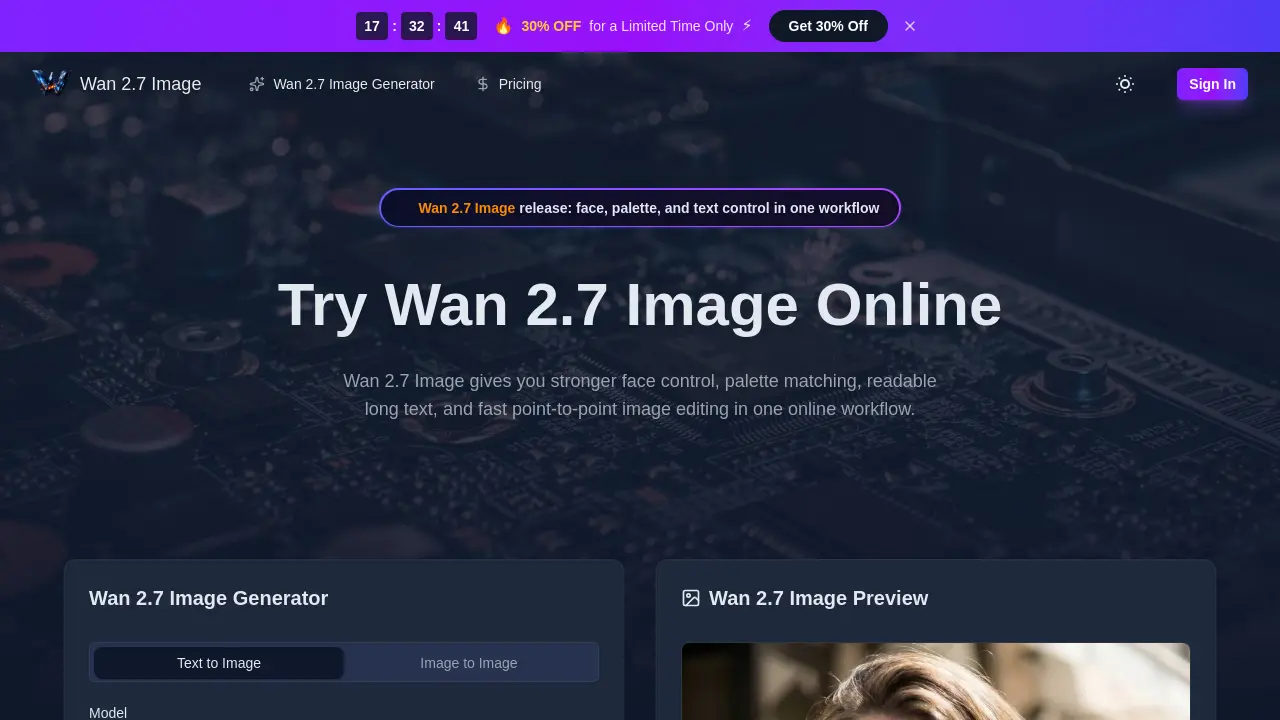
Wan 2.7 Image is a new image generation and editing model from the Wan ecosystem that started appearing publicly around late March 2026, with early testing continuing into April 2026. It offers stronger face control, palette matching, readable long text, and fast point-to-point image editing in one online workflow.
What are the key features of Wan 2.7 Image?
Wan 2.7 Image provides precise portrait control, hex-based palette transfer, long text rendering, up to 9 reference images, batch output up to 12 images, and interactive local editing. These features are designed for practical control in design, e-commerce, brand, and editorial work.
How does Wan 2.7 Image handle text rendering?
Wan 2.7 Image offers long text rendering capabilities, allowing for clearer small text in dense layouts, charts, formulas, labels, captions, and document-style layouts. This feature is particularly useful for specification sheets and presentation materials.
Can Wan 2.7 Image use multiple reference images?
Yes, Wan 2.7 Image can use up to 9 reference images to maintain consistency across a set of outputs. This feature is especially helpful for product sets, character sequences, or maintaining a consistent visual style across multiple images.
What are the pricing options for Wan 2.7 Image?
Wan 2.7 Image offers three subscription plans: Starter at $9.9/month, Premium at $19.9/month, and Advanced at $49.9/month. Each plan includes different credit allocations and features, with annual subscriptions offering a 50% discount compared to monthly plans.
How to use Wan 2.7 Image
- Navigate to the Wan 2.7 Image website and access the online generator interface.
- Enter a detailed text prompt or upload reference images to guide the desired output style and subject.
- Select image parameters including aspect ratio, background, quality, and batch size to match your project needs.
- Click the generate button and allow the tool to process your request using Wan 2.7 Image's advanced features.
- Review the generated images, then download the high-resolution results or use local editing for specific adjustments.
