
VayoVideo is an all-in-one AI anime generator for creators.

What is VayoVideo
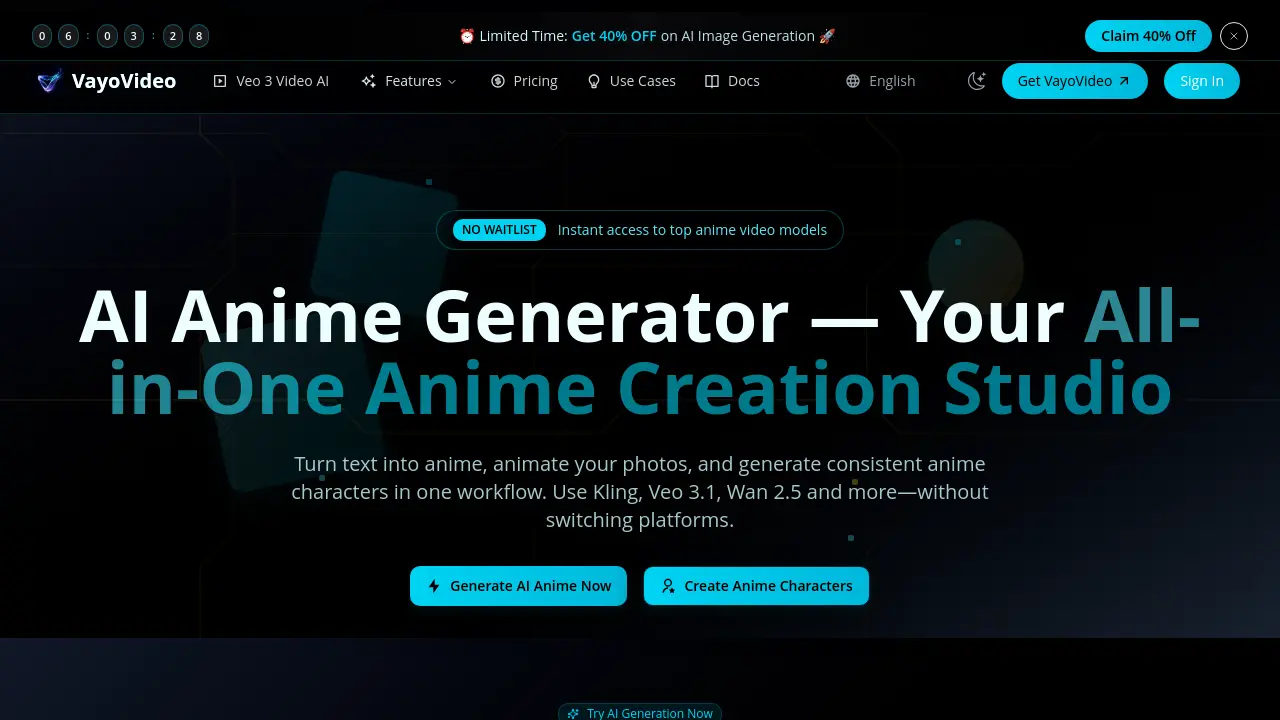
VayoVideo is an all-in-one AI anime generator that converts text prompts or photos into anime-style videos and images. The platform integrates multiple leading models, including Kling, Veo 3.1, and Wan 2.5, providing instant access without waitlists. Key functionalities include photo-to-anime animation, consistent character generation for series or campaigns, and viral trend templates like AI Hugs and Claymation. Outputs are studio-grade, with generation times reported around 3 seconds, and a unified history supports workflow efficiency. The service supports commercial use and offers a free tier with initial credits. With a reported 99.8% success rate and over 50,000 active users, VayoVideo targets content creators, social media managers, and businesses seeking a consolidated tool for efficient, high-quality anime asset production.
How does VayoVideo work
VayoVideo is an AI-driven anime generation suite that centralizes multiple advanced models such as Kling, Veo 3.1, Wan 2.5, and Sora 2. The platform allows users to create anime videos and images by submitting text descriptions or uploading photos. A typical workflow involves three steps: describe the desired scene, select the preferred AI model, and generate the output, which is available for download immediately. Features include character consistency for series production, style transfer for adapting to various anime genres, and pre-made templates for social media trends like AI Hugs. Integrated editing tools enable users to trim, remix, and enhance the generated content within the same environment. All generations are stored in a unified history for easy access and iteration. With no waitlist for instant access and support for commercial use in paid plans, VayoVideo streamlines the anime creation process for individuals and teams by eliminating the need for separate software for generation, editing, and asset management.
Benefits of VayoVideo
VayoVideo consolidates leading AI models like Kling, Veo 3.1, and Wan 2.5 into a single all-in-one studio for anime creation. This platform enables text-to-anime generation, photo animation, and consistent character development without requiring multiple subscriptions. Users benefit from instant access without waitlists, a free tier with credits for testing, and built-in collaboration tools. Production-ready exports with stable motion support social media, advertising, and brand storytelling workflows. The unified asset history and editor facilitate faster iteration, while commercial licensing allows for business application.
Pros and Cons of VayoVideo
Pros
- Integrates multiple top AI anime models.
- Provides instant access without waitlist.
- Includes free credits for new users.
- Reports high 99.8% success rate.
- Fast generation in 3 seconds.
Cons
- Commercial use restricted to paid plans.
- Free tier credits may be limited.
- Output quality varies with AI models.
- Primarily focused on anime styles.
- Model performance depends on external providers.
Core Features of VayoVideo
Multi-Model Anime Generation
Generates anime videos and images using integrated AI models like Kling, Veo 3.1, and Wan 2.5 within a single studio environment.
Text & Photo Input Conversion
Transforms text prompts or uploaded photos into anime-style visuals and motion through image-to-video and style transfer workflows.
Consistent Character Creation
Produces repeatable character designs and looks for narrative series, social content, and branded campaigns across multiple generations.
Viral Trend Templates
Offers one-click templates for popular short-form effects such as AI Hugs, AI Kiss, Claymation, and anime transfers for social media.
Integrated Studio Workflow
Provides built-in editing tools to trim, remix, and enhance generations, exporting creator-ready assets for social platforms and ads.
Unified Asset Management
Stores prompts, generation history, and reusable assets in a centralized hub to support iteration and maintain project consistency.
Team Collaboration & API
Facilitates shared workspaces for designers and marketers, and offers straightforward API integration for embedding generation into external applications.
Use Cases of VayoVideo
- E-commerce designers: Generate diverse product images and marketing visuals using AI image generation to reduce design costs and accelerate asset creation.
- Social media managers: Produce viral short-form content with one-click anime templates like AI Hugs and Claymation for TikTok and Instagram trends.
- Educators: Create engaging anime illustrations and animations from lesson plans to improve student comprehension and classroom material appeal.
- Independent developers: Integrate VayoVideo's API to embed direct anime generation features within their applications, enhancing end-user creative tools.
- Small business owners: Develop cost-effective promotional anime videos and character assets for social media marketing and brand storytelling campaigns.
FAQs of VayoVideo
What is an AI anime generator?
An AI anime generator is a software tool that uses artificial intelligence to produce anime-style images and videos from text prompts or uploaded photos. It employs generative models to automate the creation process, enabling users to generate visual content quickly without requiring artistic skills.
How do I generate anime video from text for free?
To generate anime video for free, create a VayoVideo account to receive initial free credits. Enter a descriptive text prompt in the Studio interface, select an available model such as Kling or Wan 2.5, and initiate the generation process. The system produces anime clips in seconds using these credits.
Can I convert a real photo to anime video with AI?
Yes, VayoVideo supports converting real photos into anime-style videos through AI-powered image-to-video and style transfer workflows. Upload a photo, apply anime filters or motion, and generate an animated clip that maintains the original subject while adapting to anime aesthetics.
What anime styles are supported?
VayoVideo supports a range of anime styles influenced by user prompts and model selection. These include cinematic, cyberpunk, manga-inspired, fantasy, and trends like AI Hugs or Claymation. The flexibility allows for both artistic and social-first visual outputs.
Is there a free tier?
VayoVideo offers a free tier providing new users with complimentary credits to test core anime generation features. This allows exploration of text-to-image and video workflows without immediate payment, with options to upgrade for expanded capabilities.
Can I use generated anime content commercially?
Commercial usage of generated content is permitted under VayoVideo's paid subscription plans, subject to the platform's terms of service and relevant regulations. Users should review their specific plan's licensing details for compliance in business applications.
Which AI models power anime generation in VayoVideo?
VayoVideo integrates multiple leading AI models for anime generation, including Kling 2.6, Veo 3.1, Wan 2.5, and Sora-class engines. These models are accessible within a unified studio, enabling diverse and high-quality outputs without platform switching.
Does VayoVideo store generation history?
Yes, VayoVideo automatically stores generation history, including prompts, outputs, and assets, in user accounts. This unified history supports iterative design, character consistency, and efficient asset reuse across projects.
What editing capabilities are integrated into VayoVideo?
VayoVideo includes built-in editor workflows that allow users to trim video clips, remix content, enhance quality, and iterate on designs directly within the studio. These tools streamline post-production without requiring external software.
How does asset management work in VayoVideo?
The platform organizes all prompts, generated outputs, and reusable assets in a central model hub through its unified asset history feature. This system facilitates easy access, version control, and consistency for ongoing anime creation projects.
What export formats are available for VayoVideo creations?
VayoVideo exports content in creator-ready formats optimized for platforms like TikTok, YouTube, and Instagram, as well as professional uses such as ads and brand storytelling. Exports ensure compatibility with common social media and marketing specifications.
Does VayoVideo offer an API for developers?
Yes, VayoVideo provides an API that enables developers to integrate its AI generation capabilities into external applications. This allows for embedding text-to-anime or image generation features directly within user platforms, as demonstrated in user testimonials.
What types of visual content can be created with VayoVideo?
Users can generate anime videos, static images, and style-transferred visuals from photos. The platform also supports viral templates like AI Hugs and Claymation, focusing on short-form social trends and consistent character designs for series or campaigns.
How to use VayoVideo
VayoVideo is an AI anime generator that creates videos and images from text prompts or photos, using models like Kling, Veo 3.1, and Wan 2.5 for consistent character generation and style transfer.
- Access the VayoVideo studio through the website and authenticate via sign-in or registration, utilizing available free credits for initial trials.
- Provide a detailed text prompt describing the desired anime scene or upload a source photograph for conversion into anime-style visuals.
- Select an appropriate AI model such as Kling, Veo 3.1, or Wan 2.5, considering factors like motion quality and stylistic output for the project.
- Optionally adjust generation parameters including aspect ratio or select predefined style presets like shonen, cyberpunk, or Ghibli-inspired aesthetics.
- Execute the generation command; the system processes the input using the chosen model, typically completing rendering within seconds as per platform metrics.
- Review the produced anime content in the preview interface, evaluating parameters such as visual fidelity, motion stability, and prompt adherence.
- Apply built-in editing tools for iterative refinement, which may involve trimming sequences, color correction, or enhancing specific elements within the same workflow.
- Download the finalized anime video or image in optimized formats, ready for direct upload to social platforms like TikTok, YouTube, or Instagram.
VayoVideo Website Traffic Analysis
Latest traffic information
- Monthly Visits2.18K
- Bounce Rate3.47%
- Pages Per Visit1.92
- Visit Duration00:12:43
- Global Rank6.75M
- Country/Region Ranking44.3K
Top Keywords
| Keyword | Traffic | Volume | Cost Per Click |
|---|---|---|---|
| kling ai video generator | -- | 7.46K | $1.22 |
| 图生视频 | -- | 530 | $2.54 |
| manga to video ai | -- | 130 | -- |
Top Regions
| Region | Percentage |
|---|---|
| United States | 100% |
VayoVideo Alternatives

Seedance 3.0 preview page: planned multi-shot continuity, scene editing and audio-visual sync for AI video, while the on-page generator runs Seedance 2.5.
Black Forest Labs' multimodal model with a web generator for text-to-video, image-to-video and image editing with native audio, for creators and marketers.
Wan API is an independent platform for Wan and Seedance video models. Compare specs and rates, generate clips in the Playground, or call them through one API.
Seedance 3.0 turns text, images, video clips, and audio into videos with sound, and edits one part of a clip without regenerating the rest.
AI video and image studio with text-to-video, image-to-video and keyframe control across Seedance, Kling, Wan and Vidu — all on one credit balance.
SeaMove AI is an AI video and image generation platform offering Seedance 2.0 and Seedance 2.5 models for text-to-video, image-to-video, and reference-based creation. Features multi-shot continuity, director-level control, and audio-visual sync for creators and studios.
Turns two separate portraits into a 15-second vertical rap duet video on an orange stage with a shared microphone and the original soundtrack. Free 480P preview available.
Mareel is an all-in-one AI video and image generation workspace giving creators, marketers, and ecommerce teams 40+ leading models and one shared credit balance.
An AI cartoon video generator that turns a script or prompt into an animated video with the same character in every scene, AI voiceover and soundtrack, and commercial rights included.
Gemini Omni is an online AI video generator and editor that turns a text prompt or reference image into a video, then refines each shot through conversational edits while keeping characters and the scene consistent.
Kling 4.0 turns text, images, and up to 15 Omni Reference assets into cinematic AI video, with 30-second multi-shot scenes, 10 keyframes, and 4K HDR.
Gemini Omni is a chat-based multimodal AI video generator and editor. It combines text, images, video, and audio to create cinematic clips with native audio.