
Tool Video FAQs
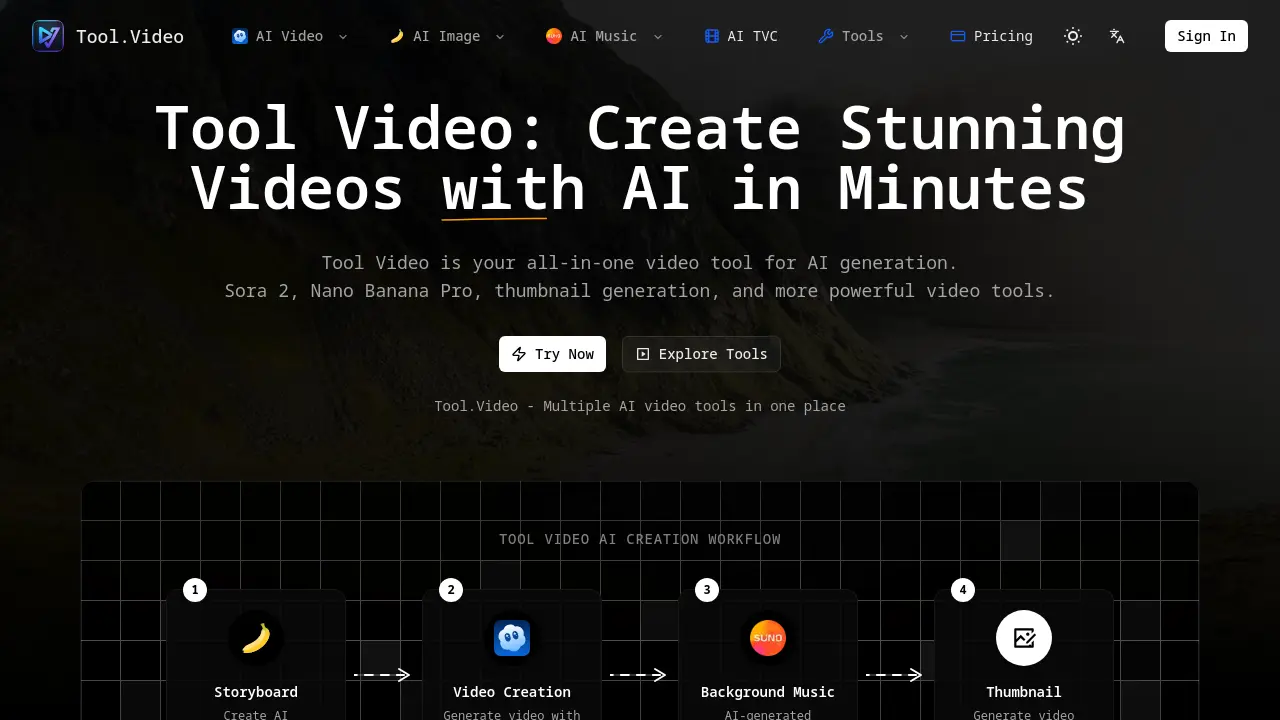
Tool Video provides an all-in-one platform for AI video generation, integrating Sora 2, Nano Banana Pro, thumbnail creation, and API support for a streamlined workflow.

FAQs of Tool Video
What is Tool Video?
Tool Video is an all-in-one AI video creation platform that consolidates various advanced video generation tools. It helps users create professional videos, thumbnails, and soundtracks quickly by integrating cutting-edge AI technology like Sora 2 into a unified dashboard.
What is Sora 2?
Sora 2 is a powerful AI video generation model that creates stunning videos from text prompts with realistic motion and detailed scenes. Integrated directly within Tool Video, this tool allows creators to transform descriptive text into professional-quality video content seamlessly.
What is Nano Banana Pro?
Nano Banana Pro is one of Tool Video's advanced AI engines for generating creative and unique video content. It serves as an alternative to Sora 2, providing users with a different AI engine to create distinct video outputs through the same unified platform.
How does the video thumbnail generator work?
The platform's AI video thumbnail generator automatically creates eye-catching thumbnails designed to boost engagement and increase click-through rates for your video content. The tool uses AI technology to generate compelling visuals that effectively represent your video content.
What video formats are supported?
While specific formats aren't listed on the website, Tool Video supports professional-quality exports, including HD video export capabilities. The platform is designed to output videos in formats suitable for professional use across various platforms and devices.
Is Tool Video free to use?
The website does not provide specific pricing information for Tool Video. Users should check the current pricing plans and usage terms to determine which features are available in free versus paid tiers of service.
Why is Tool Video the best video tool?
Tool Video positions itself as a leading platform by offering multiple AI engines in one unified dashboard, providing maximum flexibility and convenience. Users can access various video creation tools without switching between different services, streamlining their creative workflow.
How do I start creating videos with AI?
You can begin creating videos immediately by navigating to Tool Video's features section and selecting the desired AI tool, whether it's Sora 2 for text-to-video, Nano Banana Pro for creative content, or any of the other available video generation options.
What types of AI-generated content can I create?
Beyond creating complete videos from text prompts, users can generate AI storyboards, create custom background music using AI, and generate compelling thumbnails. These additional tools help creatives produce comprehensive video content from start to finish.
How to use Tool Video
- Tool Video provides an all-in-one platform for AI-powered video creation, text-to-video generation, and a full production workflow.
- Begin the video creation process by logging into the Tool Video platform to access its suite of AI tools.
- Create a storyboard by generating initial images for your concept, possibly using Nano Banana Pro or a similar AI image tool.
- Employ the Sora 2 integration to generate the core video, transforming your text prompts into dynamic visual content.
- Use the integrated AI music generation tool, like Suno 5, to create a background soundtrack for your video.
- Generate an engaging thumbnail for your newly created video to ensure it captures the audience's attention.
- Export the final video from the platform in high definition after all the elements have been combined.
- Leverage the comprehensive video tool suite to create unique content, from AI video generation to final presentation.
