
Tavoa AI: All-in-One AI Video, Image, Music & Voice Studio
| Added on: | Nov 16, 2026 |
| Monthly Visits: | -- |
| Social & Email: | -- |

What is Tavoa AI
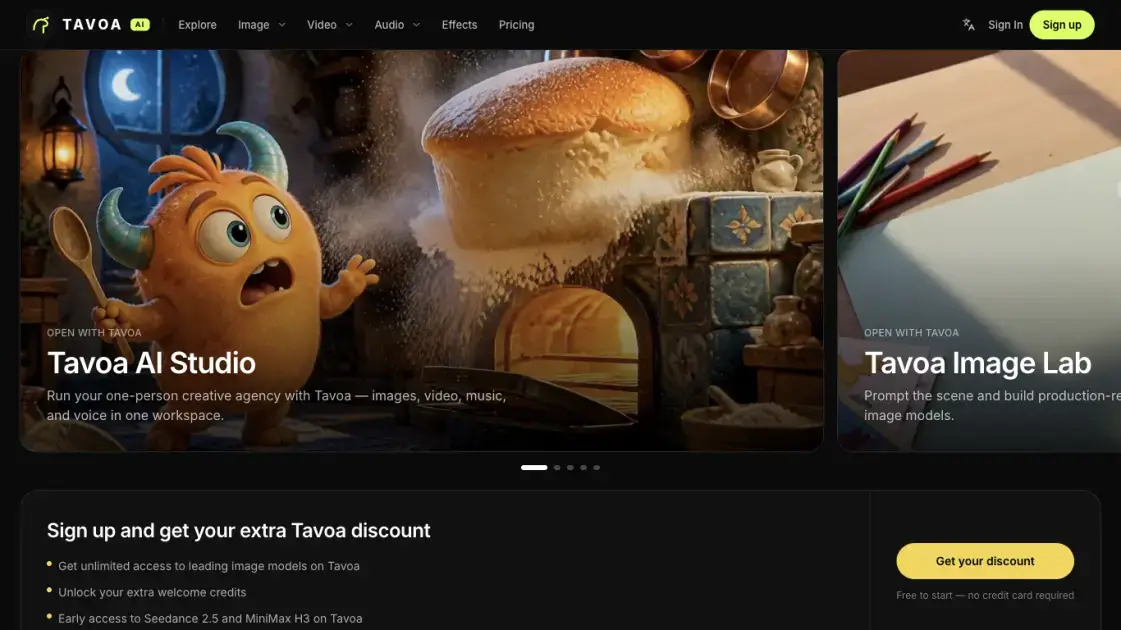
Tavoa is a browser-based creative studio that brings AI image, video, music, and voice generation into a single workspace. It targets creators who would otherwise rotate through separate tools to assemble one finished piece, bundling several leading models behind a common interface. The audience runs from solo filmmakers and social creators to teams that need shared seats and higher usage limits. A free entry tier allows experimentation before a creator commits to a paid subscription.
How does Tavoa AI work
A generation starts when a creator submits a text prompt, uploads a reference image, or selects one of the ready-made app workflows. Tavoa routes that request to a chosen model, and the model, duration and resolution picked determine how many credits the job consumes. Completed results collect in a private library tied to the account. Since every model sits behind the same interface, moving from an image task to a video task does not require exporting files into a different service.
Benefits of Tavoa AI
Consolidation is the central advantage: images, video, sound and voice work stay in one workspace rather than across several subscriptions. Paid tiers add commercial usage rights and watermark-free downloads, so finished assets can carry into client work. Annual plans hold credits valid for a year, which suits production that ramps up and down across a season. Privacy is the default — outputs stay inside a private library and are not reused to train shared models without an explicit opt-in.
Pros and Cons of Tavoa AI
Pros
- Wide catalog of AI models in one interface
- Both text-to-video and image-to-video supported
- Watermark-free commercial use on paid plans
- Private-by-default storage of generations
- Ready-made presets and app workflows
Cons
- Credit costs vary by model, duration and resolution
- Commercial rights require a paid plan
- Many models and apps to navigate at first
- Credits refresh only on each billing cycle
Core Features of Tavoa AI
Multi-model video generation
Tavoa exposes engines such as Veo 3.1, Sora 2, Kling 3.0 and Seedance 2.5, with text-to-video and image-to-video available across several of them.
Image creation and editing
Text prompts produce visuals through models including GPT Image, Flux 2 and Seedream 5, while Draw to Edit, Inpaint and Product Placement cover revisions.
Music and voice
Audio output spans music and speech, drawing on providers like ElevenLabs and Lyria 3 for generated soundtracks and narration.
Viral presets
A gallery of named looks — Agamemnon, Earth Zoom, Bullet time and Ink Riot among them — applies a finished style to a generation in one step.
Supercomputer
One superagent coordinates automation, skills and apps across the entire creative stack, and an MCP and CLI interface makes the same engine callable from Claude.
Use Cases of Tavoa AI
- Filmmakers: assembling cinematic sequences with camera control and consistent characters across shots.
- Social media creators: turning a single topic into a faceless channel through automation.
- Marketing teams: producing ad creative and product visuals under shared seats and higher limits.
- Beginners: starting from a prompt or a prebuilt workflow without design or editing training.
- Enterprises: scaling output with team access and platform-only capabilities.
FAQs of Tavoa AI
What does Tavoa do?
It combines image, video, music and voice generation in one studio, exposing several third-party models through a single interface.
Which engines are available?
Supported engines span Veo 3.1 and Kling 3.0 for motion, plus GPT Image for stills and ElevenLabs for audio, with more added over time.
Can generated assets be used commercially?
Yes — paid subscriptions grant commercial usage rights and watermark-free downloads, subject to the terms of the chosen plan.
How does billing for generations work?
Each run draws credits according to the model, length and output resolution; allowances renew on the billing cycle and can be topped up.
Do beginners need editing skills?
No. A prompt, an uploaded reference, or a ready-made workflow is enough to start, so prior design or video experience is not required.
What happens to private creations?
Output is saved to an account library and stays out of public model training unless the creator explicitly opts in.
How to use Tavoa AI
- Create an account; the platform advertises a free start with no credit card required.
- Choose the creative surface that fits the goal — Image, Video, Audio, Effects or a preset.
- Enter a descriptive prompt, or upload a reference image when reworking existing material.
- Pick a model and set the duration and resolution, then run the generation.
- Review the result in the private library and download it, with watermark-free files on paid plans.
Tavoa AI Alternatives
Viral Video AI turns text, photos, or a video reference into short clips for TikTok, Reels, and Shorts. Explore trend templates and download MP4 videos.
Turn a static logo into an animated video with Logo Animation AI. Upload a logo, pick a style or describe the motion, and export MP4 or transparent WebM.
MV Creator turns songs, photos and lyrics into downloadable music videos with lip-sync, slideshow, lyric, karaoke and visualizer tools for musicians.

Happy Wan builds cinematic video from text, images, clips and audio direction, with @-tag references, scene extension and multi-shot continuity for creators.
Kling 4.0 turns text prompts or first and last frames into 5–30 second clips with optional audio, letting creators direct and refine scenes in one workspace.
UniRoute gives developers one API and one pay-as-you-go USD balance for Claude, GPT, Gemini, Seedance and Suno text, image, video and audio models.
TokLab puts AI image, video, language and audio models behind one API key and one prepaid USD balance, with live listed prices and no subscription.
Photo-to-video studio that turns portraits into Hello 2027 climb, Goodbye 2026 and Lunar New Year clips with fixed Wan templates. No prompts, 6-15s MP4s.
Multimodal AI video generator that turns text prompts, reference images, and clips into cinematic multi-shot sequences with consistent characters.
Seedance 3.0 preview page: planned multi-shot continuity, scene editing and audio-visual sync for AI video, while the on-page generator runs Seedance 2.5.
Browser workspace for AI image generation, reference photo editing, and short video drafts, aimed at creators, marketers, and product teams.
Black Forest Labs' multimodal model with a web generator for text-to-video, image-to-video and image editing with native audio, for creators and marketers.