
MV Creator: AI Music Video Maker with Lip Sync & Lyric Videos

What is MV Creator
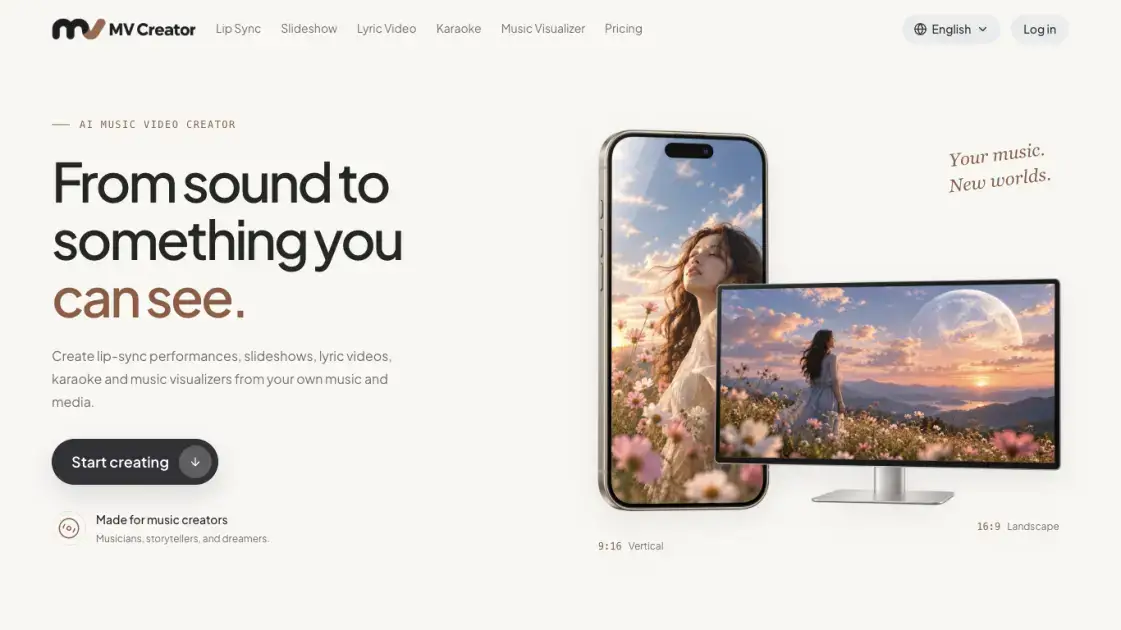
MV Creator is an account-based web service that converts supplied songs, recordings, photographs and timed lyrics into downloadable MP4 music videos. The platform groups five creation workflows under one account — lip-sync performance, photo slideshow, animated lyric, karaoke and audio-reactive visualizer — plus a library for saving or generating character images. It is built for musicians and other music makers who want a visual companion for a track without assembling an editing pipeline. Each workflow accepts the source material its format requires and returns a finished file that can be published to short-form feeds or landscape channels.
How does MV Creator work
Each tool pairs user-supplied source media with a template-driven rendering engine that reads timing from the selected audio passage. For lyric and karaoke projects, words come from LRC or SRT imports, pasted text, or an English recognition draft, and each line's start and end are aligned before rendering. Lip-sync processing maps the chosen recording onto a visible face and uses a third-party provider, so motion and likeness depend on the source rather than being guaranteed. Slideshow and visualizer outputs assemble stills or audio-reactive layers into an H.264/AAC MP4 at the chosen aspect ratio. A quote based on Credits and duration is shown before a task is submitted, and completed files stay in history for download.
Benefits of MV Creator
MV Creator keeps the steps of music-video production in one place: sourcing audio and images, timing words, choosing a format, and exporting an MP4. The credit model charges by the second for most videos and shows the total before a task runs, which makes the cost of a given clip predictable. Free accounts can try a slideshow, a lyric or karaoke video, and a visualizer for up to 60 seconds each, so the output can be judged before paying. A single balance works across the different tools, and finished downloads do not incur another generation charge. Multiple aspect ratios are supported, letting one song be prepared for landscape and vertical placement without rebuilding the project.
Pros and Cons of MV Creator
Pros
- Five distinct music-video workflows in one account
- Free trials up to 60 seconds for most tools
- 1080p and 4K export on paid plans
- LRC/SRT import and editable lyric timing
- No extra credits for templates, transitions or countdown styles
Cons
- Lip-sync output limited to 480p
- Vocal removal costs extra and may leave traces
- Free exports carry a watermark
- No general text-to-video or Story Video workflow
- Lyric recognition is English-only where available
Core Features of MV Creator
Lip Sync AI
An animating workflow that maps singing or spoken audio onto a single clearly visible face in a still image. It takes JPEG, PNG or WebP pictures up to 10 MB and MP3, WAV or M4A audio up to 100 MB or 10 minutes, selecting a passage from 3 seconds to 8 minutes.
Slideshow Maker
Arranges one to sixty photos against a music track, with optional title, subtitle, audio spectrum, photo-change countdown or timed LRC/SRT lyrics. Photos stay complete within the frame, and the export is a 1080p H.264/AAC MP4.
Lyric Video Maker
Builds animated text videos from uploaded audio and lyrics that are imported from LRC or SRT, pasted, or drafted by English recognition where available. Line timing is editable, and nineteen animated templates are offered.
Karaoke Video Maker
Produces a sing-along MP4 with two alternating lyric positions, current-line highlighting and an upcoming phrase rather than a word-by-word sweep. Audio runs up to 100 MB and ten minutes, with optional photo backgrounds and separately quoted vocal removal.
Music Visualizer Maker
Turns uploaded audio into waveform, spectrum-bar or radial animations that react to the music. No image or lyrics are required, and the result exports as an MP4 containing the chosen track.
Character Library
Stores uploaded character portraits and can generate an optional AI character image for use in singing videos. Supplying a saved portrait is free; creating an AI image carries its own image-credit charge.
Use Cases of MV Creator
- Musicians releasing a single: turn a recording into a photo slideshow, lyric clip or audio visualizer for a channel upload.
- Singers and vocal coaches: prepare timed lyric cues or karaoke clips for practice and sing-along sessions.
- Social creators: produce vertical 9:16 clips for TikTok, Instagram Reels and YouTube Shorts from existing tracks.
- Photographers and travellers: set a photo collection to music with optional captions, countdowns and a spectrum overlay.
- Fans of a character portrait: animate a saved image into a short singing or talking performance.
FAQs of MV Creator
Can a complete video be made for free?
Each account gets one slideshow trial, one shared lyric/karaoke trial and one visualizer trial, each up to 60 seconds. These trials do not reset monthly, and a confirmed technical failure restores them.
How are Credits charged?
A single balance covers all tools; lip-sync costs 2 Credits per second with a 120-Credit minimum, while lyric, slideshow and karaoke start at 1 Credit per second at 720p. The exact quote appears before submission, and 1080p and 4K cost 1.5× and 2× respectively.
Can original songs and images be used?
Yes. Recordings, photos and character portraits that are owned or licensed can be uploaded across the workspaces. Lyric recognition, where offered, drafts English words but does not translate a song.
Which file formats are accepted?
Lip-sync takes a JPEG, PNG or WebP face image and an MP3, WAV or M4A recording. The template-based tools also accept MP3, WAV or M4A audio and JPEG, PNG or WebP photos.
What resolutions and shapes can be downloaded?
Slideshows, lyric clips, karaoke and visualizers export MP4 in 16:9, 9:16 and 1:1; lip-sync outputs 480p in 9:16 or 16:9. Higher resolutions and watermark removal require a subscription or a remaining paid-credit balance.
Are reruns or downloads charged again?
Generating again creates a new task with a fresh charge, but an existing completed result can be downloaded at no additional cost. Credits tied to a confirmed technical failure are returned.
Does the site offer a general text-to-video tool?
No. MV Creator focuses on music-driven outputs — singing, slideshow, lyric, karaoke and visualizer videos — and does not currently provide a Story Video or prompt-only text-to-video workflow.
How to use MV Creator
- Pick the workspace that matches the intended result — a portrait performance, a photo sequence, animated words, a sing-along, or an audio-reactive visualizer.
- Upload the required media: a face image plus recording for lip-sync, photos plus audio for slideshows, or audio plus lyrics for the text-based tools.
- Select a passage within the workspace's duration range and arrange photos, time the lyric lines, or describe the character's performance as applicable.
- Choose landscape, portrait or square output where supported, then review the preview and the Credit quote shown before submission.
- Submit the task, wait for processing, and download the finished MP4 from history once it is complete.
MV Creator Alternatives

Muvio turns a song or Suno link into an AI music video with your characters, or writes a song from a description or your own lyrics for music videos.
Viral Video AI turns text, photos, or a video reference into short clips for TikTok, Reels, and Shorts. Explore trend templates and download MP4 videos.
Turn a static logo into an animated video with Logo Animation AI. Upload a logo, pick a style or describe the motion, and export MP4 or transparent WebM.
Tavoa is an all-in-one AI creation platform for images, videos, music, and voice. Create production-ready content with leading AI models in one studio.
Happy Wan builds cinematic video from text, images, clips and audio direction, with @-tag references, scene extension and multi-shot continuity for creators.
Kling 4.0 turns text prompts or first and last frames into 5–30 second clips with optional audio, letting creators direct and refine scenes in one workspace.
UniRoute gives developers one API and one pay-as-you-go USD balance for Claude, GPT, Gemini, Seedance and Suno text, image, video and audio models.
TokLab puts AI image, video, language and audio models behind one API key and one prepaid USD balance, with live listed prices and no subscription.
Photo-to-video studio that turns portraits into Hello 2027 climb, Goodbye 2026 and Lunar New Year clips with fixed Wan templates. No prompts, 6-15s MP4s.
Multimodal AI video generator that turns text prompts, reference images, and clips into cinematic multi-shot sequences with consistent characters.
Seedance 3.0 preview page: planned multi-shot continuity, scene editing and audio-visual sync for AI video, while the on-page generator runs Seedance 2.5.
Browser workspace for AI image generation, reference photo editing, and short video drafts, aimed at creators, marketers, and product teams.