
Swayclip Introduction
Swayclip is an AI creative platform that lets creators generate cinematic videos, editorial images, and music tracks from text or reference images using multiple leading models within a single browser workspace.

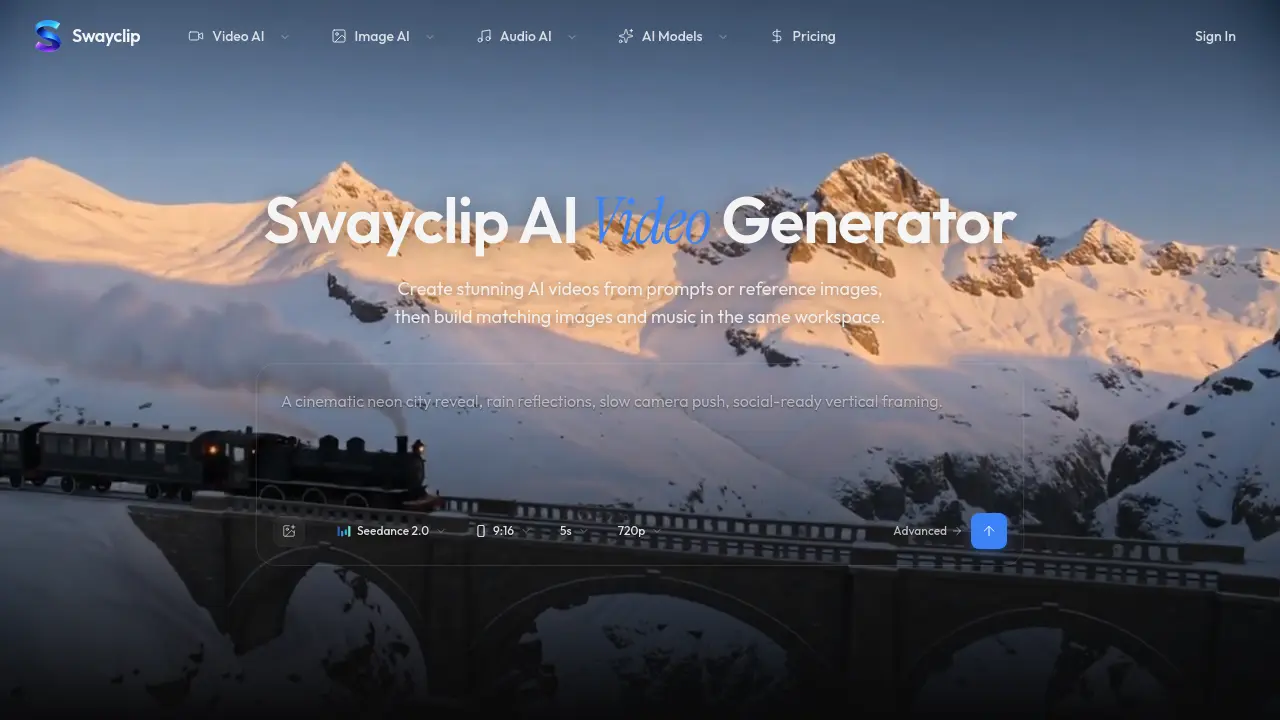
What is Swayclip
Swayclip is an all‑in‑one AI creative workspace that lets users generate cinematic video, editorial‑style images, and custom music from a single text prompt or reference image. The platform integrates multiple leading AI models—such as Kling 3.0, Veo 3.1, and Seedance 2.0—within a browser‑based editor, enabling fast iteration across media types without switching tabs. Users can specify aspect ratios, resolutions up to 720p, and durations as short as five seconds, while the system automatically applies premium colour grading and anamorphic effects to produce polished outputs. Prompt‑to‑music conversion turns brief descriptions into ready‑to‑cut soundtracks, and image‑to‑video tools support seamless transitions from static concepts to motion sequences. Commercial usage is permitted, and support replies are provided within one business day, making Swayclip suitable for content creators, marketers, and independent filmmakers seeking an efficient, unified AI production pipeline.
How does Swayclip work
Swayclip functions as an integrated AI workspace that accepts a textual prompt or reference image, then routes the input to multiple specialized generative models for video, image, and audio creation. The system’s compositor forwards the request to leading video models (e.g., Seedance 2.0, Veo 3.1) to synthesize cinematic sequences, while parallel calls invoke image generators (e.g., GPT Image 2, Nano Banana) for editorial stills and an audio module (Text‑to‑Music) for matching soundtracks. Outputs are rendered at selectable resolutions, aspect ratios, and durations within a single browser tab, allowing creators to iterate, refine prompts, and export assets for commercial use without leaving the platform.
Benefits of Swayclip
Swayclip provides a single‑browser workspace where creators can generate cinematic AI video, editorial‑style images, and custom music tracks from a text prompt or reference image. By integrating multiple leading AI models—including Kling 3.0, Veo 3.1, and Seedance 2.0—it supports diverse scene types, aspect ratios, and resolutions up to 720p, while maintaining consistent visual and audio style across media. The platform’s prompt‑to‑music feature creates ready‑to‑cut soundtracks, and its image‑to‑video workflow streamlines asset reuse. Commercial rights are clarified, and support responds within one business day, making Swayclip a practical tool for fast‑moving creators.
Pros and Cons of Swayclip
Pros
- Generates video, image, and music in one browser tab.
- Supports multiple leading AI models for diverse outputs.
- Browser‑based workspace requires no local installation.
- Provides example prompts and real output previews.
Cons
- Pricing details are not disclosed on the main page.
- FAQ lacks specific information on model licensing.
- No explicit mention of export formats or resolution limits.
- Support response time limited to one business day only.
