
SenseNova U1 FAQs
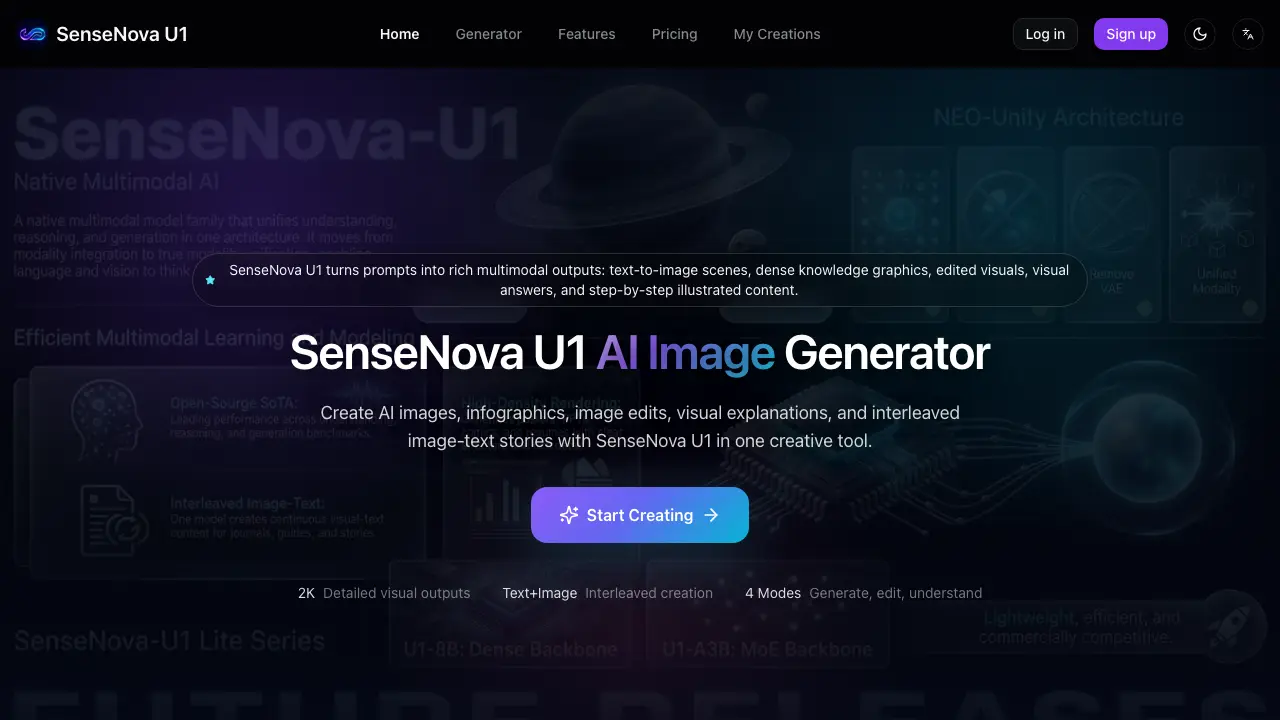
SenseNova U1 is an AI‑powered visual content creator for designers, educators and marketers, offering text‑to‑image generation, infographic design, prompt‑based image editing, visual Q&A and interleaved image‑text storytelling.

FAQs of SenseNova U1
What is SenseNova U1 used for?
SenseNova U1 is an AI‑powered platform that creates images from text prompts, produces data‑dense infographics, edits uploaded visuals, answers visual questions, and generates interleaved image‑text stories for educational, marketing, and design projects.
Can SenseNova U1 generate images from text?
Yes. By providing a clear description of the desired scene, style, composition, and any required labels, SenseNova U1 synthesizes a high‑resolution image that matches the prompt’s specifications.
Can SenseNova U1 create infographics?
Yes. The tool can turn complex topics into structured, high‑density knowledge graphics, automatically adding sections, labels, and visual hierarchy to produce professional‑looking infographics suitable for presentations or learning materials.
Can I edit an existing image with SenseNova U1?
Yes. After uploading a reference picture, you can give prompt‑based instructions—such as changing colors, adding objects, or altering composition—and SenseNova U1 will modify the image accordingly.
Can SenseNova U1 answer questions about an image?
Yes. Using visual reasoning, the system can inspect an uploaded image, interpret its elements, and provide concise answers about objects, layout, text, or contextual details.
What is interleaved image‑text generation?
Interleaved generation means SenseNova U1 can produce a sequence where text and images alternate, enabling the creation of illustrated tutorials, travel diaries, comics, or step‑by‑step guides within a single workflow.
What prompts work best?
Prompts that clearly state the subject, target audience, visual style, aspect ratio, required text, and layout details tend to yield the most accurate and detailed outputs from SenseNova U1.
How can I improve a weak result?
Refine the prompt by adding more specific composition cues, style references, color palettes, or text placement instructions, then regenerate or apply the built‑in edit mode to polish the output.
Are there any output limits I should be aware of?
SenseNova U1 may struggle with extremely fine human details, very small typography, or extremely long visual sequences; reviewing and manually adjusting these areas is recommended before publishing.
Who is SenseNova U1 best suited for?
The platform is aimed at creators, designers, educators, marketers, researchers, and small teams who need fast, multimodal visual content without mastering complex design software.
Additional: How does SenseNova U1 handle text inside images?
While the engine can embed text in generated graphics, spelling, font consistency, and label accuracy are not guaranteed; users should verify and edit any textual elements before final use.
Additional: Can SenseNova U1 be used for social‑media graphics?
Yes. The tool can produce shareable posters, carousel images, and short visual stories optimized for platforms like Instagram, Twitter, and LinkedIn, helping users maintain a consistent visual brand.
How to use SenseNova U1
SenseNova U1 converts textual prompts into multimodal visuals, offering image generation, infographic design, prompt‑based editing, visual Q&A, and interleaved image‑text storytelling for creative and educational projects.
Select the desired task—text‑to‑image, infographic, image edit, visual Q&A, or interleaved story—by clicking the corresponding mode on the generator interface.
Compose a clear prompt that specifies subject, audience, visual style, composition, labels, and any required textual elements, then submit it in the prompt box.
Activate the generation process; the platform renders the image, edited visual, knowledge graphic, or illustrated sequence based on the provided description.
Review the output, checking factual accuracy, layout consistency, text legibility, and visual details; use the built‑in edit controls or refine the prompt for iterative improvement.
Export the final visual assets in the preferred format and integrate them into presentations, tutorials, marketing materials, or social media, ensuring compliance with branding and copyright guidelines.
