
Seedream FAQs
Seedream 4.5 is an AI text‑to‑image generator and editor that creates consistent, 4K‑quality images with clear text, ideal for designers, marketers, content creators.

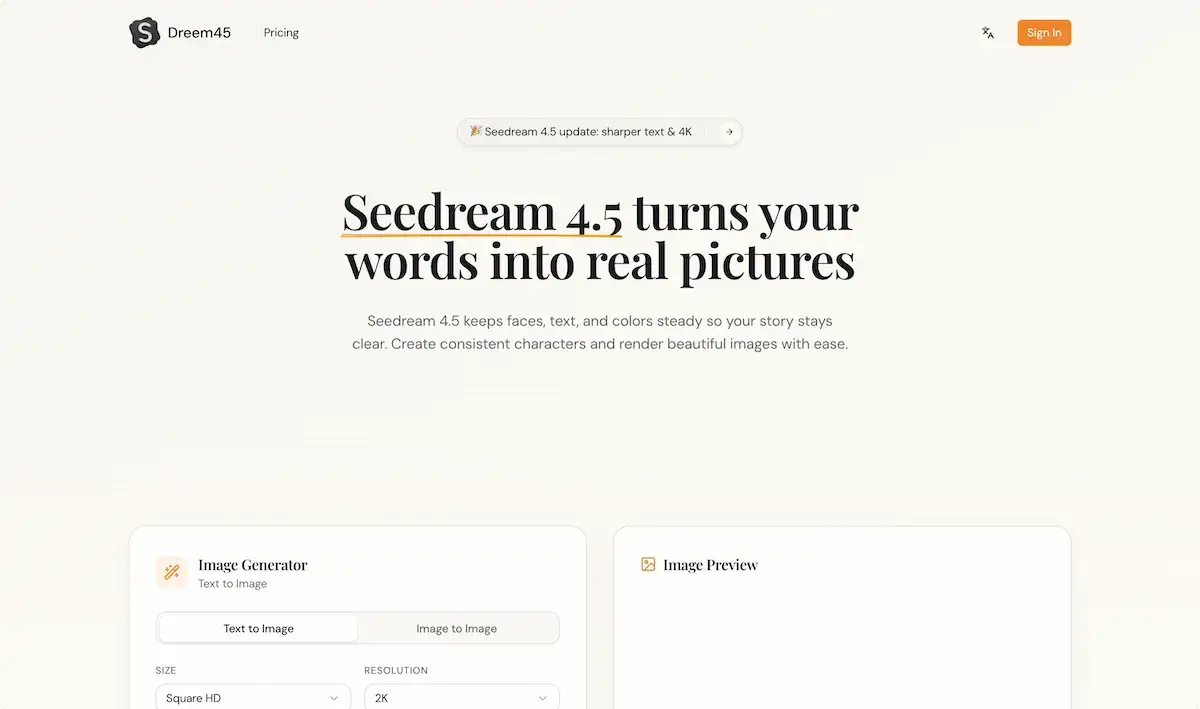
FAQs of Seedream
What is Seedream 4.5 and what does it do?
Seedream 4.5 is a text‑to‑image AI model that converts natural language prompts into high‑resolution visuals. It offers consistent character placement, clean text rendering, and 4K output suitable for design, storyboards, and social media posts, aligning with the latest Seedream 4.0 and 4.5 updates.
How does Seedream 4.5 keep characters consistent?
It uses an internal consistency module that tracks key facial features, outfit colors, and perspective across multiple images. Reference images can be uploaded; the model overlays these attributes onto new outputs, ensuring each frame retains the same character structure and lighting, a feature highlighted in the Seedream 4.5 technical report.
Can Seedream 4.5 write text on images?
Yes. Seedream 4.5 includes a text‑rendering engine that places readable logos, posters, and dense typography on images. The model optimizes font clarity and spacing, providing clear post‑rendered text for banners and product cards, a core capability of the Seedream 4.5 update.
Can I upload my own photos to Seedream 4.5?
The platform accepts up to four reference photos per prompt. These images guide the model to match faces, outfits, and color palettes in the produced visuals. Uploading your own stock or personal photos is supported, allowing customized generation aligned with the Seedream AI brand.
Is Seedream 4.5 easy for beginners?
Seedream 4.5 is designed for both novices and professionals. Simple prompt input, optional reference images, and preset camera styles give beginners a low‑friction workflow, while advanced users can fine‑tune wording and edit controls to achieve complex scenes, making the tool approachable for all skill levels.
What do I need to start with Seedream 4.5?
To begin, you need a Seedream account, which you can create by signing in on the official site. Once logged in, you receive an initial credit allotment; you can then upload reference images, type prompts, and generate images. Pricing information and credit management are available in the user dashboard.
How many images can Seedream 4.5 produce in one batch?
Seedream 4.5 supports batch generation of up to eight consistent images per prompt, with each image maintaining character and style consistency across the set, providing a quick solution for storyboards and product series.
What is the maximum resolution available for Seedream 4.5 outputs?
The highest default resolution is 4K (3840 × 2160) pixels, with lower defaults like 2K ready for quick previews; users can choose between Square, HD, or 4K options to match their needs.
Does Seedream 4.5 offer an API for integration with other tools?
Seedream provides a RESTful API that enables developers to send prompts, upload reference imagery, and retrieve generated assets programmatically, facilitating integration into custom workflows and automation.
How are usage credits calculated for generating images with Seedream 4.5?
Each generation consumes credits based on prompt length and resolution. The platform specifies cost per image: 1 credit for HD, 2 credits for 2K, and 4 credits for 4K, with additional charges for extra prompts or reference images.
Is there a free trial or free credits for new users of Seedream 4.5?
New users receive an initial free credit package that allows limited generation; after credits deplete, users must purchase additional bundles, ensuring access without immediate costs while maintaining a clear pricing model.
How to use Seedream
- Seedream 4.5, from the See Dream 4.0 line, is an AI‑driven text‑to‑image and editing platform that creates high‑resolution visuals, preserves character fidelity, renders legible text, and supports 4K output.
- Sign in to the Seedream portal, then navigate to the “Image Generator” tab, and click “Create New Project” for a fresh canvas.
- Input a concise prompt in the left‑hand field, preview changes live, and optionally upload up to four reference images to guide style and consistency. (Screenshot: prompt box)
- Select resolution (Square, HD, 2K) and set style sliders; for text generation, type your desired poster or label content in the “Text” box. (Screenshot: style sliders)
- Click “Generate” to trigger the model; a preview thumbnail appears after 2–5 seconds, after which 4K resolution files are downloadable from the “Export” menu. (Screenshot: export menu)
- Review credits: each 4K image costs 100 credits, view remaining credits at top‑right; recharge via the dashboard if needed for uninterrupted workflow. (Screenshot: credits display)
- Interpret generated imagery by checking text legibility and character consistency; adjust prompt wording or reference images to refine output, then export final assets for campaigns or prototypes.
