
Seedance 2.1 AI Introduction
Seedance 2.1 AI is a free AI video generator for creators and marketers, converting text, image and video references into cinematic HD clips with prompt control, smooth motion and rapid downloads.

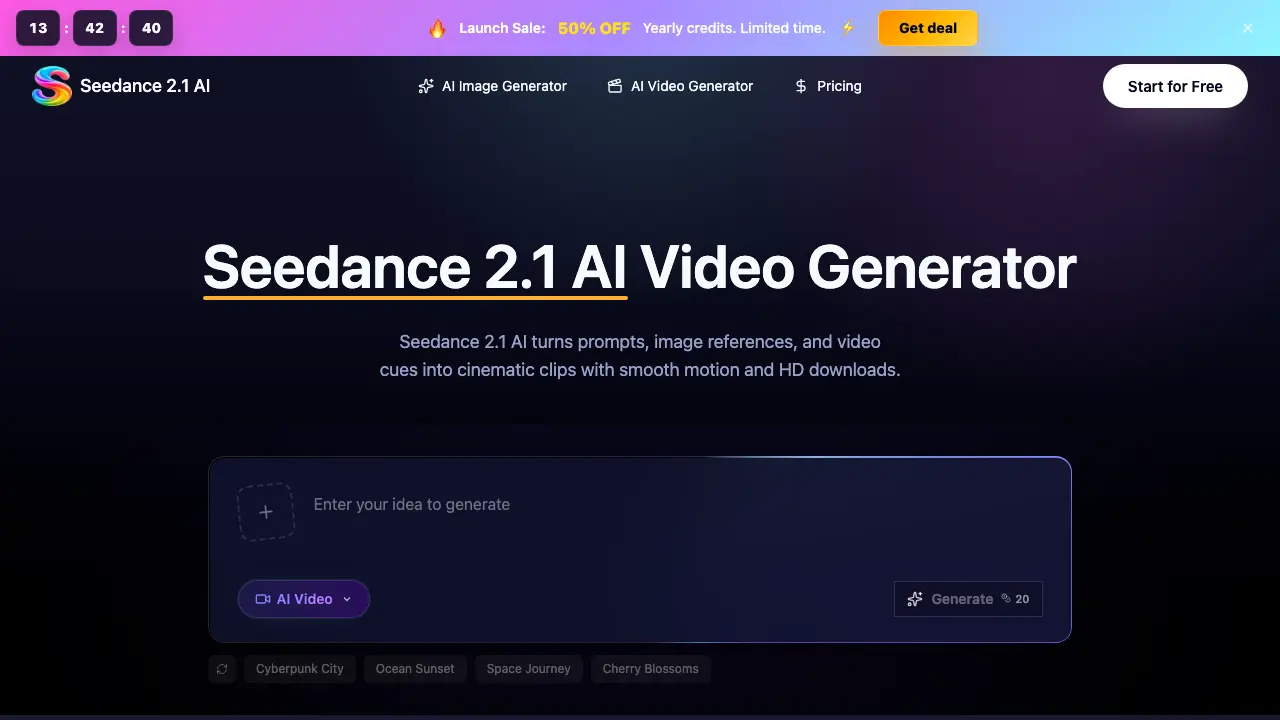
What is Seedance 2.1 AI
Seedance 2.1 AI is a browser‑based video generation workspace that converts text prompts, image references, and video cues into HD cinematic clips. Users write a brief that defines subject, setting, camera movement, mood, and pacing; the system then creates a draft with smooth motion, consistent lighting, and coherent framing. The platform supports image‑to‑video workflows, allowing a product photo or mood board to guide subject identity, composition, and motion. Generated clips can be previewed, downloaded, and reused for marketing assets such as social ads, ecommerce videos, storyboards, and pitch reels. Seedance 2.1 AI also includes a credit‑managed pricing model, a review interface for prompt iteration, and export options without watermarks, making it suitable for hobbyists, professional creators, and teams that need rapid visual prototypes before full production.
How does Seedance 2.1 AI work
Seedance 2.1 AI operates as a browser‑based AI video generator that converts text prompts, uploaded images, or video cues into short, HD cinematic clips. Users enter a descriptive brief—specifying subject, setting, camera moves, mood and pacing—then select parameters such as duration, aspect ratio and output quality. The platform’s multimodal model analyses the prompt and any reference media, synthesises consistent character identity, lighting and motion, and renders a preview using allocated credits. After generation, the clip can be reviewed, downloaded without watermark, and reused for storyboards, product teasers, social ads or marketing pitches.
Benefits of Seedance 2.1 AI
Seedance 2.1 AI is a browser‑based video workspace that converts text prompts, images, or video cues into cinematic HD clips with smooth motion and consistent styling. The workflow lets users define subject, setting, camera moves, lighting, and pacing, then generate, preview, and download videos for marketing ads, ecommerce showcases, storyboards, or client pitches. Reference‑image input preserves subject identity and composition across variations, while credit tracking and priority queues support efficient iteration. Exported clips are watermark‑free and licensed for commercial use, making the tool suitable for both hobbyists and professional production teams.
Pros and Cons of Seedance 2.1 AI
Pros
- Browser‑based workspace, no software install needed.
- Supports text, image, and video reference inputs.
- Generates HD video clips with no watermark.
- Consistent subject identity across multiple shots.
- Tiered pricing includes commercial‑use license.
Cons
- Credits required for each generation increase operational cost.
- Faster rendering only available on higher‑tier plans.
- Limited post‑generation editing capabilities.
- Advanced visual effects not supported.
- Output quality tied to selected credit level.
