
Reve 2.0 Introduction
Reve 2.0 is an AI image and video generator for creators and designers, offering native 4K output, layout‑planning, text integration and editable revisions to produce polished visual assets quickly.

What is Reve 2.0
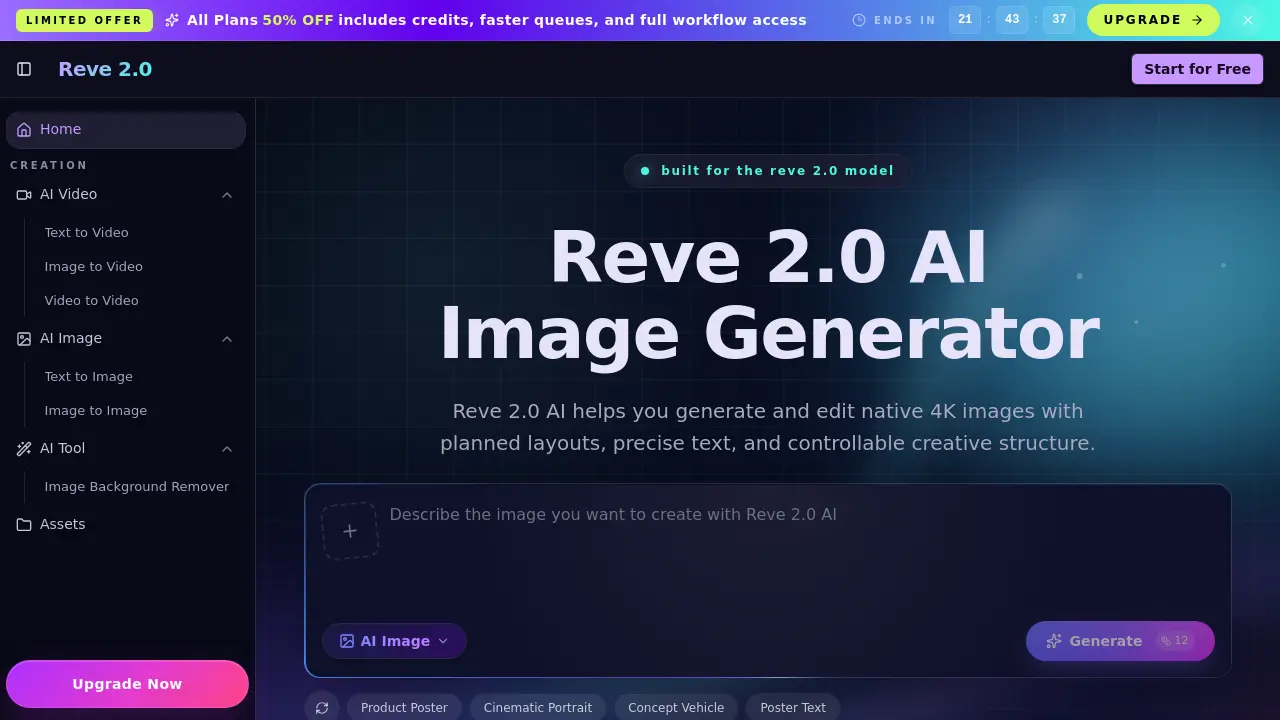
Reve 2.0 AI is a web‑based image generator that emphasizes structured creation and native 4K output. The platform begins with a planning stage, arranging objects, spacing, and text before rendering, which produces compositions that feel deliberately designed rather than random. Users submit a textual prompt or a reference image, select aspect ratio and quality settings, and receive a high‑resolution result that can be downloaded instantly. Because the model retains visual structure, subsequent edits—such as changing a subject, background, or typography—are handled through iterative prompts without losing the original layout. The workflow is tailored for product visualizations, graphic design assets, cinematic stills, and any task that requires precise text placement and repeatable composition. A free tier allows immediate experimentation, while paid plans unlock additional credits, faster queues, and full access to the editing pipeline.
How does Reve 2.0 work
Reve 2.0 AI processes a user‑provided text prompt or reference image through a three‑step workflow: first, the system parses the input and extracts layout intentions, then it applies the Reve 2.0 model to plan object placement, spacing, and text integration before rendering a native 4K output. The generator produces a structured image, after which users can modify prompts, adjust parameters, or edit specific elements while preserving the original composition. This planning‑first approach enables iterative refinement, precise typography, and consistent visual hierarchy, making the tool suitable for product renders, graphic design, and cinematic concept art.
Benefits of Reve 2.0
Reve 2.0 AI delivers structured 4K image generation with an upfront layout‑planning step, ensuring objects, spacing, and text are positioned before rendering. This workflow reduces guesswork, produces native 4K output without upscaling, and keeps visual structure addressable for iterative edits. Users can refine subjects, backgrounds, lighting, or typography while preserving the approved composition, making it suitable for product visuals, graphic design, and cinematic stills. The three‑step process—prompt input, parameter selection, generate and download—offers a fast, repeatable pipeline that balances creative control with high‑resolution quality.
Pros and Cons of Reve 2.0
Pros
- Native 4K output eliminates upscale quality loss.
- Planning‑first workflow ensures consistent composition.
- Editable after generation for iterative refinements.
- Supports text placement within images.
- Free tier available for trial.
Cons
- Limited information on pricing beyond discount offer.
- No explicit mention of video generation capabilities.
- Lack of detailed technical specifications.
- Support contact limited to email only.
- No clear export formats listed.
