
RenderFlow AI FAQs
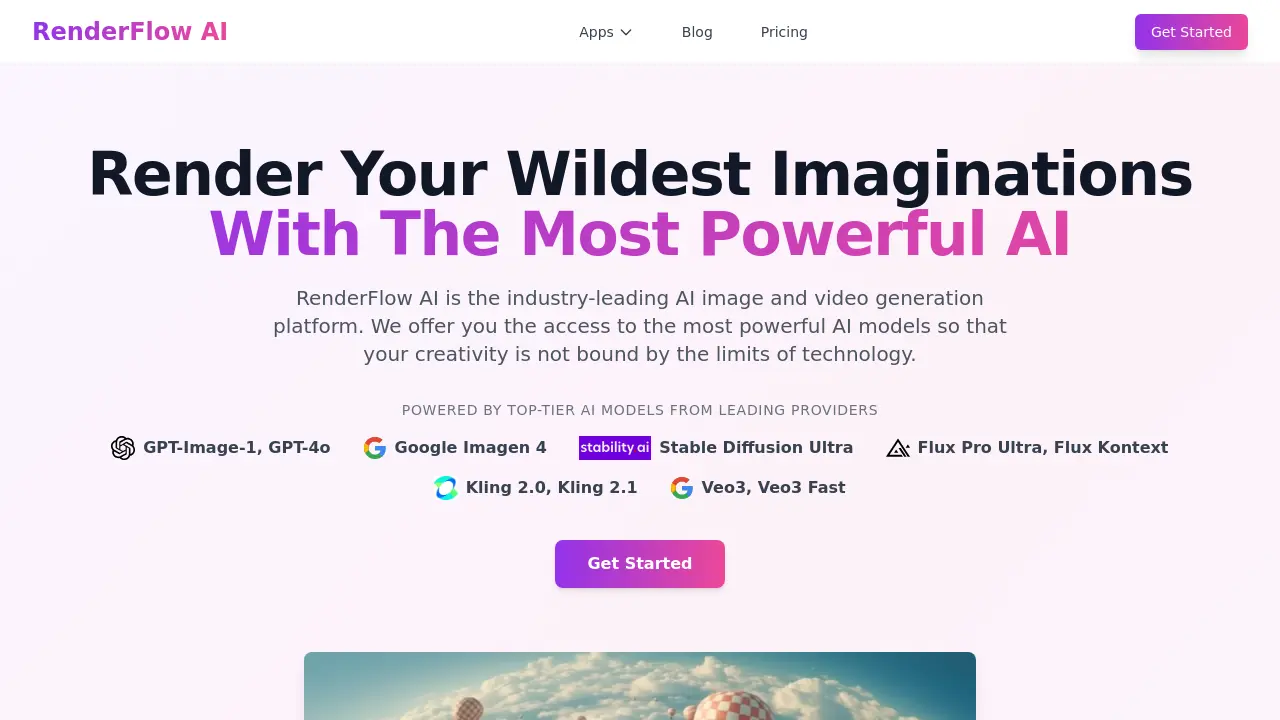
RenderFlow AI is an image and video generation platform powered by models like GPT-Image-1 and Flux Pro Ultra, serving creators, designers, and marketers.

FAQs of RenderFlow AI
What is RenderFlow AI?
RenderFlow AI is an AI‑powered platform that generates images, videos, and audio content from text prompts. It aggregates top‑tier models such as GPT‑Image‑1, Google Imagen 4, Flux Pro Ultra, and Kling 2.1, allowing users to create professional‑grade visuals without specialized skills.
How does the AI image generator work?
Users enter a descriptive text prompt, select a preferred model, and optionally adjust parameters like style or resolution. The backend AI model interprets the prompt and synthesizes a high‑resolution image within seconds, after which users can refine the output or download the result directly.
Which AI models does RenderFlow AI support?
RenderFlow AI integrates numerous leading models, including GPT‑Image‑1, Google Imagen 4, Stable Diffusion Ultra, Flux Pro Ultra, Flux Kontext, Kling 2.0/2.1, Veo3, and Veo3 Fast. Each model is optimized for specific aesthetics, from photorealism to abstract art.
Is RenderFlow AI free to use?
RenderFlow AI provides an initial allocation of free credits that let new users generate images and videos at no cost. Additional credits can be purchased through tiered subscription plans, which also unlock higher‑speed rendering and priority access to premium models.
What makes RenderFlow AI different from other AI generators?
The platform combines multiple premium models in a single interface, offering both generation and editing tools for images, videos, avatars, and voice. Its Flux Kontext editor delivers consistent, prompt‑driven edits, while the AI video generator creates clips from text or images, reducing the need for separate applications.
Can I use AI‑generated images commercially?
Yes. RenderFlow AI grants full commercial rights to all assets produced on the platform. Users may incorporate the images, videos, avatars, and voice outputs into marketing campaigns, product designs, websites, and any other commercial project without additional licensing fees.
How are my data and privacy protected?
RenderFlow AI stores user prompts and generated media on secure, encrypted servers compliant with standard data‑protection regulations. Personal information is used solely for account management and service improvement, and it is never sold to third parties without explicit consent.
What file formats are available for download?
Generated visuals can be downloaded in common formats such as PNG and JPEG for images, MP4 for videos, and WAV or MP3 for audio. Higher‑resolution or lossless options are also offered in subscription tiers.
Does RenderFlow AI integrate with third‑party tools?
The platform provides API endpoints and webhooks that allow developers to embed image, video, and voice generation directly into external applications, content management systems, or design pipelines, facilitating automated workflows.
What is the refund policy for paid subscriptions?
RenderFlow AI offers a 14‑day money‑back guarantee for new subscribers. If a user is unsatisfied within this period, they may request a full refund through the support portal, provided the account has not been used for commercial distribution.
How to use RenderFlow AI
RenderFlow AI serves as an AI‑driven platform for generating and editing images, videos, avatars, and voiceovers, leveraging models such as GPT‑Image‑1, Flux Pro Ultra, and Veo 3.
Access the desired tool (e.g., AI Image Generator) from the dashboard, then enter a detailed text prompt into the input field, optionally selecting a specific model or style.
Submit the prompt; the system processes the request, rendering visual or audio output within seconds while displaying a loading indicator and model name for reference.
Review the generated result thumbnail; use the on‑screen controls to upscale, download, or iterate by adjusting the prompt or applying image‑to‑image variations.
Analyze key metrics shown (resolution, model confidence, token usage) to assess quality, consistency, and resource consumption, informing any needed refinements.
Export the final asset in the required format, then integrate it into marketing, design, or development workflows, confident that commercial rights are retained.
