
RemoveFrom.Video Introduction
This online AI tool removes watermarks, text, subtitles and unwanted objects from videos while preserving natural quality—ideal for creators and marketers.

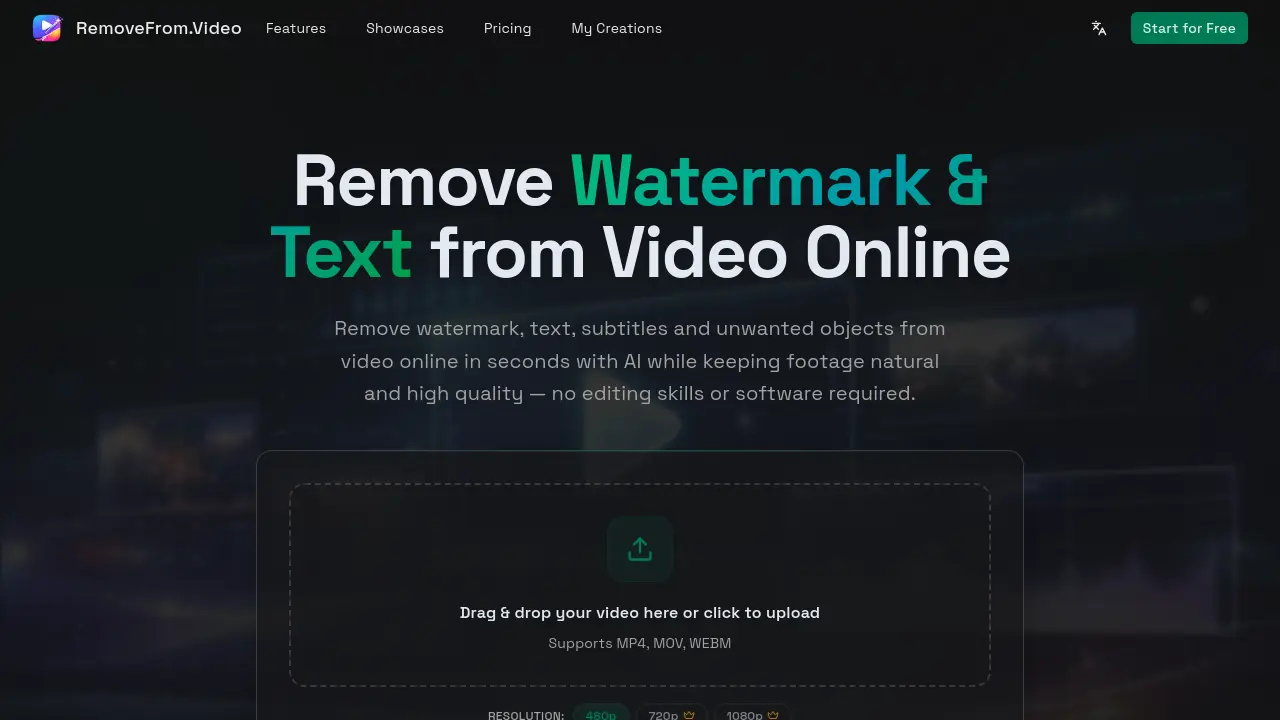
What is RemoveFrom.Video
RemoveFrom.Video is an AI-powered online tool designed to remove watermarks, text, subtitles, and unwanted objects from videos quickly and easily. It leverages advanced AI video inpainting to automatically detect and erase unwanted elements while rebuilding the background naturally, ensuring high-quality results without blur or pixelation. The tool supports common video formats like MP4, MOV, and WEBM, and processes videos securely in the cloud—no software installation required. Ideal for creators, marketers, educators, and everyday users, RemoveFrom.Video simplifies video cleanup for social media, marketing, tutorials, and personal projects. With its fast, accessible interface and intelligent processing, users can produce clean, professional videos in just a few steps, preserving original clarity and motion.
How does RemoveFrom.Video work
RemoveFrom.Video is an online platform utilizing AI technology to remove watermarks, text, subtitles, and unwanted objects from videos. Users can upload MP4, MOV, or WEBM files and select their removal mode. The AI automatically detects and processes the desired elements, reconstructing the background to maintain natural motion and visual quality. The system employs advanced video inpainting to understand scene continuity, ensuring the cleaned video remains visually consistent. Processing occurs in the cloud without requiring software installation, providing a fast and accessible solution for content creators, marketers, and educators to enhance and repurpose their video content.
Benefits of RemoveFrom.Video
RemoveFrom.Video is an AI-powered online tool designed to remove watermarks, text, subtitles, and unwanted objects from videos. It supports MP4, MOV, and WEBM formats, offering resolutions up to 1080p. The platform uses advanced AI video inpainting to seamlessly erase elements while preserving natural motion and quality. Users can upload videos directly in their browser, select the desired removal mode, and download cleaned results in minutes. This user-friendly solution eliminates the need for complex editing software, making it ideal for creators, marketers, and educators. RemoveFrom.Video ensures high-quality output and fast processing, enabling effortless video cleanup for social media, marketing, and personal projects.
Pros and Cons of RemoveFrom.Video
Pros
- AI-powered video processing.
- User-friendly online interface.
- Supports popular video formats.
Cons
- Limited to short video processing.
- No mention of batch processing.
- Lacks advanced editing features.
