
RemoveFrom.Video FAQs
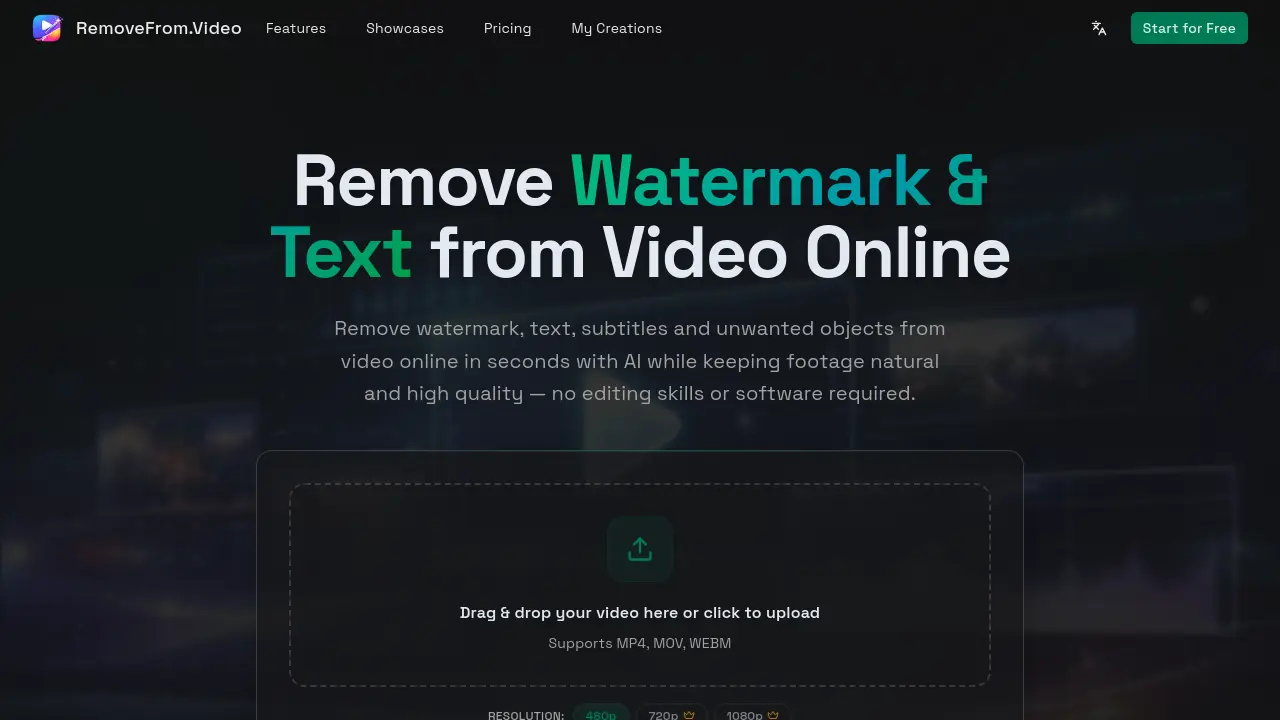
This online AI tool removes watermarks, text, subtitles and unwanted objects from videos while preserving natural quality—ideal for creators and marketers.

FAQs of RemoveFrom.Video
What types of content can I remove from videos using RemoveFrom.Video?
You can remove watermarks, text, subtitles, and unwanted objects from your videos using RemoveFrom.Video's AI-powered online tool. This includes logos, brand marks, TikTok watermarks, YouTube logos, titles, captions, hardcoded subtitles, people, background distractions, signs, vehicles, equipment, and other unwanted elements from your footage.
How does RemoveFrom.Video maintain video quality during processing?
RemoveFrom.Video uses advanced AI video inpainting models that analyze motion, lighting, and scene continuity to remove unwanted elements and rebuild the background naturally across frames. This sophisticated approach preserves the original video clarity, smooth motion, and lighting consistency, ensuring the final video looks natural and professional without pixelation or blur.
What video formats are compatible with RemoveFrom.Video?
RemoveFrom.Video supports common video formats including MP4, MOV, and WEBM. This compatibility allows you to upload videos from various sources such as phones, cameras, screen recordings, and social media downloads without format conversion issues.
How long does it take to process a video through RemoveFrom.Video?
Processing time depends on the video length and complexity of the elements being removed. Most short videos are processed within a few minutes using RemoveFrom.Video's fast cloud rendering system. Longer or more complex videos may require additional processing time.
Do I need to install software to use RemoveFrom.Video's service?
No installation is required to use RemoveFrom.Video's service. You can remove unwanted elements from videos online directly in your browser on both desktop and mobile devices. The entire processing happens in the cloud, making it accessible without requiring high-end hardware or complex editing tools.
Can RemoveFrom.Video remove TikTok watermarks from videos?
Yes, RemoveFrom.Video can effectively remove TikTok watermarks and other platform-specific watermarks like YouTube channel logos and brand marks. The AI automatically detects these watermarks and removes them while preserving the video quality, making it ideal for creators who want to repurpose content across different platforms.
What are the common use cases for RemoveFrom.Video?
RemoveFrom.Video is commonly used by creators, marketers, and educators to create cleaner, reusable, and more professional videos. Use cases include repurposing TikTok and Reels clips for other platforms, producing tutorial and demo videos, improving social media content, creating marketing materials, enhancing travel vlogs, and developing educational training content.
How does the object removal process work in RemoveFrom.Video?
The AI in RemoveFrom.Video analyzes surrounding frames to understand motion, lighting, and scene continuity. It then reconstructs the background to remove unwanted objects while maintaining smooth and realistic movement throughout the video.
How to use RemoveFrom.Video
- Navigate to RemoveFrom.Video and upload your video by dragging and dropping or selecting the file.
- Choose from four AI-powered removal modes: Watermark, Text, Subtitles, or Objects based on your needs.
- Let the AI automatically detect and remove the selected elements while rebuilding the background naturally.
- Preview the cleaned video and download the result for use in your projects.
