
Rekam AI FAQs
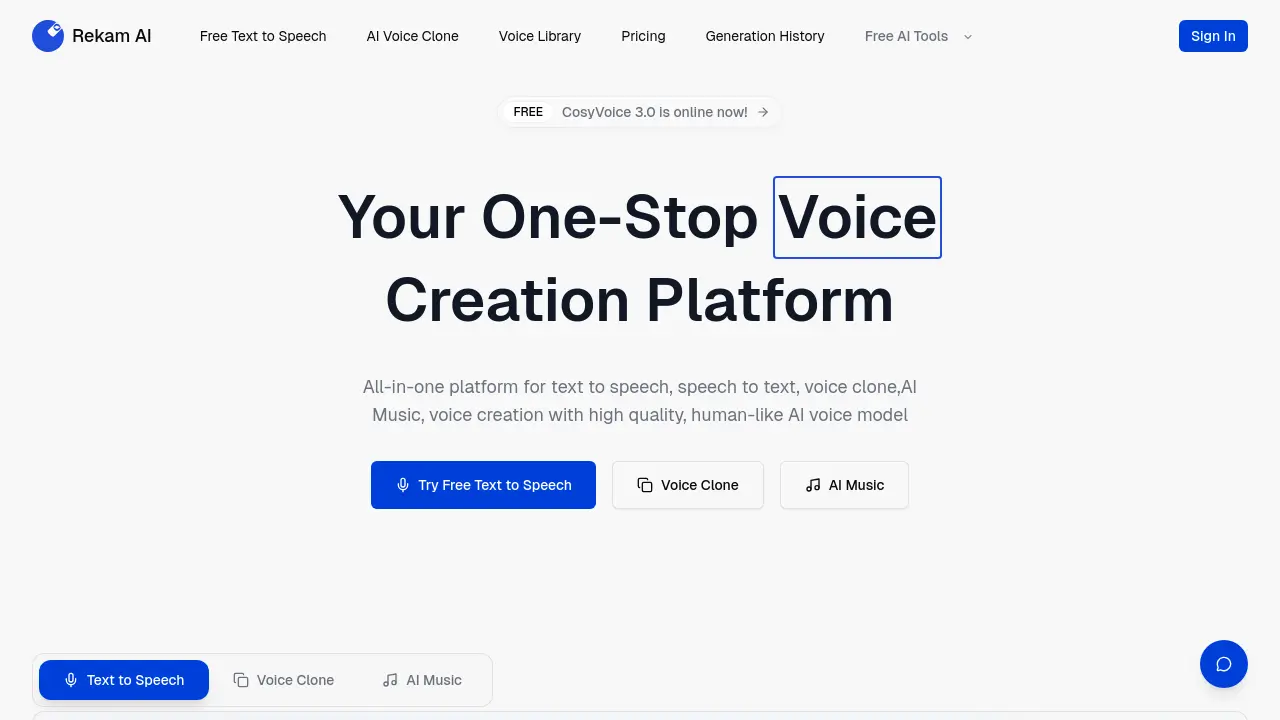
Rekam AI is a free all‑in‑one voice platform providing text‑to‑speech, speech‑to‑text, voice cloning, and AI music with human‑like quality.

FAQs of Rekam AI
What is Rekam AI and what services does it provide?
Rekam AI is an all‑in‑one voice creation platform that offers text‑to‑speech, speech‑to‑text, voice cloning, and AI music generation. It supports natural, human‑like voices and can convert spoken audio into written text, making it useful for meetings, medical records, and content creation.
How does Rekam AI convert spoken audio into text?
Rekam AI uses advanced speech‑to‑text models that transcribe audio captured from microphones, Zoom meetings, or uploaded files. The transcription is displayed in real time and can be exported as a text file, enabling users to generate meeting minutes or medical notes quickly.
Is Rekam AI free for basic voice conversion and transcription?
Rekam AI offers a free tier that includes text‑to‑speech and speech‑to‑text functionalities with limited usage quotas. Users can record audio on laptops or PCs and convert it to text without cost, though higher‑volume or premium features require a paid subscription.
Can Rekam AI be used to record and transcribe Zoom meetings?
Yes, Rekam AI can capture audio from Zoom or other video‑conferencing platforms. By selecting the appropriate input device, the platform records the meeting audio and automatically transcribes it into text, which can be saved or shared with participants.
What are the privacy and security measures for audio recordings on Rekam AI?
Rekam AI stores audio and transcription data in encrypted form and complies with standard data‑protection regulations. Users can delete recordings at any time, and the platform does not share personal data with third parties without explicit consent.
How to use Rekam AI
- Rekam AI serves as an all‑in‑one voice creation platform, offering text‑to‑speech, speech‑to‑text, voice cloning, and AI music generation for users seeking high‑quality, human‑like audio.
- The user accesses the Rekam AI homepage and signs in or creates a free account to unlock full functionality before proceeding.
- From the dashboard, the user selects the desired module—text‑to‑speech, speech‑to‑text, voice clone, or AI music—by clicking the corresponding icon to begin.
- For text‑to‑speech, the user pastes or types text into the input field, chooses a voice from the library, and sets language and speed parameters.
- For speech‑to‑text, the user uploads an audio file or records directly, selects the target language, and initiates transcription, which outputs editable text.
- Voice cloning requires uploading a voice sample; the system trains a model, after which the user can generate new speech matching the cloned voice.
- AI music generation is accessed by entering a prompt; the platform produces a track that can be previewed, edited, and downloaded in multiple formats.
- After generation, the user reviews the output, adjusting parameters such as pitch, tone, or pacing to refine quality before final export.
- Export options include MP3, WAV, or text files; the user selects the desired format and downloads the asset for integration into presentations or documents.
- For meeting capture, the user activates the AI rekam meeting feature, which records audio and automatically transcribes speech to text in real time.
- Medical professionals can employ ai rekam medis to capture patient interviews, converting spoken notes into structured text for electronic health records.
- Zoom sessions are recorded via ai merekam zoom, providing both audio and transcript that can be reviewed post‑meeting for accuracy and compliance.
- Users recording on laptops or PCs can utilize rekam audio di laptop or rekam audio di pc, ensuring high‑fidelity capture before transcription.
- Screen and video capture is supported via rekaman layar and rekaman video, allowing simultaneous audio transcription for multimedia projects to streamline workflow.
- The platform’s free tier offers rekam suara ai gratis and ai rekam suara jadi teks gratis, enabling basic transcription without subscription fees.
- Interpreting results involves reviewing the transcribed text for accuracy, correcting errors, and using
