
PixMira AI FAQs
PixMira AI is a free AI photo editor and image generator. Use text prompts for precise edits, style changes, and high-quality results in seconds.

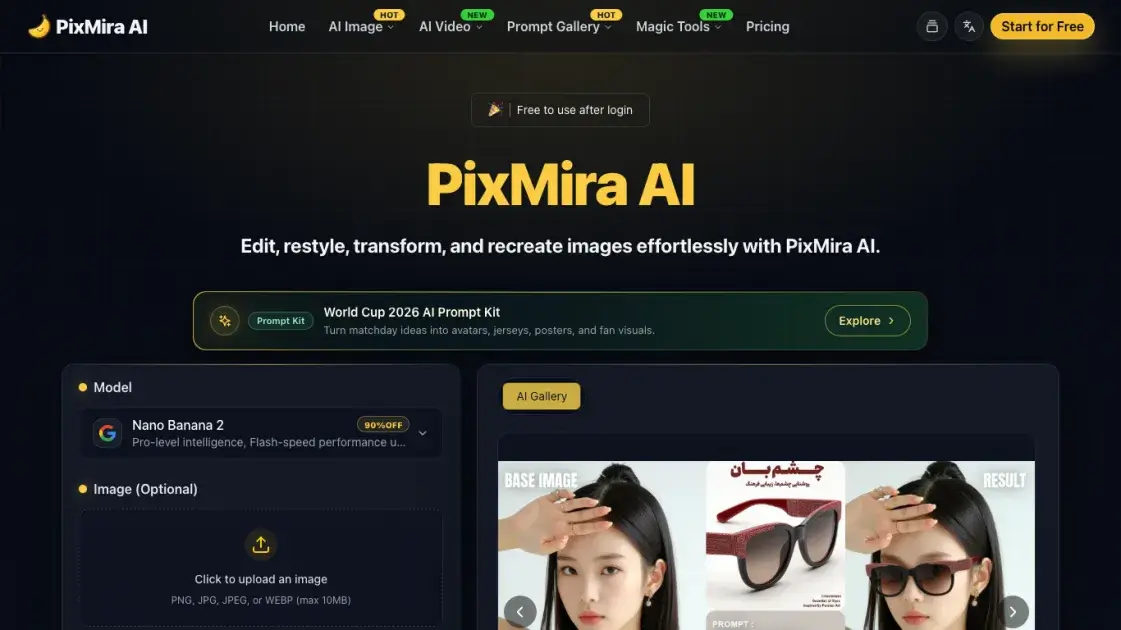
FAQs of PixMira AI
What is PixMira AI?
PixMira AI is a free AI photo editor and image generator that transforms images using text prompts. It supports multiple AI models and offers various photo editing tools for both beginners and professionals.
How does PixMira AI work?
Users upload a photo and provide text prompts describing desired changes. The AI analyzes the image content, applies the requested modifications while preserving subject identity, and generates the edited result in 1-2 seconds.
What AI models does PixMira AI support?
PixMira AI supports multiple AI models including Nano Banana 2, GPT Image 2, and Seedream 4.5. Each model offers different capabilities for various creative needs and quality requirements.
Is PixMira AI free to use?
PixMira AI offers a free tier with 5 daily credits for basic features. For advanced capabilities and higher usage limits, users can subscribe to Pro or Business plans.
What photo editing features does PixMira AI offer?
PixMira AI provides background removal, image upscaling, object removal, style conversion, batch editing, and identity consistency features. The platform supports various artistic styles including anime, watercolor, and cyberpunk effects.
How fast is PixMira AI?
Most PixMira AI operations complete in 1-2 seconds, with high-quality results delivered quickly. The platform is designed for efficiency without compromising output quality.
Can I use PixMira AI for commercial purposes?
Yes, PixMira AI can be used for commercial purposes including content creation, e-commerce product photos, and marketing materials. The platform maintains consistency across multiple edits for professional use.
How to use PixMira AI
- Visit the PixMira AI website and create an account. The platform offers a free tier with basic features for new users.
- Upload your photo to the editing interface. PixMira AI supports common image formats and provides a simple drag-and-drop upload process.
- Enter text prompts describing desired changes. Be specific about the edits you want, such as "remove the background" or "convert to anime style."
- Select an AI model based on your needs. Different models offer varying capabilities for different creative requirements.
- Click generate and wait for results. Most operations complete in 1-2 seconds with high-quality output.
- Download or share your edited image. PixMira AI maintains quality across multiple edits and supports batch processing for efficiency.
